How do I create a Reservation Service in Rekaz?
To create a Reservation Service in Rekaz, open Services, select New Service, and choose Service. A Reservation Service is designed for appointments at a specific time and must be linked to a Service Provider.
You can add service options with different prices and durations, manage provider schedules and vacations, and configure service-specific advanced settings where available.
Steps
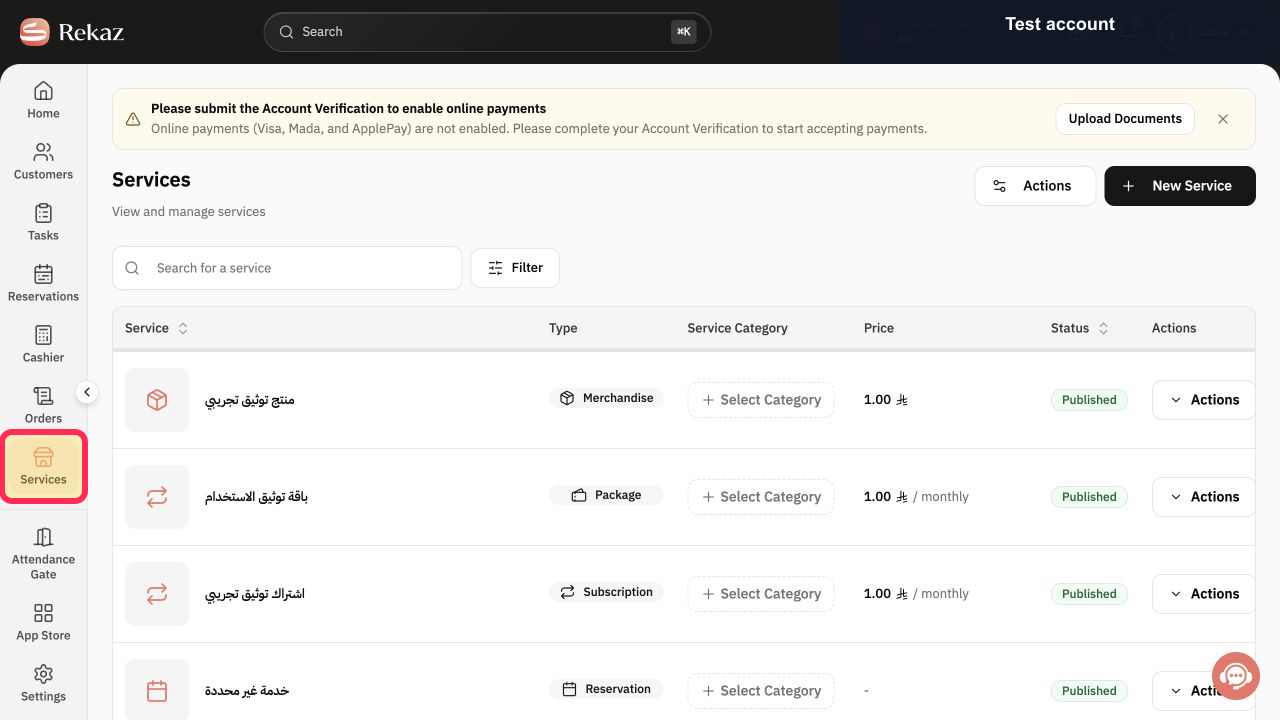
From the signed-in Rekaz dashboard, select **Services** in the sidebar.
The Services list opens.
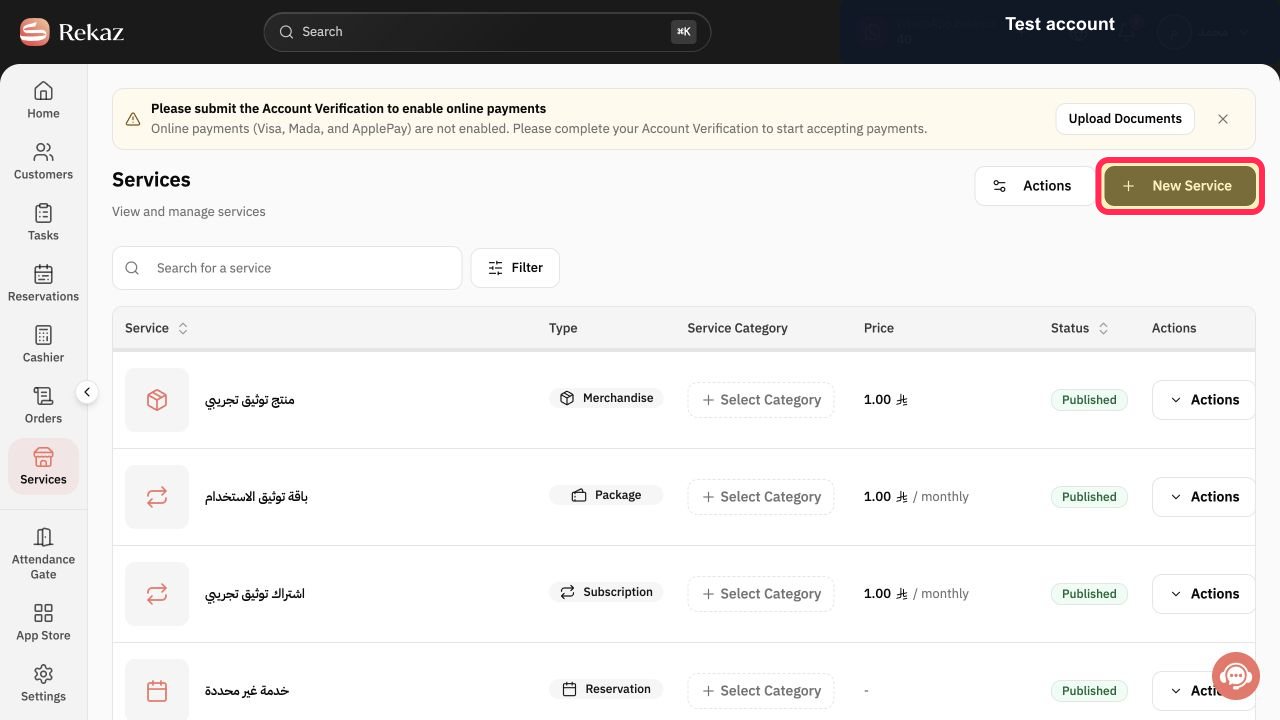
Select **New Service**.
The service-type selection screen opens.
Select **Service**.
The Reservation Service setup opens, where you can configure the time-specific service and link it to a Service Provider.
Illustrated guide
Step 1: The Services option in the Rekaz sidebar.
Step 2: The New Service button on the Services screen.
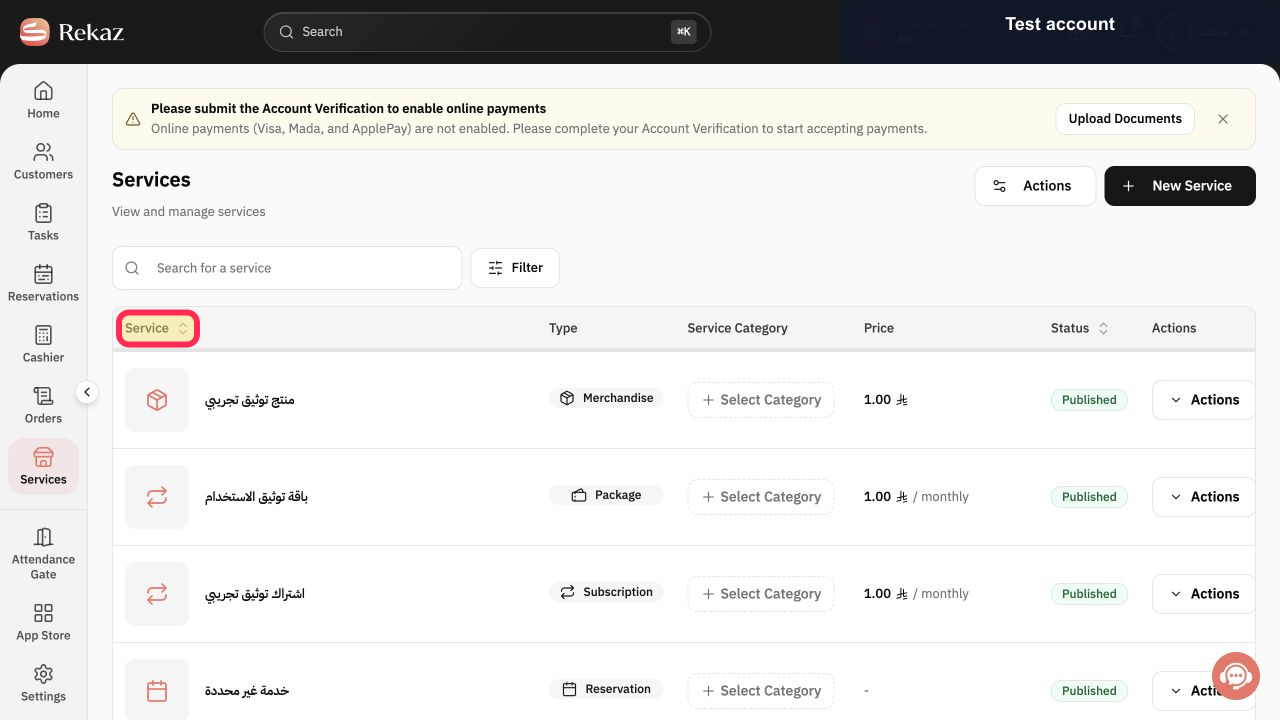
Step 3: The Service option on the service-type selection screen.
Add options for different prices and durations
Use options when the same service has different versions. For example, a haircut service can have a short-hair option priced at SAR 50 with a 20-minute duration, and a long-hair option priced at SAR 70 with a 30-minute duration.
Each option can represent a different price and duration for the service.
Manage Service Providers
A Reservation Service must be associated with a Service Provider. Select **Edit** to open the provider list and update a provider’s Schedule.
Select **Vacation** to open the vacation controls for Service Providers.
Advanced settings
Advanced settings apply to the Reservation Service itself.
Custom questions let you collect information that is relevant only to that service. For example, for a car-wash service, you can ask for the vehicle plate number or color.
Website settings include SEO Keywords.
Advanced options can control how Slots are displayed to customers, such as showing availability every 30 minutes. You can also allow customers to choose the Start Time and End At time for the reservation on the website.
Related questions
How do I add appointment options with different durations in Rekaz?
How do I assign a Service Provider to a Reservation Service in Rekaz?
How do I manage a Service Provider’s schedule or vacation in Rekaz?
How do I add custom questions to a Reservation Service in Rekaz?


