How do I copy Nameserver values in Rekaz Domain Settings?
To find domain connection options in Rekaz, open Settings and then Domain Settings.
The current interface does not show the action of copying Nameserver values, nor does it show a Check button. Domain Settings presents an option to link an existing domain by pointing nameservers, and the interface states that custom domain linking and DNS management require a paid plan.
Steps
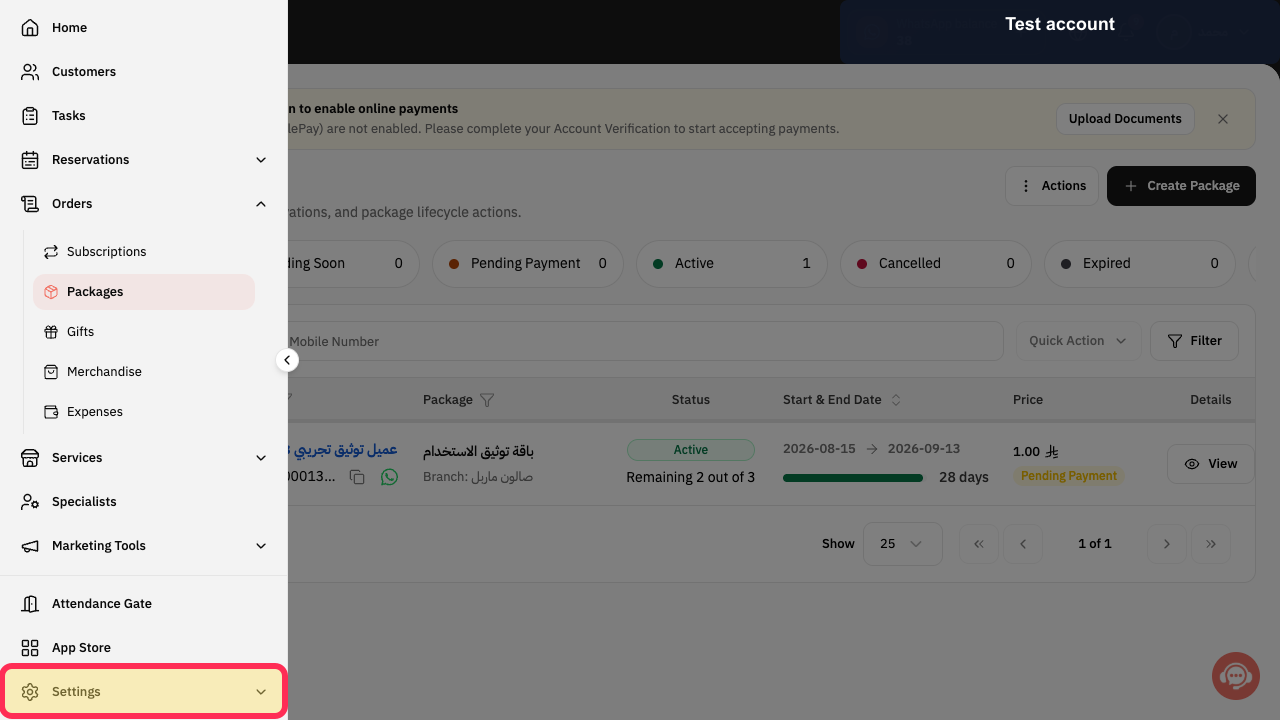
From the Rekaz sidebar, select Settings.
The Settings page opens.
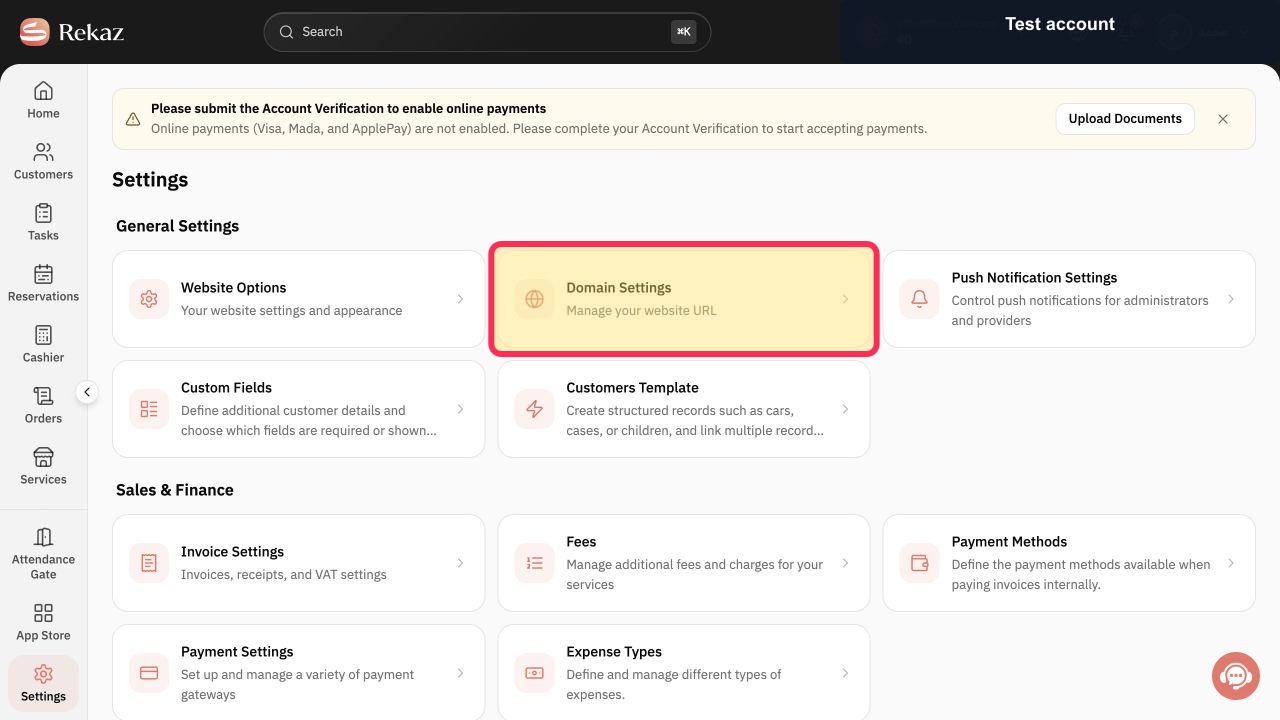
On the Settings page, select Domain Settings.
The Domain Settings page opens.
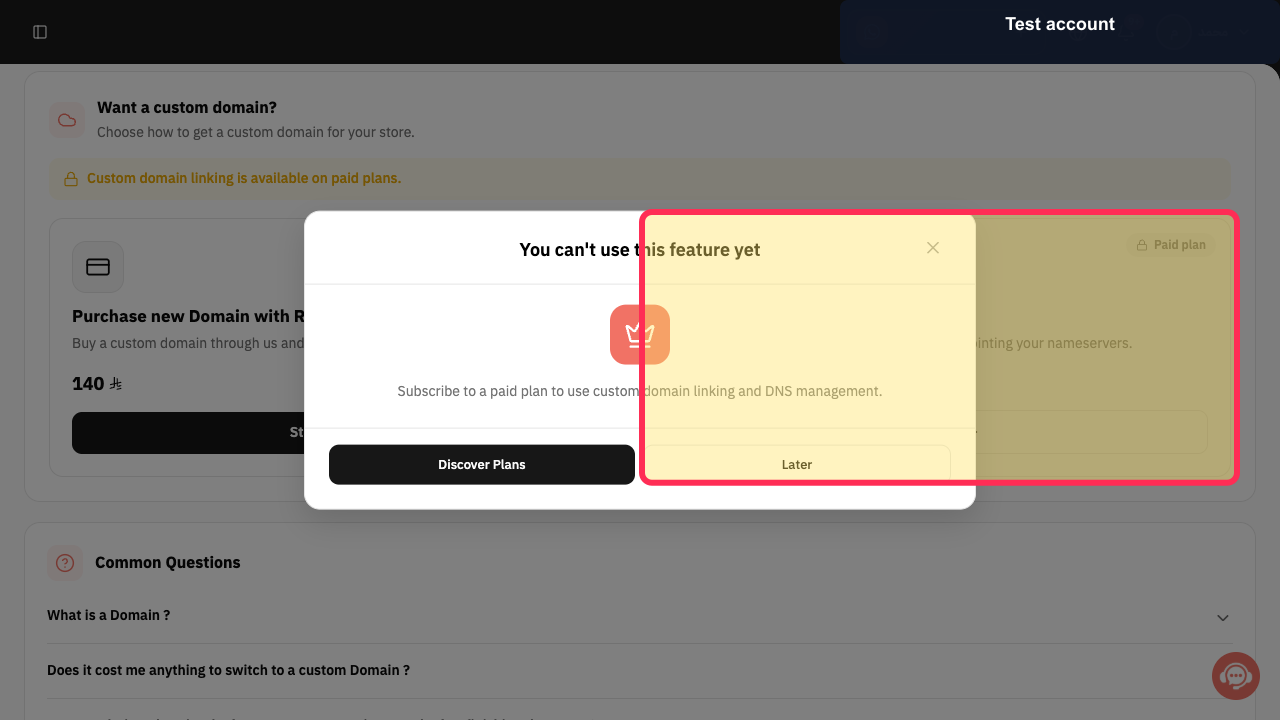
On Domain Settings, select the Link Existing Domain option to start the available domain-linking workflow.
Rekaz shows that custom domain linking and DNS management are available with a paid plan; no Nameserver values, Copy control, or Check button are shown in the current interface.
Illustrated guide
Step 1: Select Settings from the Rekaz sidebar.
Step 2: Open Domain Settings from the Settings page.
Step 3: Select the Link Existing Domain option in Domain Settings.
Important notes
Use the Nameserver values displayed in your own Rekaz Domain Settings. These values may be different for another account.
The labels or placement of items may vary slightly if the interface has changed since the source was updated.
Related questions
Where can I find the Nameserver values in Rekaz?
How do I connect an externally purchased domain to Rekaz?
What should I do after adding Rekaz Nameservers with my domain provider?


