How do I add a branch location or Google Maps link in Rekaz?
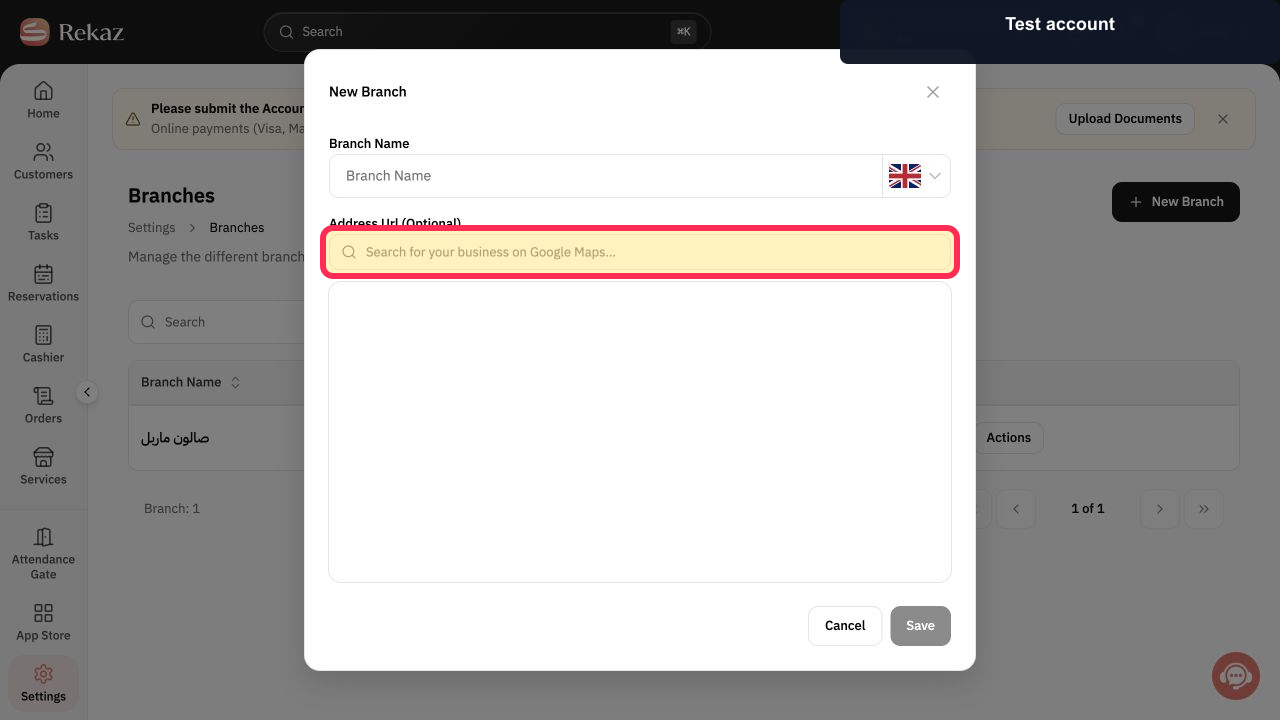
In the branch form, you can search for a business location on Google Maps and optionally enter an Address Url.
The older Website Options instruction to enable a website map and paste a link is not available in the current interface.
Steps
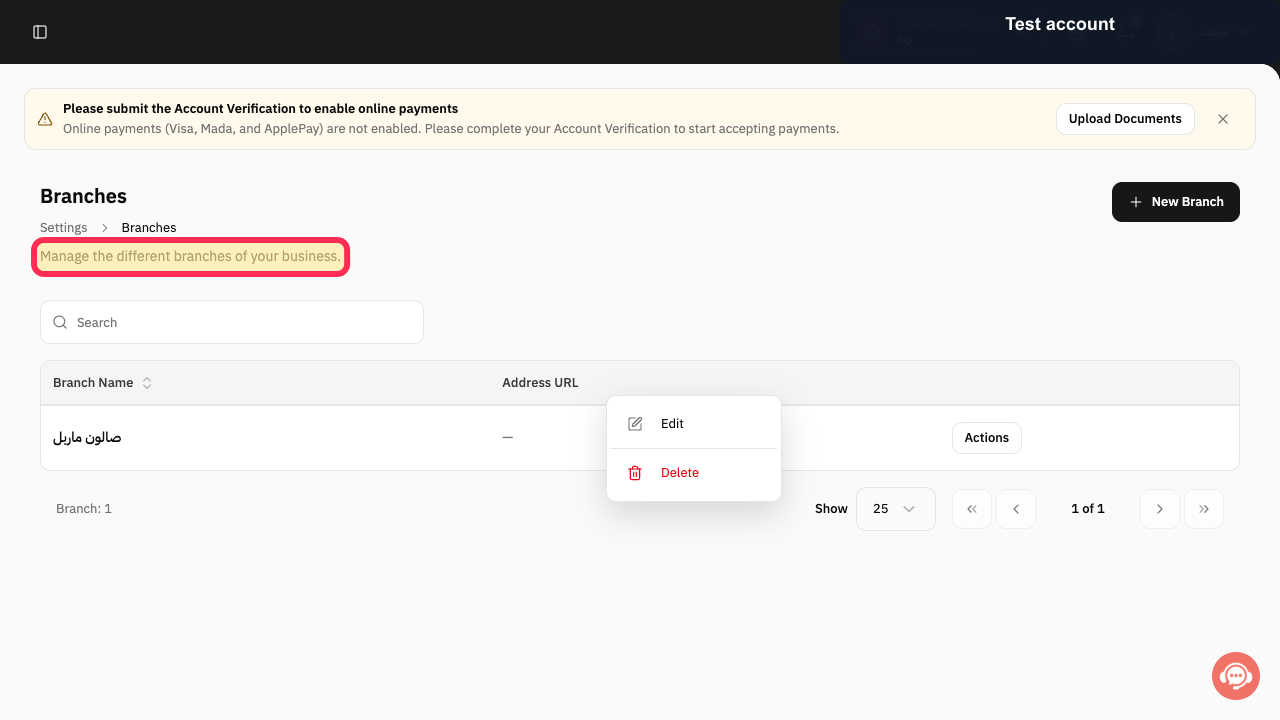
Manage your business branches in the Rekaz branch area.
In the branch form, select the Google Maps search field and search for the business location.
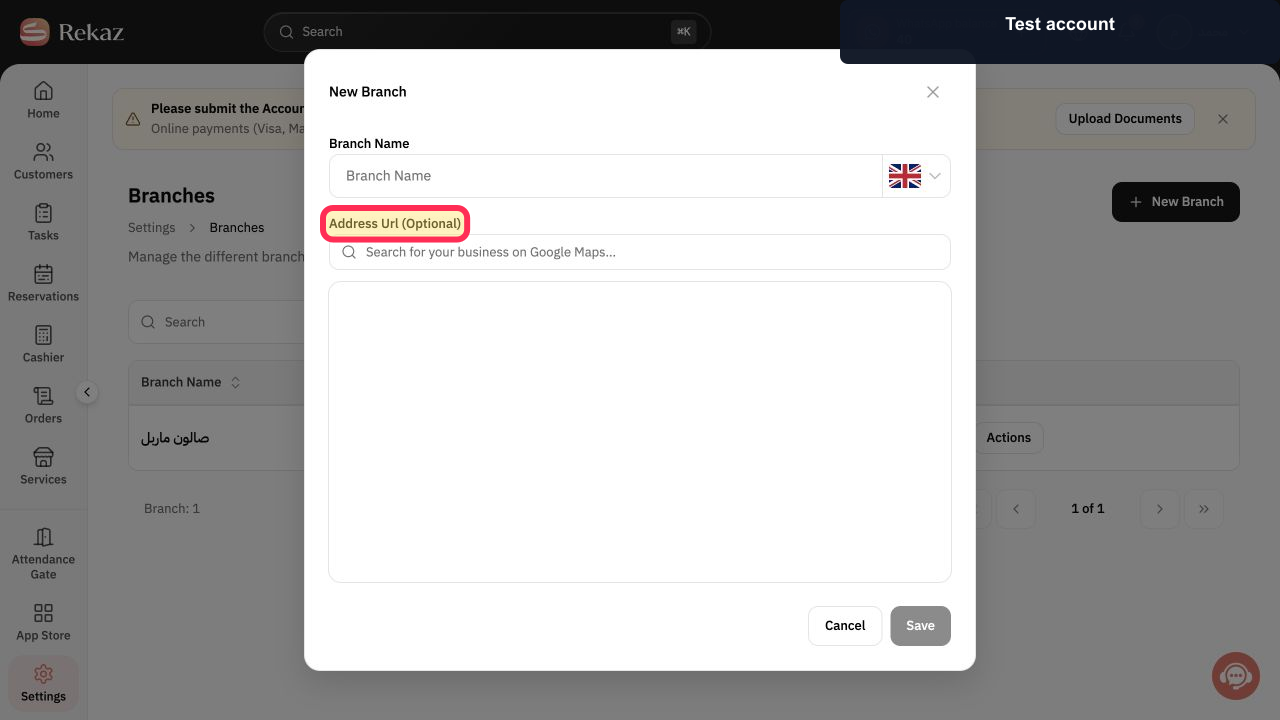
If you have a direct map address, enter it in the optional branch address URL field.
Illustrated guide
Step 1: The Rekaz area for managing business branches.
Step 2: Search for the branch business on Google Maps.
Step 3: Optional branch address URL field.
Important notes
Use the Google Maps Share link for the correct location.
After saving, check your booking website to confirm that the map is displayed correctly.
Related questions
Where can I find the option to add my branch location in Rekaz?
How do I show a Google Map on my Rekaz booking website?
Why is my branch map not showing on my booking website in Rekaz?


