Why can’t I reorder website sections in Rekaz?
The verified Website Options interface does not show a separate Website Sections page or a visible drag handle for reordering sections.
Review the current Design controls first; if your account also lacks a reorder option, ask support and send only the account record number.
Steps
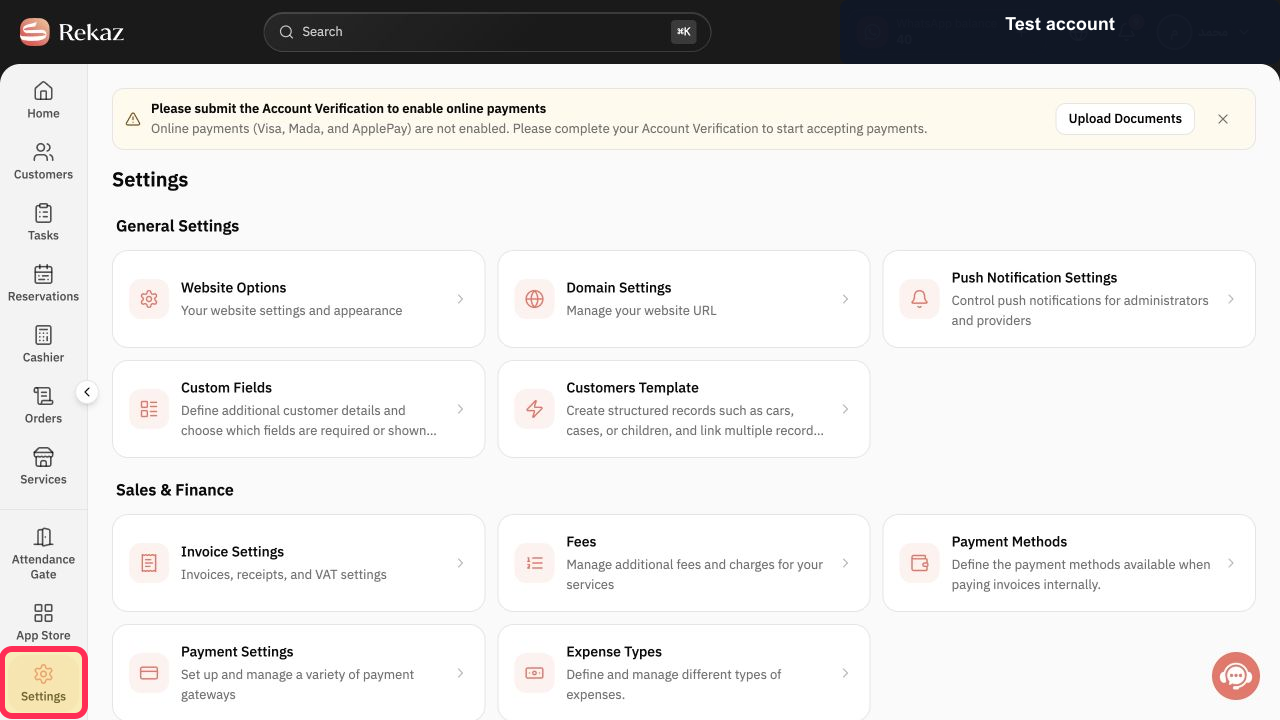
From the sidebar, select Settings.
The Settings area opens.
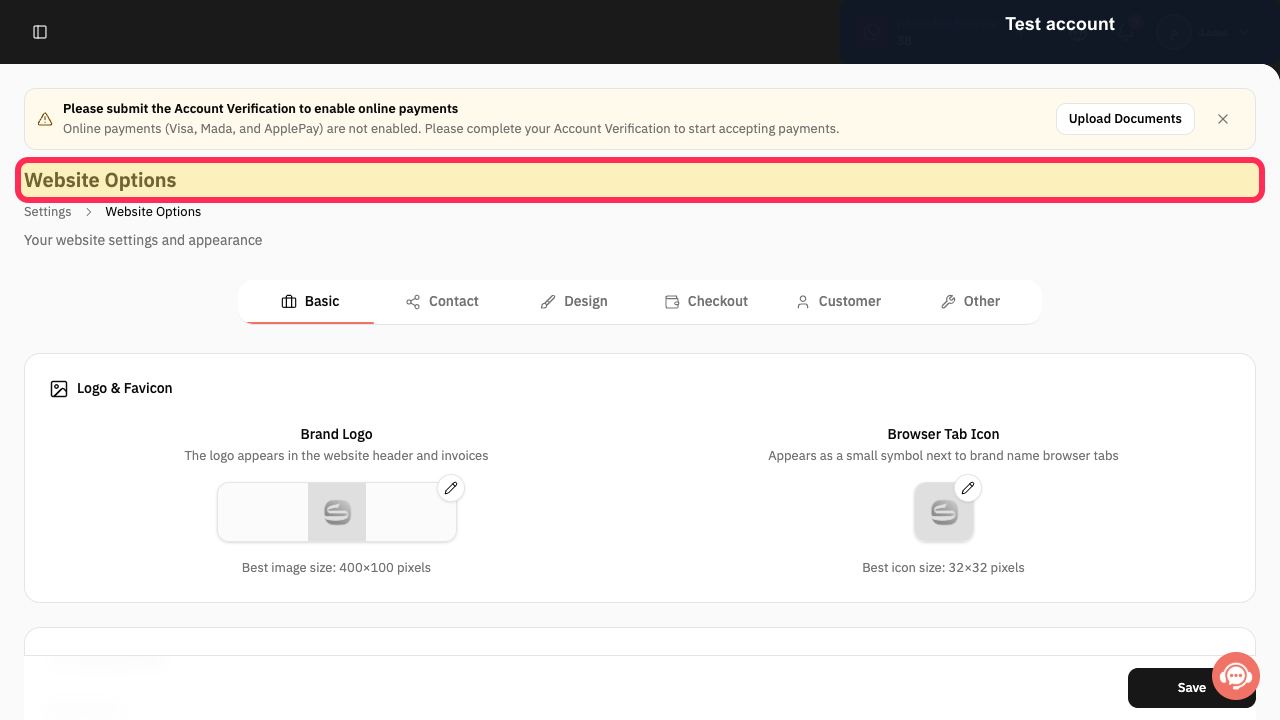
Select Website Options.
The Website Options area opens.
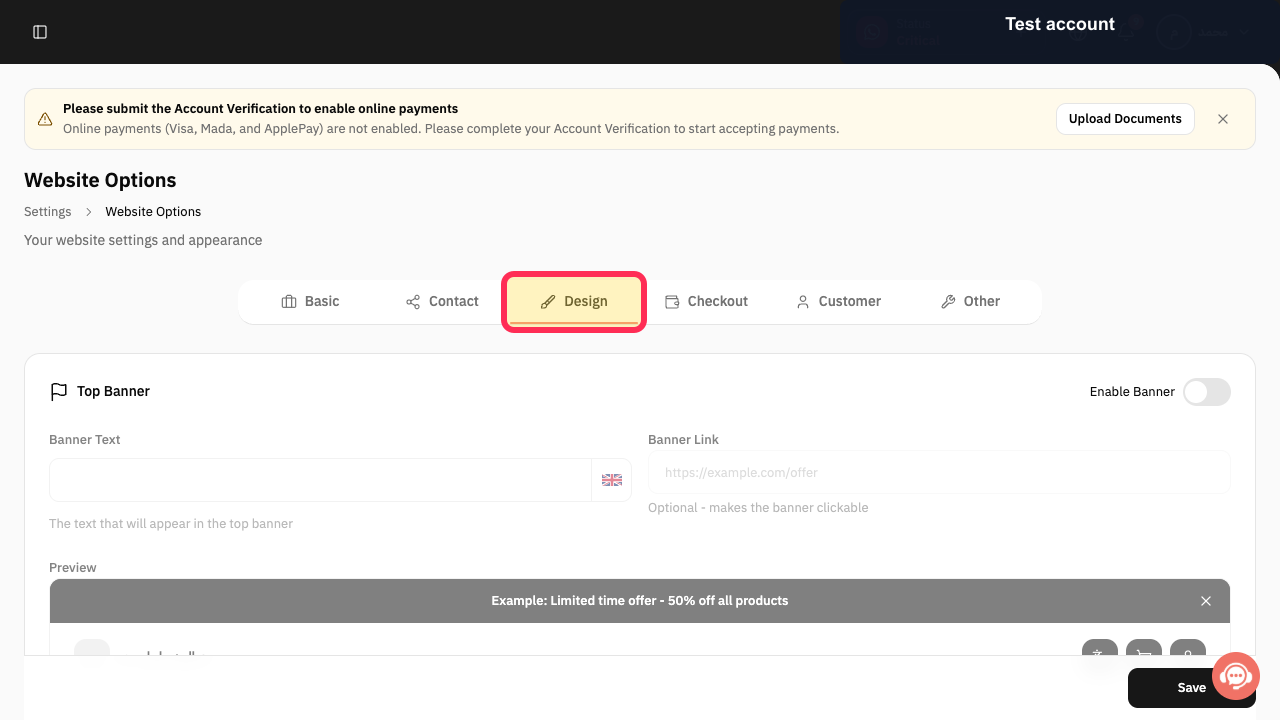
Open Design and review the available design controls for a section-order option.
The current design controls are shown; the verified account has no separate reorder handle.
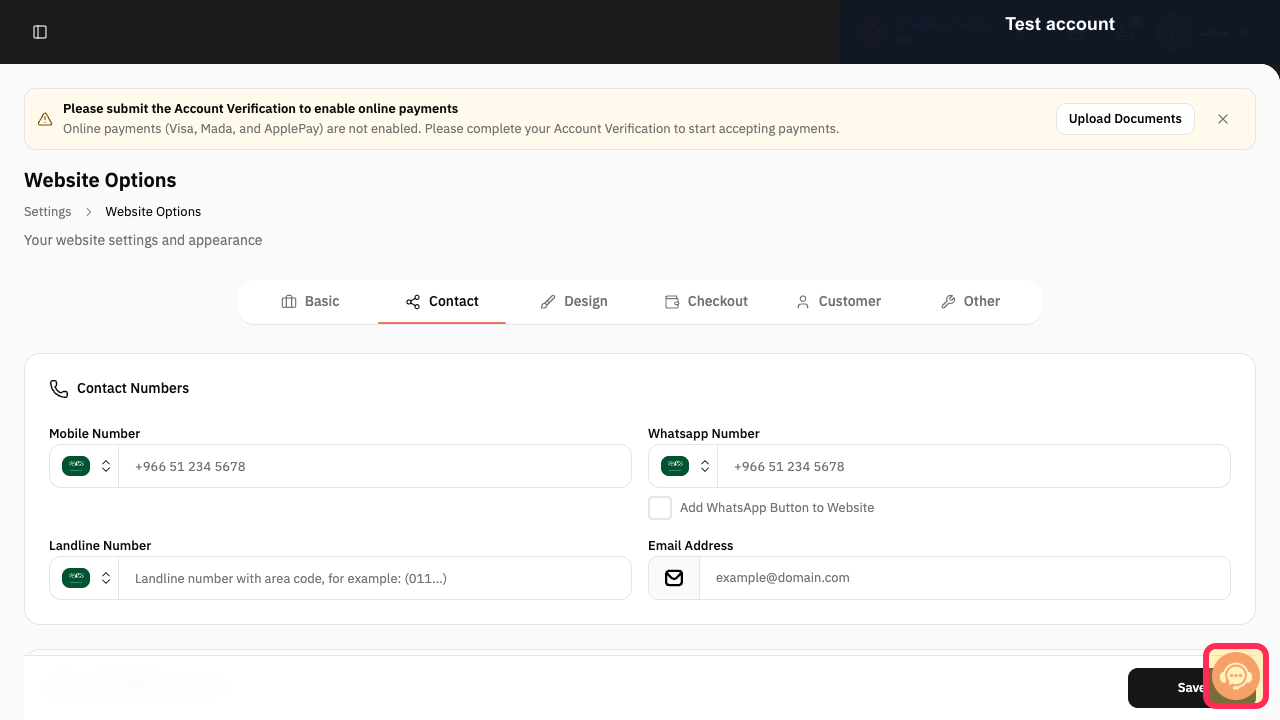
If no reorder control is available, select Contact support and send only the account record number.
Support receives the non-sensitive website-layout request.
Illustrated guide
Step 1: Open Settings in Rekaz.
Step 2: Open Website Options.
Step 3: Review the current website Design controls.
Step 4: Contact Rekaz support about website section order.
Important limitation
The current Website Sections screen does not provide a separate visible control for reordering website sections.
Review the available design and section options before contacting support.
If you contact support, provide only your record number.
Do not send login credentials, customer details, or other sensitive information.
Related questions
Where can I find the option to reorder website sections in Rekaz?
Why is there no reorder control in Website Sections in Rekaz?
How do I contact support about website section order in Rekaz?


