How do I use SEO Tools in Rekaz?
To use SEO Tools in Rekaz, open your website settings, go to the Other tab, add your SEO Keywords, check the domain requirement for the Sitemap Link, and save your changes.
The documented flow covers SEO Keywords and the Sitemap Link requirement. It does not confirm controls for editing your website title, description, or search-result visibility details.
Steps
From Home, select Settings from the sidebar.
The Settings area opens.
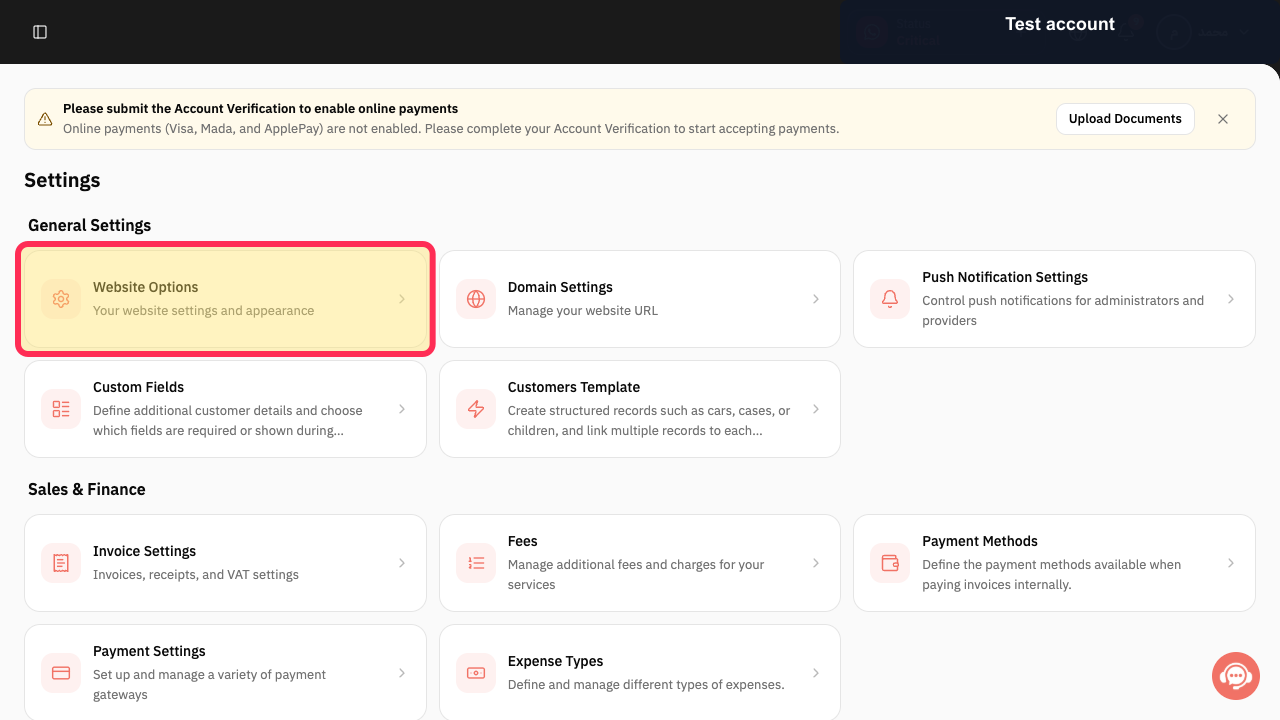
Open Website Settings.
The Website Settings page opens.
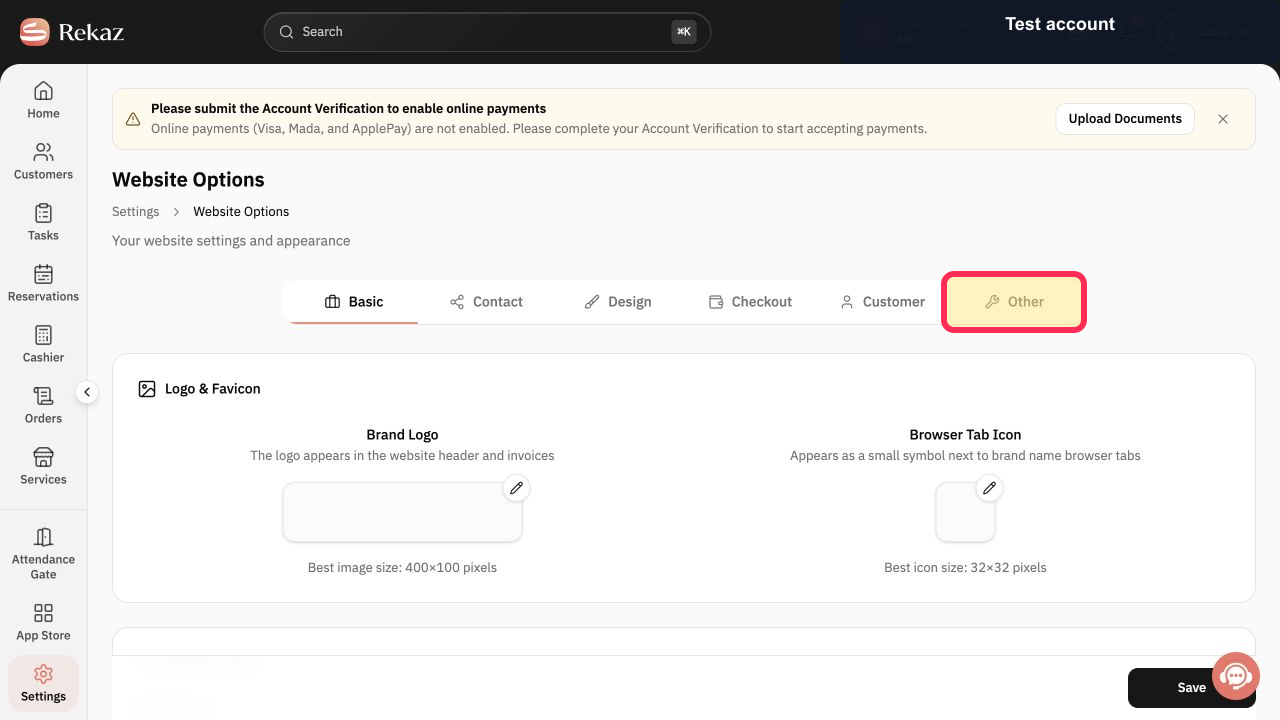
Open the Other tab.
The Other settings are displayed, including the SEO-related options.
Enter a keyword in the SEO Keywords field.
The keyword is entered and ready to be added.
Add the keyword using the control shown next to or within the SEO Keywords field. Repeat for any additional keywords, then review the domain requirement shown for the Sitemap Link.
Your SEO Keywords are added, and you can review the Sitemap Link domain requirement.
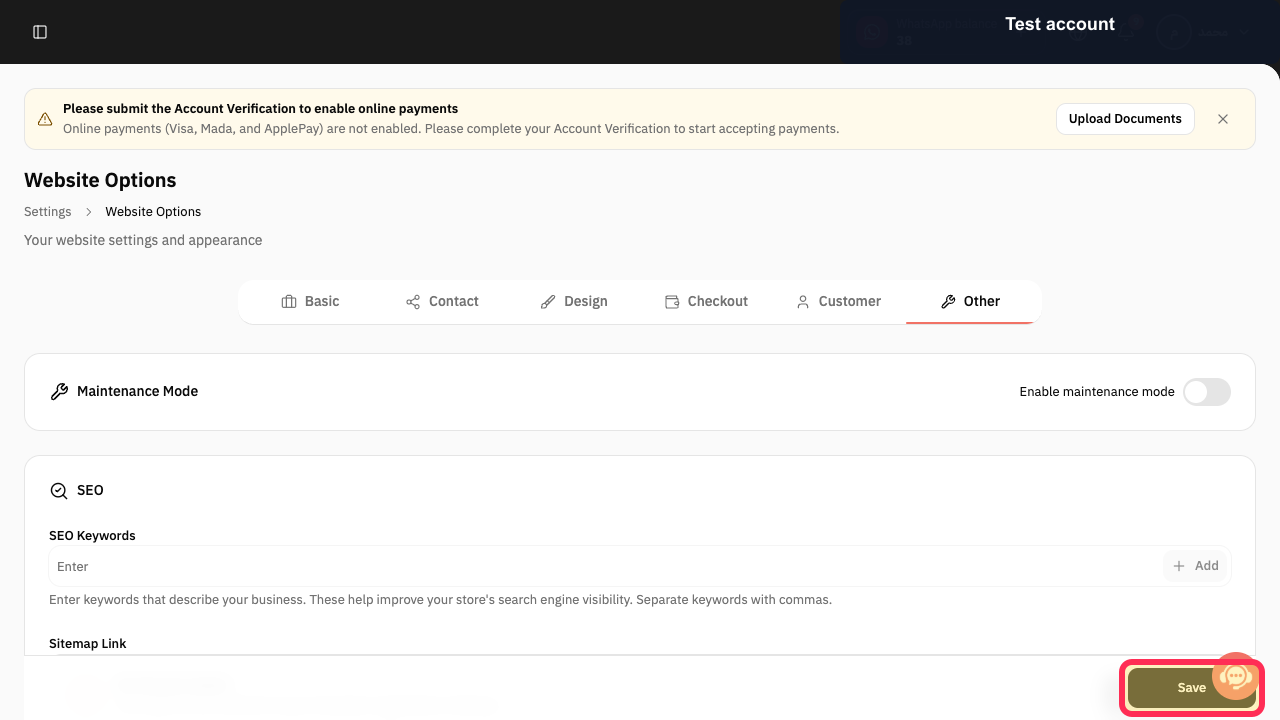
Select Save.
Your changes are saved.
Illustrated guide
Step 1: Select Settings from the Rekaz sidebar.

Step 2: Open Website Settings.
Step 3: Open the Other tab in Website Settings.
Step 4: Enter an SEO keyword.
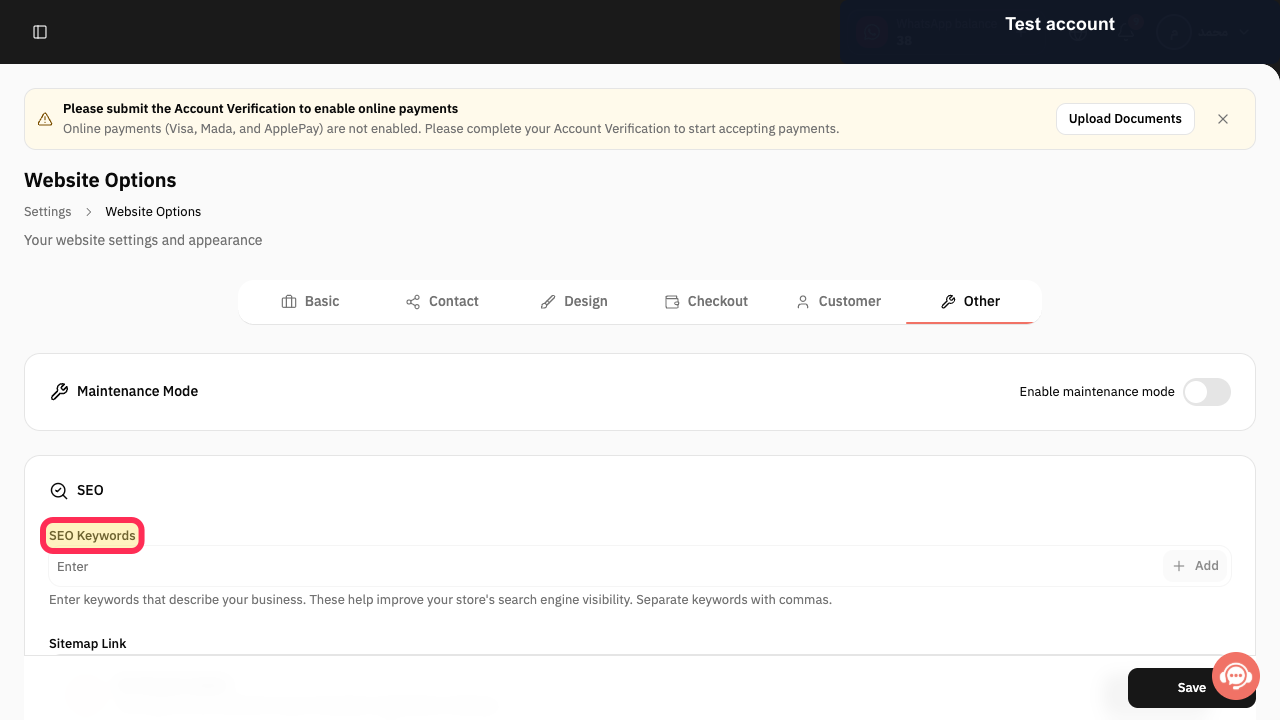
Step 5: Add SEO Keywords and review the Sitemap Link requirement.
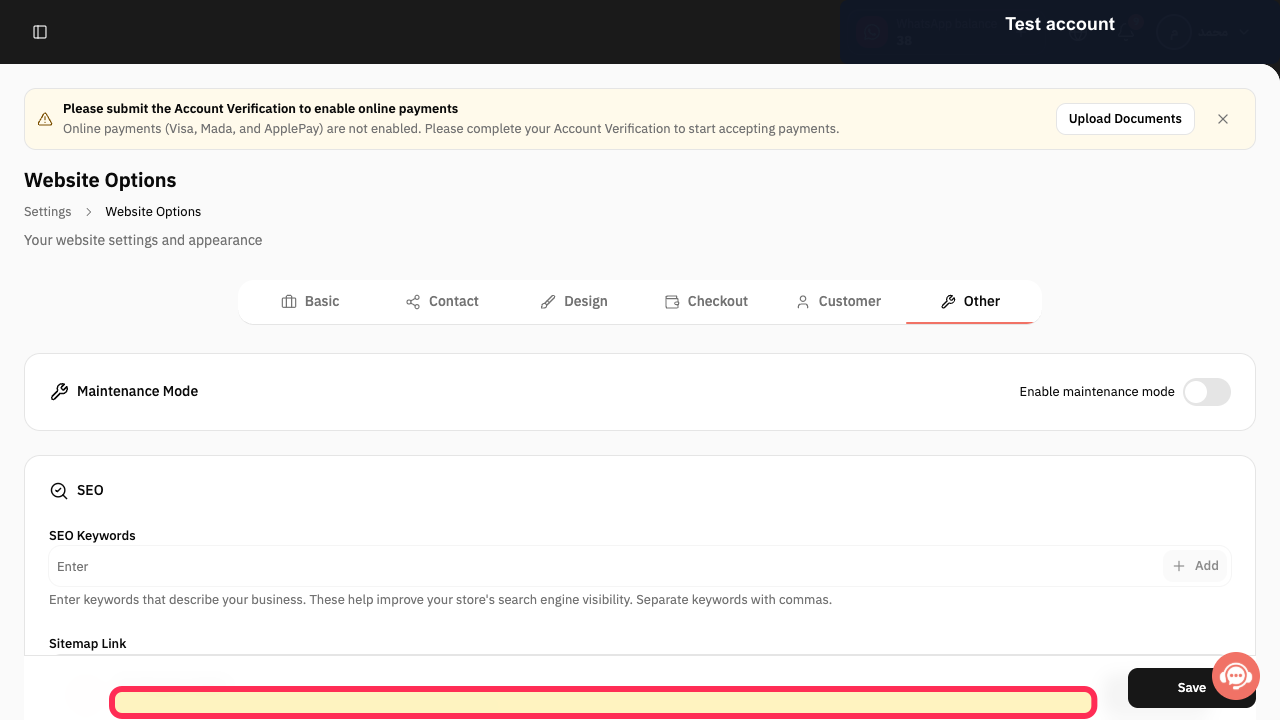
Step 6: Save your SEO settings.
Important notes
This documented path matches the reference website-settings flow.
The exact label of the control used to add an SEO keyword is not confirmed. Check the label visible in your Rekaz account before continuing.
If the Rekaz interface changes, confirm the visible button name before you save changes.
Related questions
Where can I find SEO Tools in Rekaz?
How do I add SEO Keywords in Rekaz?
How do I find the Sitemap Link settings in Rekaz?


