How do I connect or use Google reviews in Rekaz?
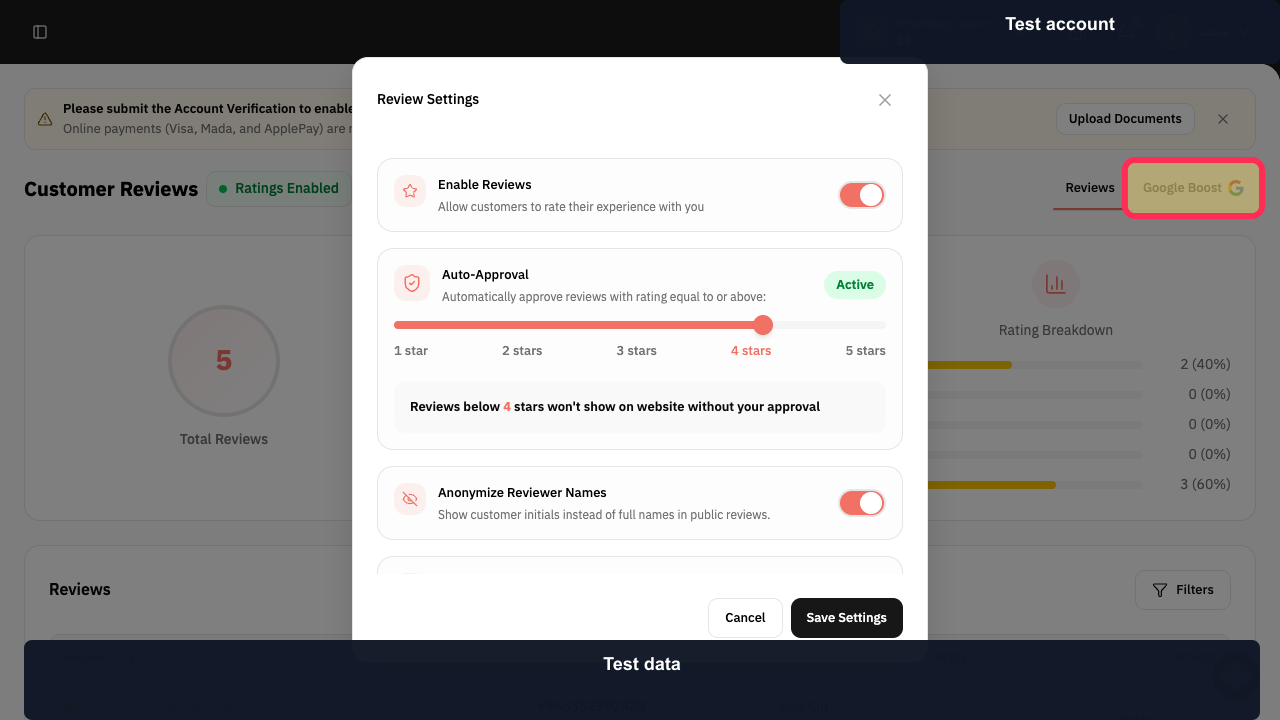
The Customer Reviews dashboard includes a Google Boost tab. The available connection or activation controls may depend on the account.
Do not follow an old Activate sequence when that control is not visible in your current Google Boost screen.
Steps
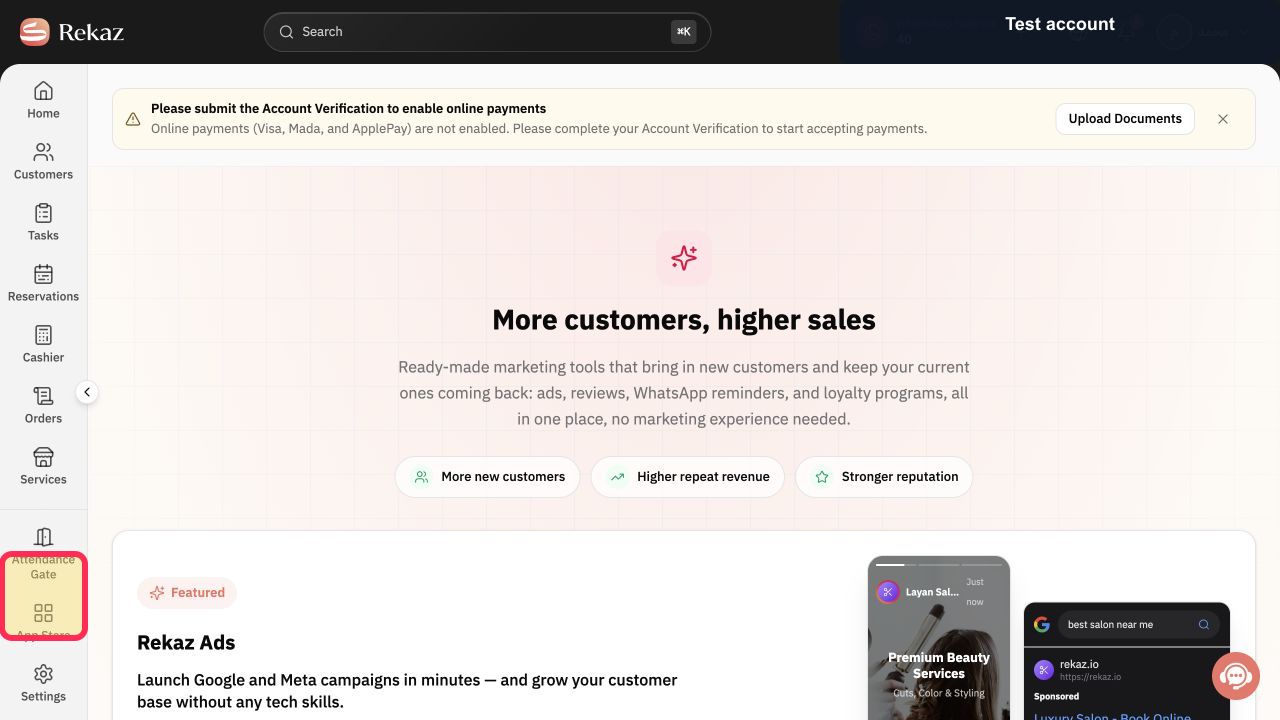
From the Rekaz navigation, select Marketing Tools.
The Marketing Tools area opens.
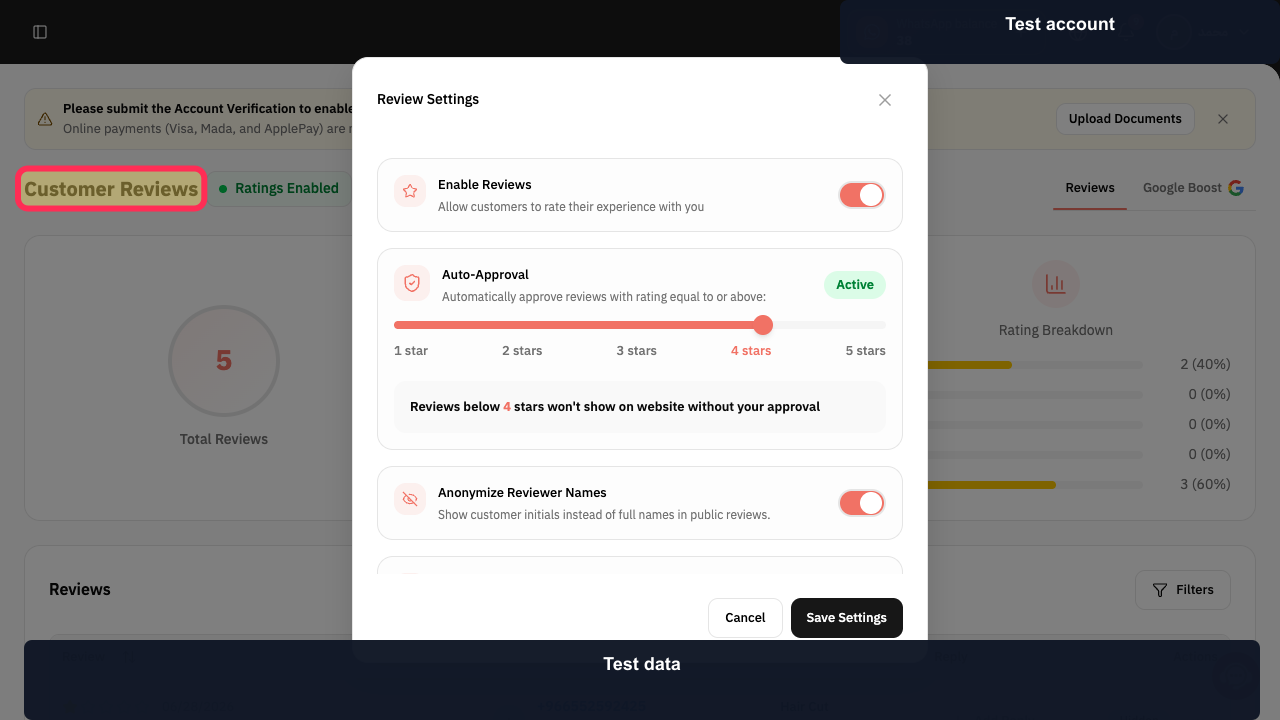
Open Customer Reviews.
The Customer Reviews dashboard opens.
Select Google Boost.
The Google Boost tab opens.
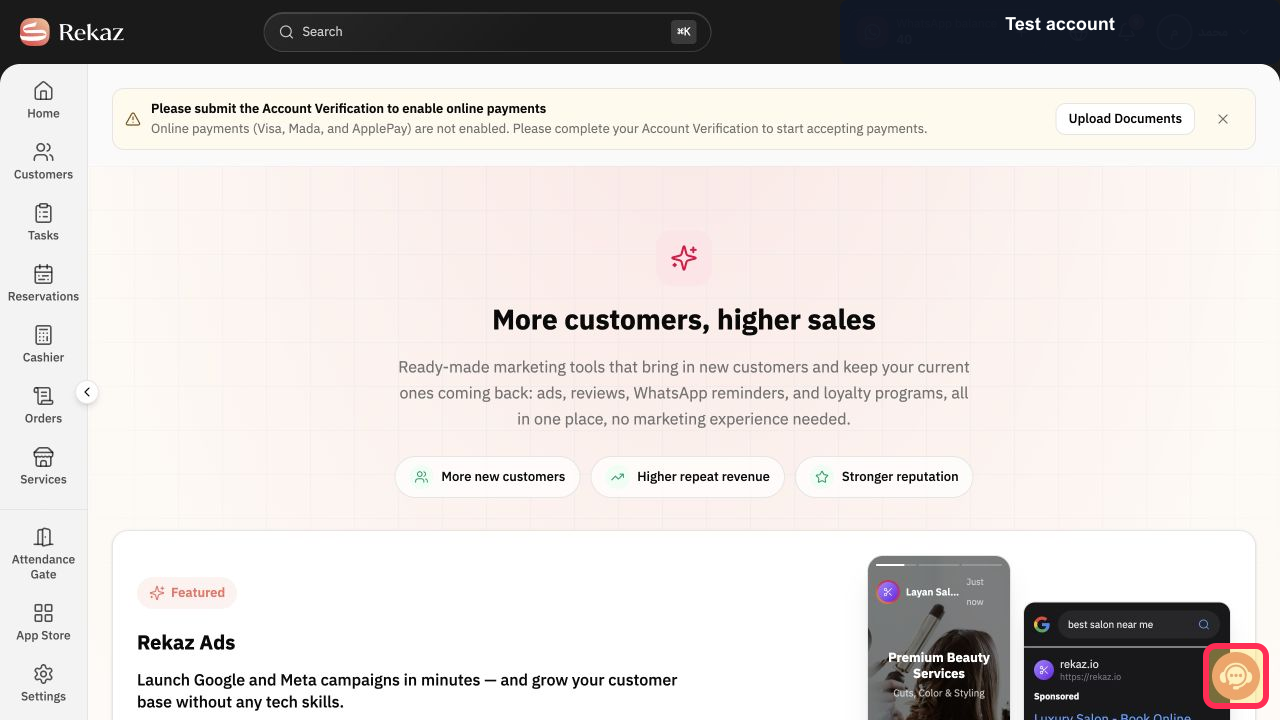
Follow the connection controls currently shown for the account. If no activation option appears, select Contact support and provide the account email without sharing a password.
Illustrated guide
Step 1: Open Marketing Tools.
Step 2: Open Customer Reviews.
Step 3: Open Google Boost in Customer Reviews.
Step 4: Contact Rekaz support when Google Boost activation is unavailable.
Important notes
The interface labels or placement of options may differ slightly if Rekaz has been updated since this guide was published.
Follow the instructions shown during activation. Additional screens or information may be requested.
Related questions
Where can I find Google reviews in Rekaz?
How do I activate Google reviews in Rekaz?
How do I connect Google reviews from Customer Ratings in Rekaz?


