Where do customer reviews appear in Rekaz?
Customer reviews appear in the Customer Reviews dashboard, which shows the review list together with summary metrics.
Use Filters when you need to narrow the list before reviewing or responding to individual feedback.
Steps
From the Rekaz navigation, select Marketing Tools.
The Marketing Tools area opens.
Open Customer Reviews.
The Customer Reviews dashboard opens.
Select Reviews if another customer-review tab is active.
The Reviews dashboard and list are visible.
Review Total Reviews to see the number of reviews in the current scope.
The total review count is visible.
Review Average Rating and Rating Breakdown to understand the overall score and distribution by star rating.
The average and star-rating distribution are visible.
Select Filters when you need to narrow the review list.
The review filtering controls open.
Illustrated guide
Step 1: Open Marketing Tools in Rekaz.
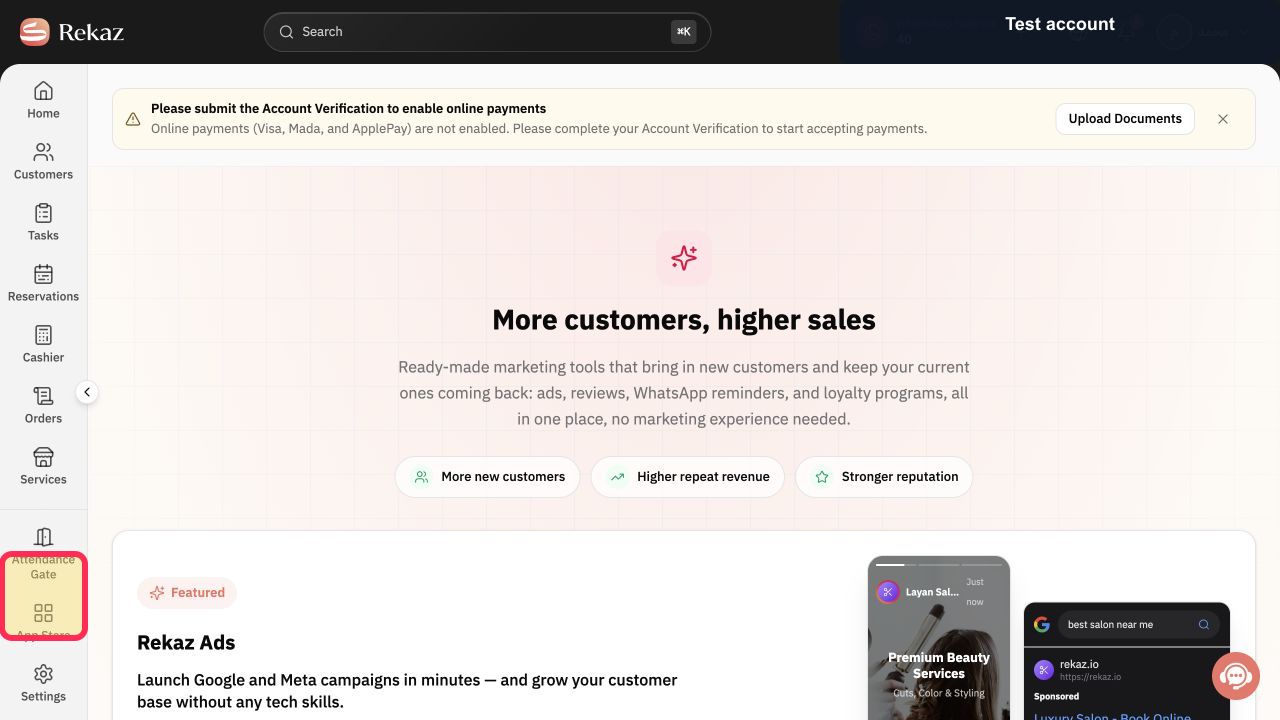
Step 2: Open the Customer Reviews dashboard.
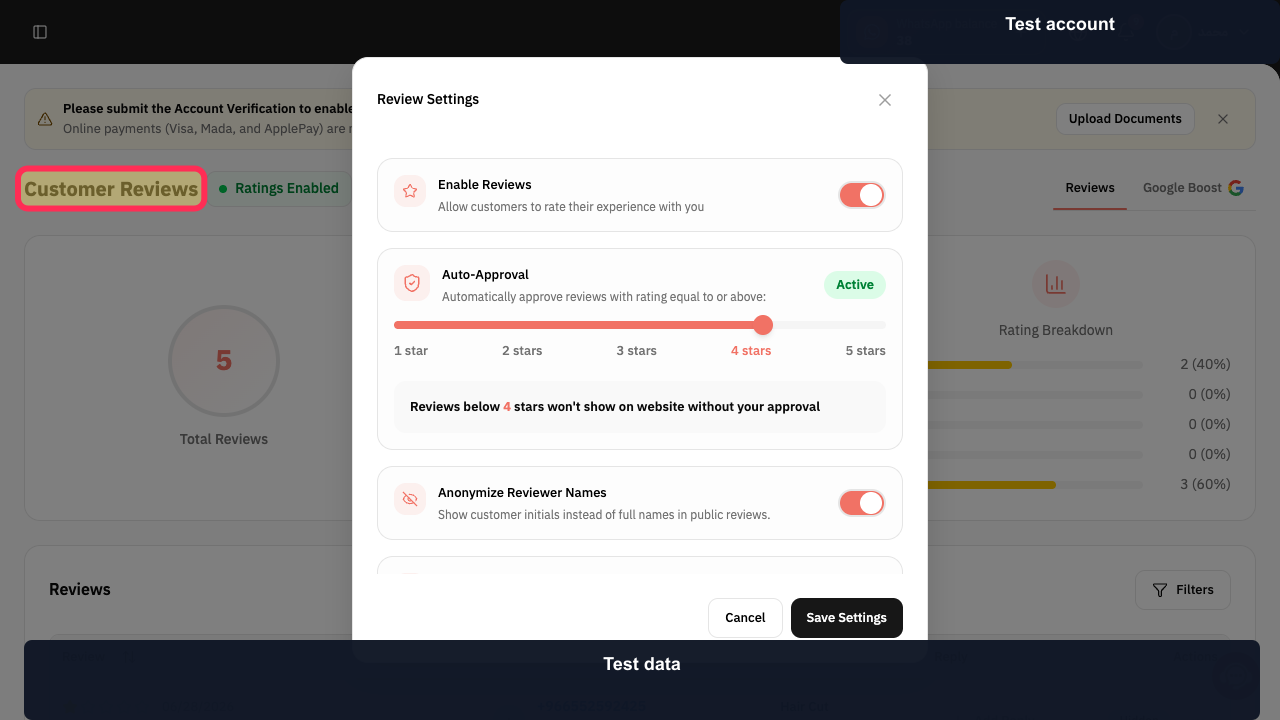
Step 3: Open the Reviews tab.
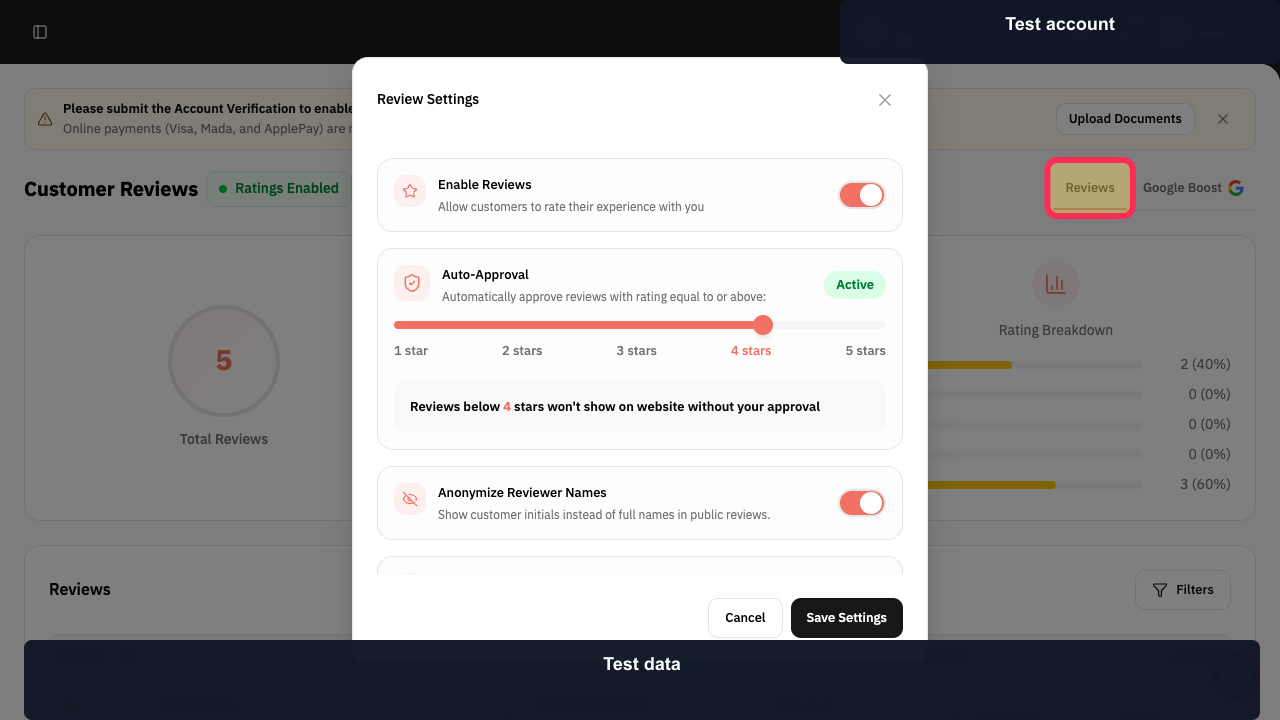
Step 4: Review Total Reviews.
Step 5: Review the Average Rating summary.
Step 6: Open the Customer Reviews filters.
Where each review type appears
Use Customer Ratings to view the available review categories. The source guide distinguishes between general reviews, service reviews, and provider reviews.
Service reviews appear on the relevant service page.
Provider reviews appear on the relevant provider page.
General reviews appear on the Website.
Important note
This guide explains where review types appear. It does not confirm how to enable reviews, hide or show reviews, reply to reviews, or connect Google reviews.
Related questions
Where can I find service reviews in Rekaz?
Where do provider reviews appear in Rekaz?
Where are general customer reviews displayed in Rekaz?
How do I view different customer review categories in Rekaz?


