How do I set up Loyalty Points in Rekaz?
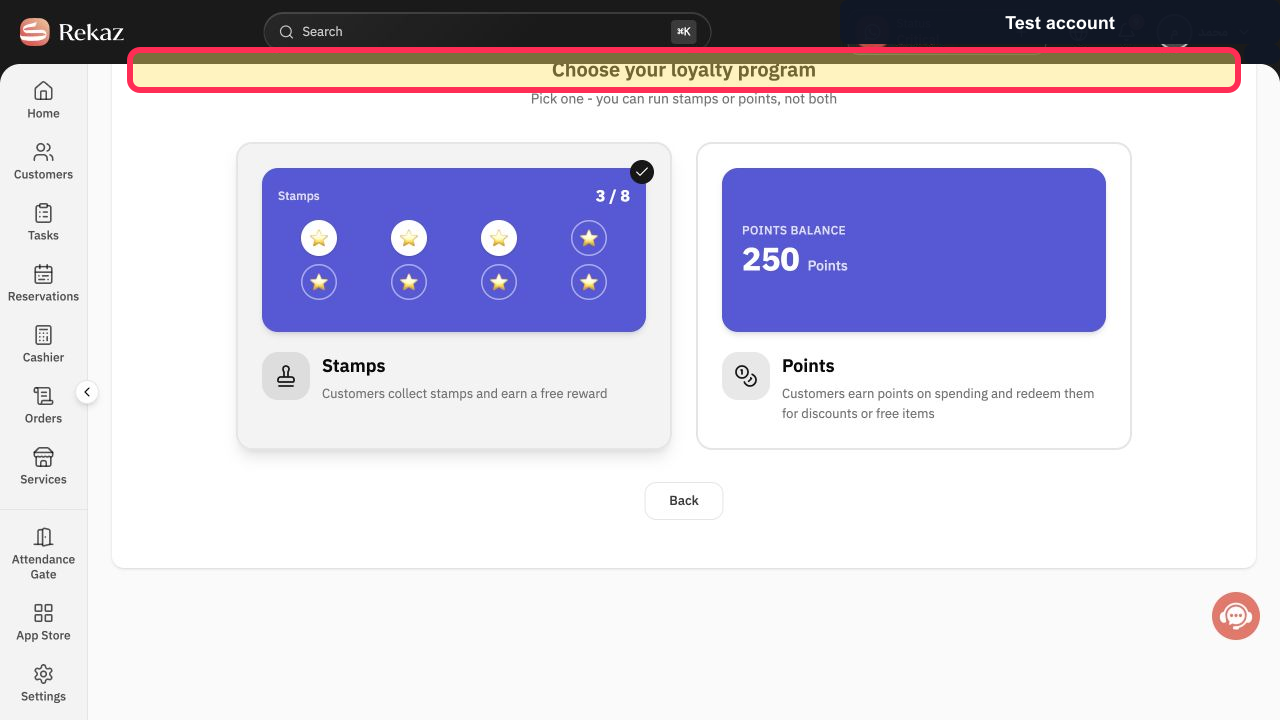
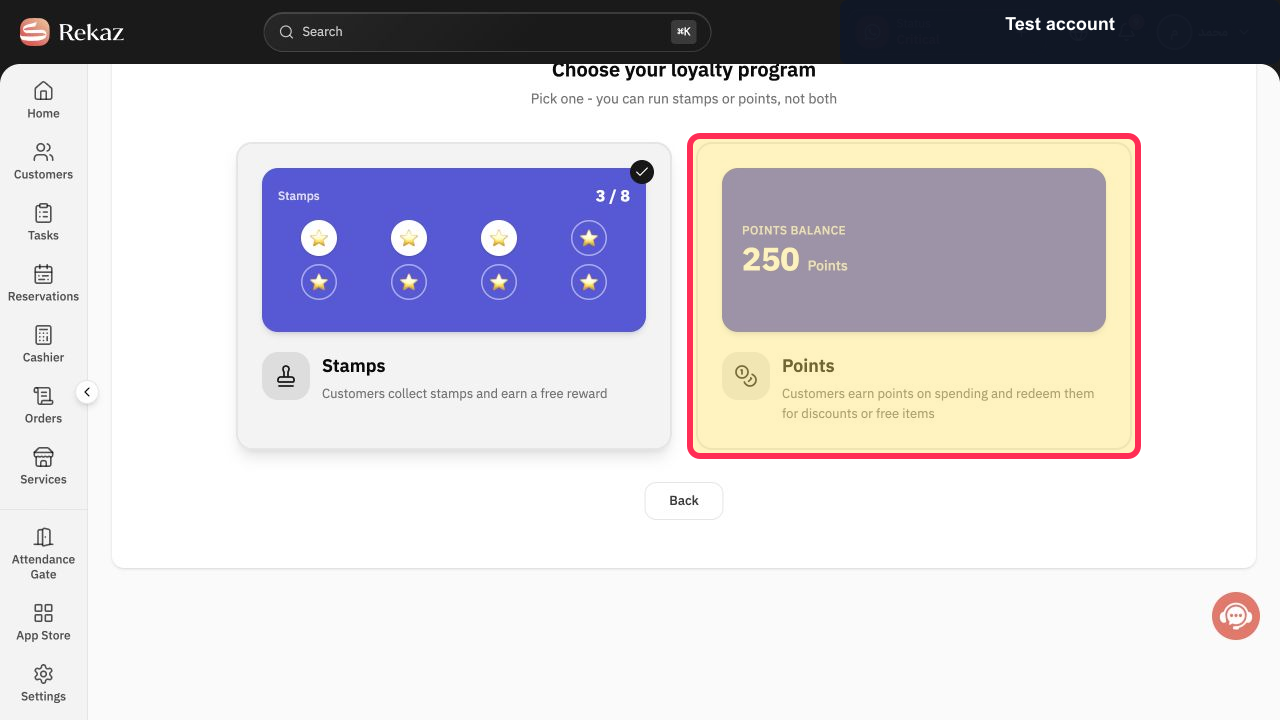
Rekaz currently shows a Loyalty Setup page where you can choose a loyalty program. Select Points for a program in which customers earn points on spending and redeem them for discounts or free items.
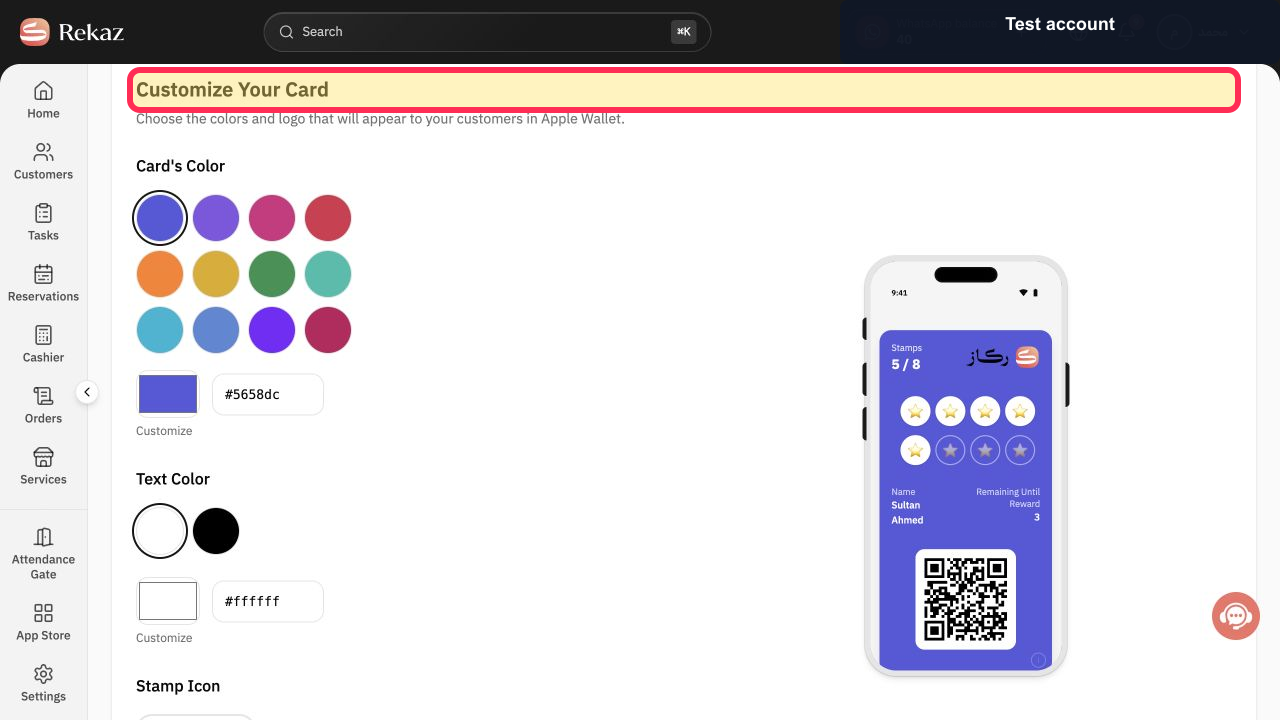
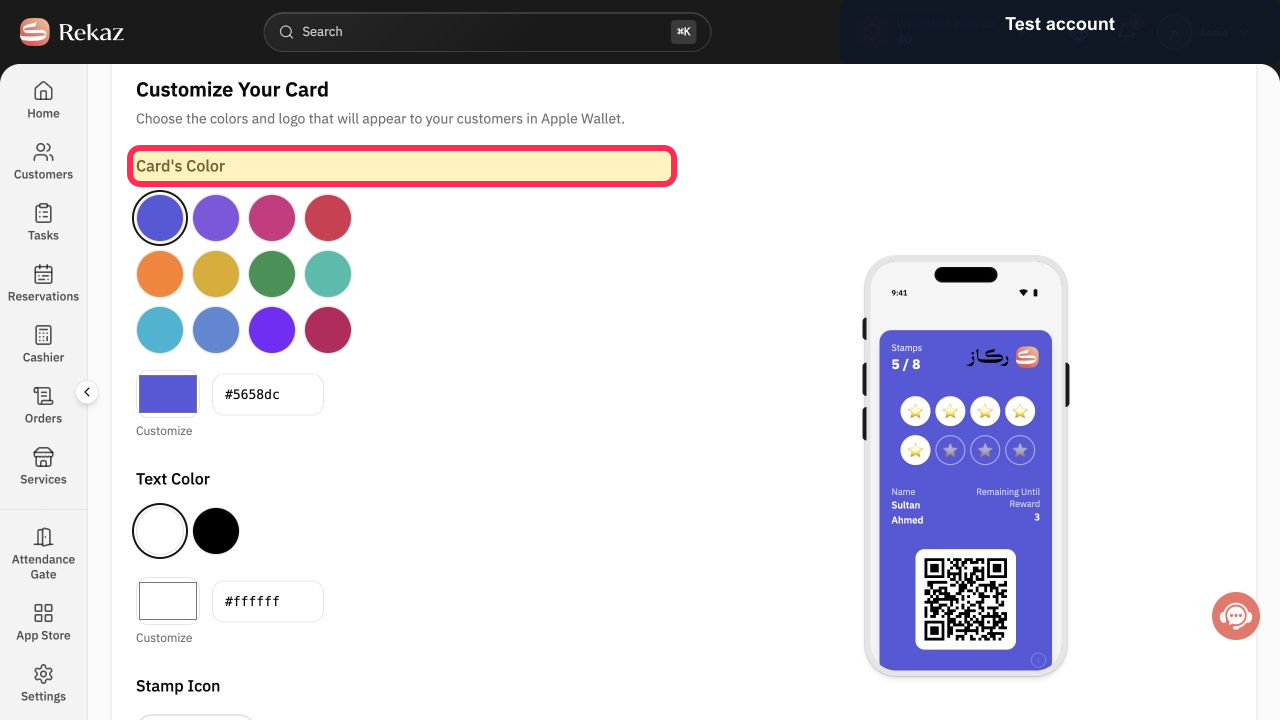
The current interface shows the Points selection and the Card's Color and Text Color settings. It does not show the dashboard entry path, Get started action, cover-image upload within Loyalty Setup, Earning Rules, Redemption Rules, or a final save/publish action.
Steps
On the Loyalty Setup page, verify that the program-selection screen is displayed.
The heading “Choose your loyalty program” is visible.
Select the Points program option.
The Points option is selected; it states that customers earn points on spending and redeem them for discounts or free items.
Verify that the card customisation screen is displayed after choosing Points.
The heading “Customize Your Card” is visible.
Locate the Card's Color setting to review the available card-colour customisation.
The “Card's Color” setting is visible.
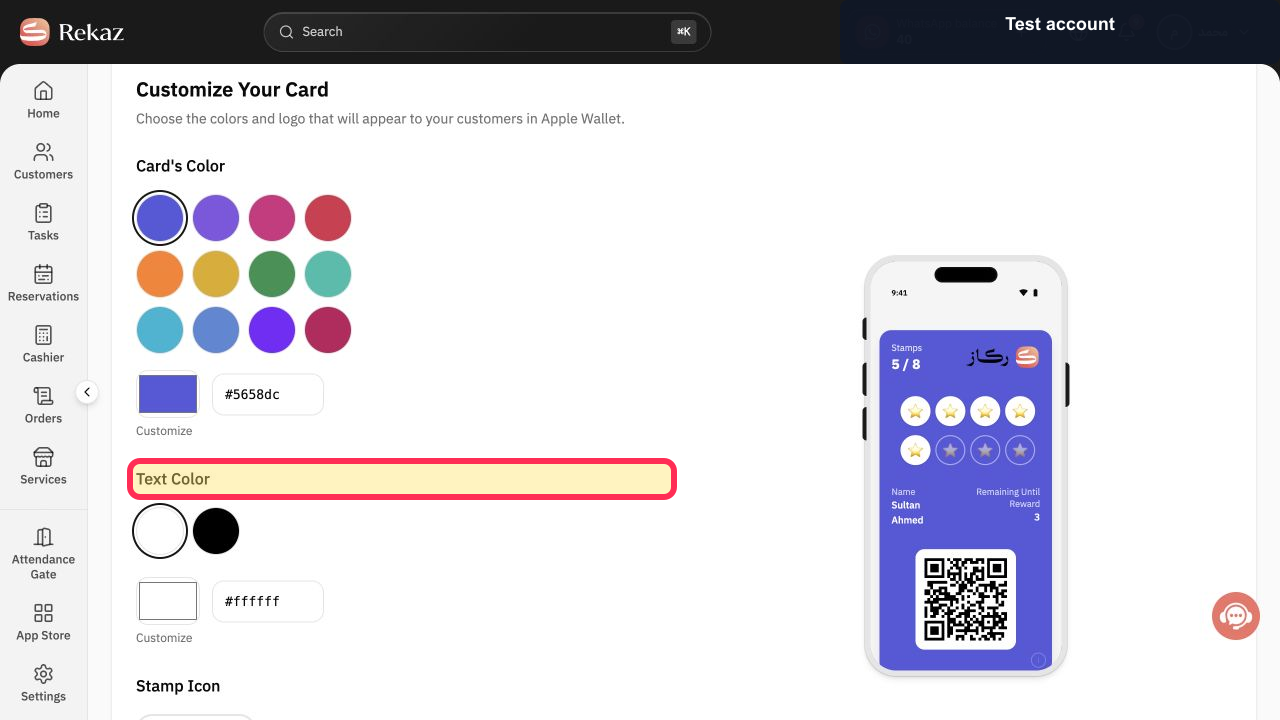
Locate the Text Color setting to review the available text-colour customisation.
The “Text Color” setting is visible.
Illustrated guide
Step 1: The loyalty program selection screen in Rekaz.
Step 2: The Points loyalty program option.
Step 3: The card customisation screen for the loyalty program.
Step 4: The Card's Color setting in Loyalty Setup.
Step 5: The Text Color setting in Loyalty Setup.
Important limitations
At the initial setup stage, select either Points or Stamps; the two loyalty types cannot be enabled together.
These steps cover selecting Points and starting the card design. Review all values and information before taking any final or financial action.
Related questions
How do I change my Loyalty Program to Points in Rekaz?
Where can I find the option to set up Loyalty Points in Rekaz?
What are the steps to set up Loyalty Points in Rekaz?


