How do I set up a Loyalty Program in Rekaz?
Set up a stamp-based Loyalty Program in Rekaz by opening Loyalty Program setup, selecting the Stamps option, and customising the card.
The current interface does not show the previously documented actions for selecting earning or reward services, setting the required number of stamps, or saving or activating the program. This guide covers only the controls visible in the current Loyalty Program workflow.
Steps
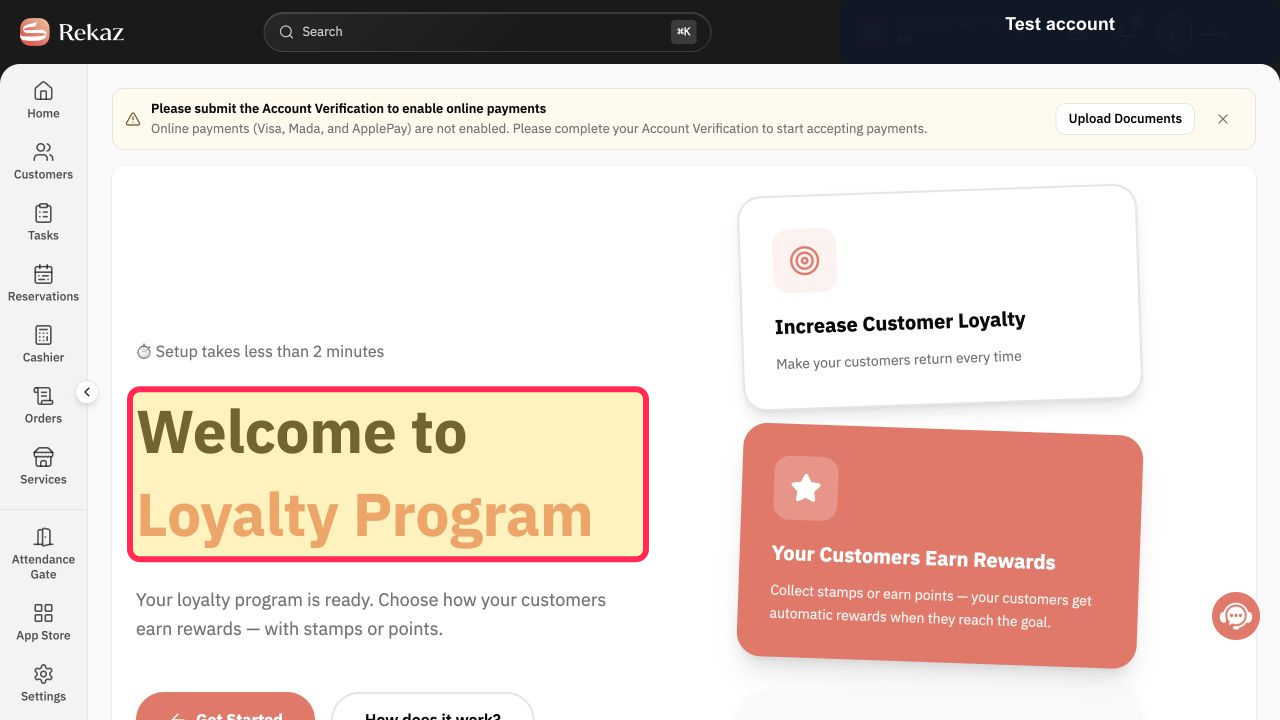
Open Loyalty Program setup and verify that the welcome screen is displayed.
The Welcome to Loyalty Program heading is visible.
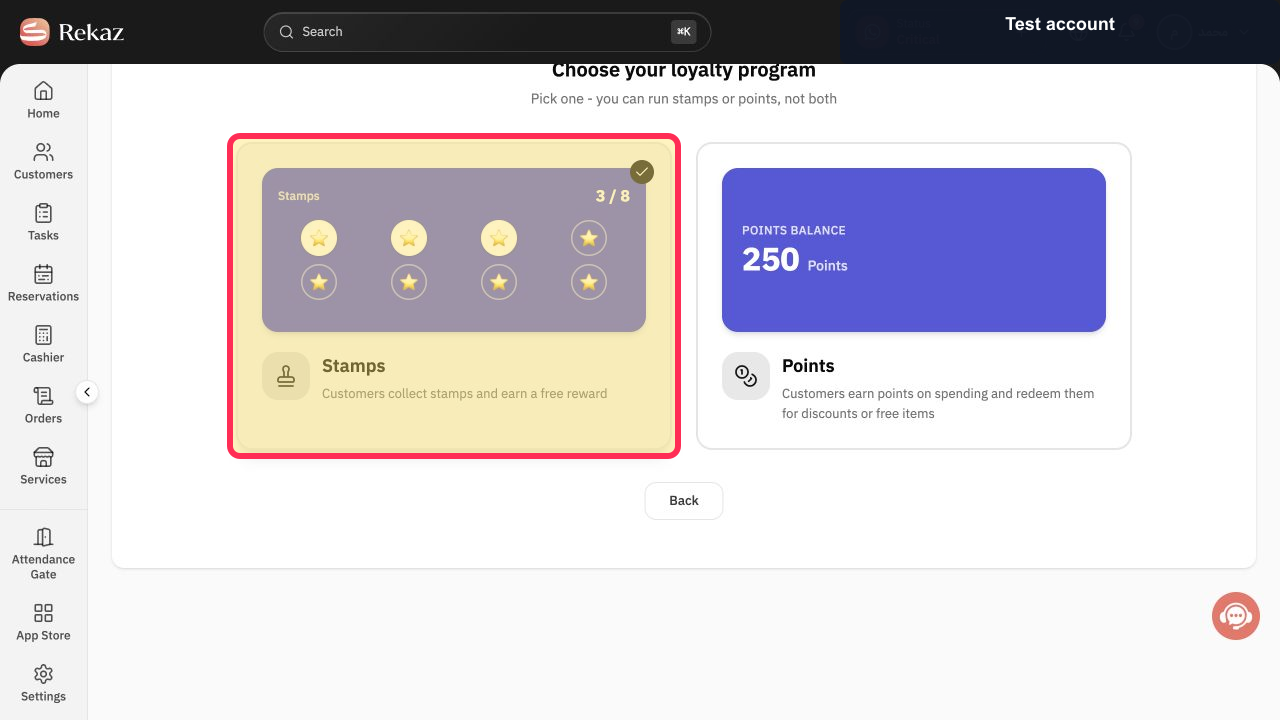
On the Choose your loyalty program screen, select the Stamps program.
The Stamps program is selected and the card customisation screen opens.
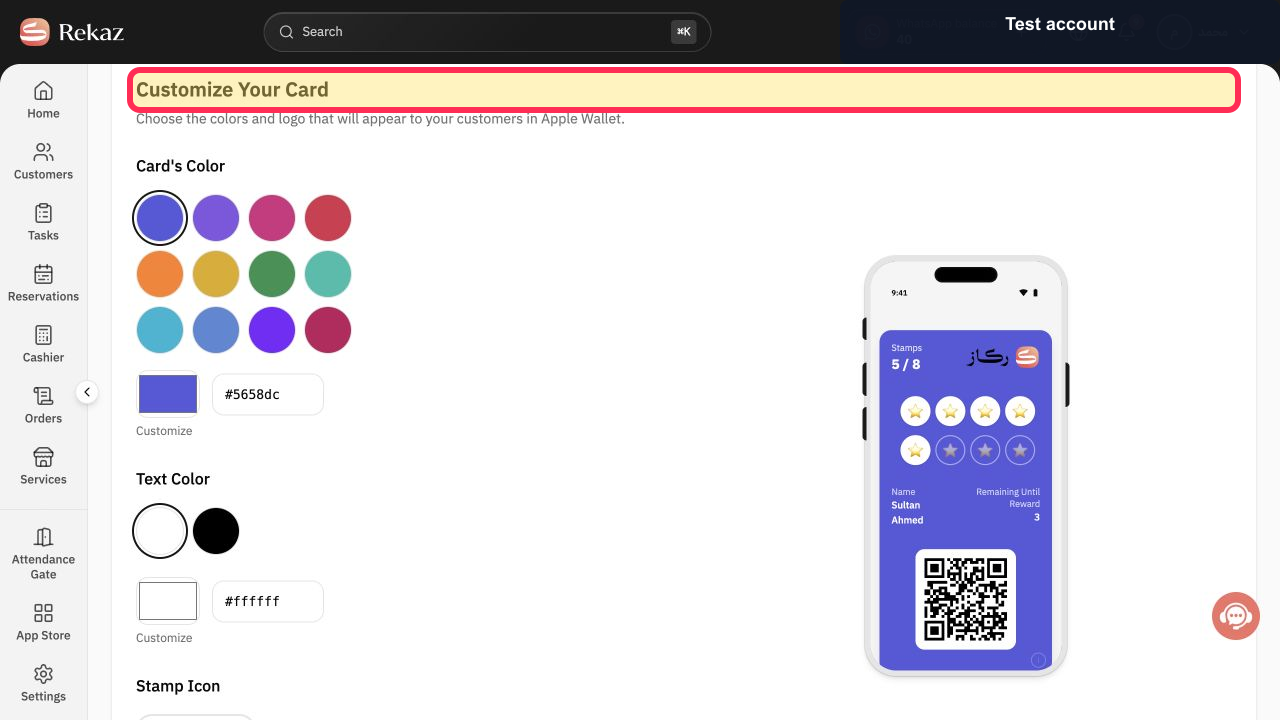
On the card customisation screen, choose the card colour and stamp icon for your program.
Your loyalty card design reflects the selected colour and stamp icon.
Illustrated guide
Step 1: The Loyalty Program welcome screen in Rekaz.
Step 2: Select the Stamps loyalty program.
Step 3: Customise the loyalty card colour and stamp icon.
What you configure
The Loyalty Program setup is based on stamps. Customers earn stamps when they purchase the services you select, and can unlock a reward after collecting the required number of stamps.
Card design: Card's Color and Stamp Icon.
Earning services: services that award stamps when purchased.
Reward threshold: the number of Stamps needed to unlock a reward.
Reward services: services customers can redeem for free.
Important note
The source does not confirm the current route for opening Loyalty Program setup, whether the feature must be enabled separately, or the control used to save or publish the configuration. Interface wording or placement may also change after the source was updated.
Related questions
How do I configure loyalty stamps in Rekaz?
How do I choose services that earn loyalty stamps in Rekaz?
How do I set the number of stamps required for a reward in Rekaz?
How do I choose Loyalty Program reward services in Rekaz?


