How do I send appointment reminders to customers in Rekaz?
To send appointment reminders to customers in Rekaz, the current interface would need to provide a reminder setting or sending action. The current interface does not show Reservation Reminder, Customize, reminder timing, or Save controls for this purpose.
The Reservations area is available for managing the calendar and appointments, but the available interface does not show appointment-reminder controls there.
Steps
Open the Reservations area and verify that it is used to manage the calendar and appointments. The current interface does not show an appointment-reminder control in this workflow.
The page describes the Reservations area as a place to manage the calendar and appointments.
Do not follow the older Reservation Reminder workflow, because the current interface does not show its switch, customisation editor, reminder timing, or save action.
No supported appointment-reminder configuration action is available in the current interface.
Illustrated guide
Step 1: The Reservations area is shown for managing the calendar and appointments.
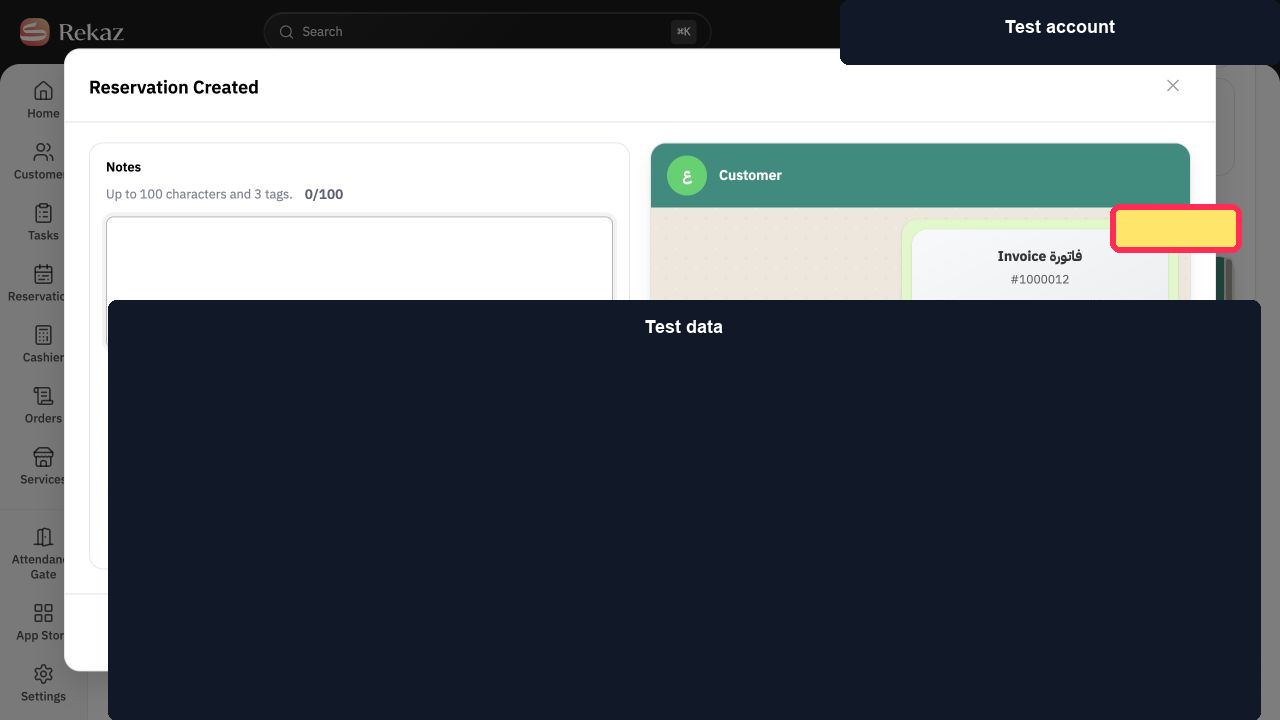
Step 2: The Reservations area is shown without an available appointment-reminder control.
What you can customise
The reminder editor lets you set the sending time and add booking, customer, and service tags to the reminder text.
Choose a reminder time that suits your business.
Important
Review the selected values and information before completing any final or financial action.
Related questions
Where can I find Reservation Reminder in Rekaz?
How do I choose how long before an appointment a customer reminder is sent in Rekaz?
How do I customise the appointment reminder message in Rekaz?


