How do I send a reservation confirmation to a customer in Rekaz?
Rekaz currently shows “Reservation Confirmed Customer” in WhatsApp Notifications as the relevant customer notification option for confirmed reservations.
The current interface does not show the Notification Settings path, an Activate switch, a Customize control, or a direct send action. Therefore, this guide can only document the available notification option and cannot confirm how to enable, customise, or send it.
Steps
In WhatsApp Notifications, select “Reservation Confirmed Customer” to review the customer notification option for a confirmed reservation.
The “Reservation Confirmed Customer” option is visible in WhatsApp Notifications.
Verify that the relevant option is specifically labelled “Reservation Confirmed Customer,” rather than another reservation event.
The visible label identifies the notification as applying to a confirmed reservation and the customer recipient.
Illustrated guide
Step 1: Select the customer notification option for a confirmed reservation.
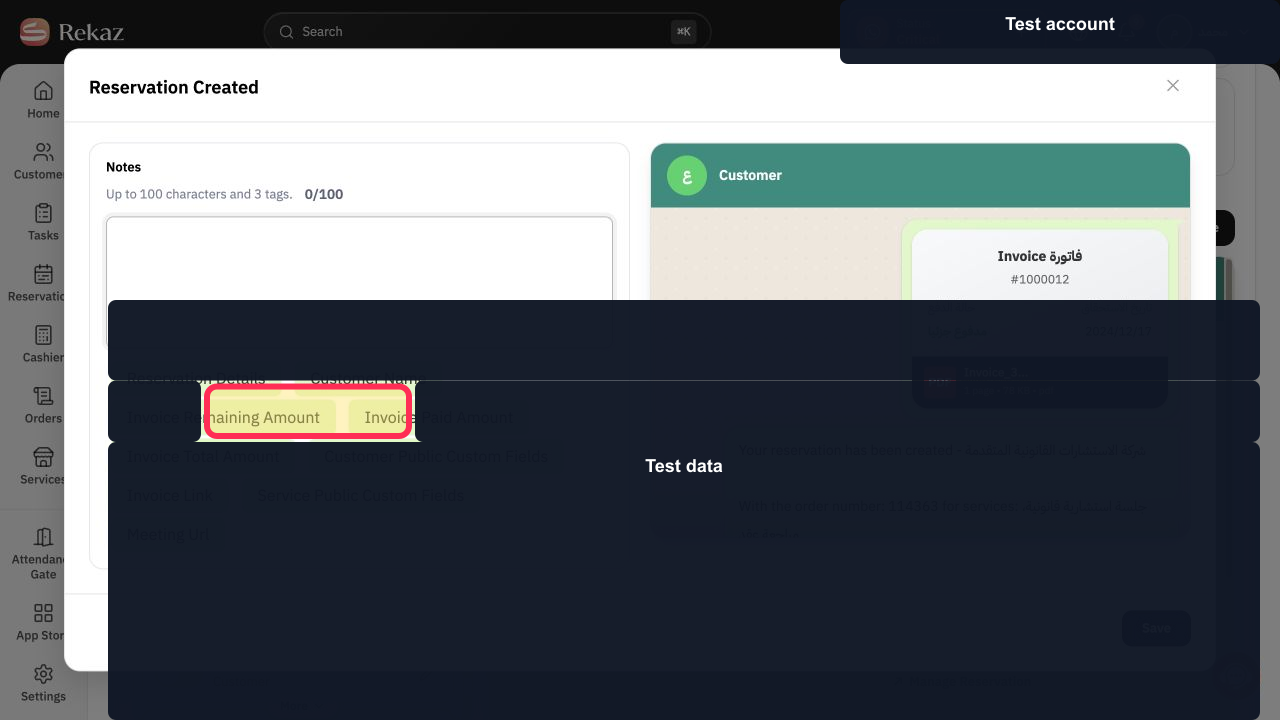
Step 2: Verify the confirmed-reservation customer notification label.
Important requirements
WhatsApp must be connected, and your account must have available credit for the notification to be sent.
Choose the right recipient
The reservation confirmation notification can be configured independently for each recipient. Enable the relevant version for the customer, provider, or system manager as needed.
Review the message text in Customize before relying on the notification.
Check values and details before taking any final or financial action.
Related questions
Where can I find the reservation confirmation notification in Rekaz?
How do I enable Confirm reservation for customers in Rekaz?
How do I customise the reservation confirmation message in Rekaz?


