Why didn’t my WhatsApp message reach the customer in Rekaz?
A WhatsApp delivery problem may be related to the notification history, the connected number, or the available messaging credits. Check those areas before sending the same message repeatedly.
The verified page provides Whatsapp notification history, Link your number, Set up auto top-up, and Top up whatsapp credits. It does not expose a failure reason in the main settings view.
Steps
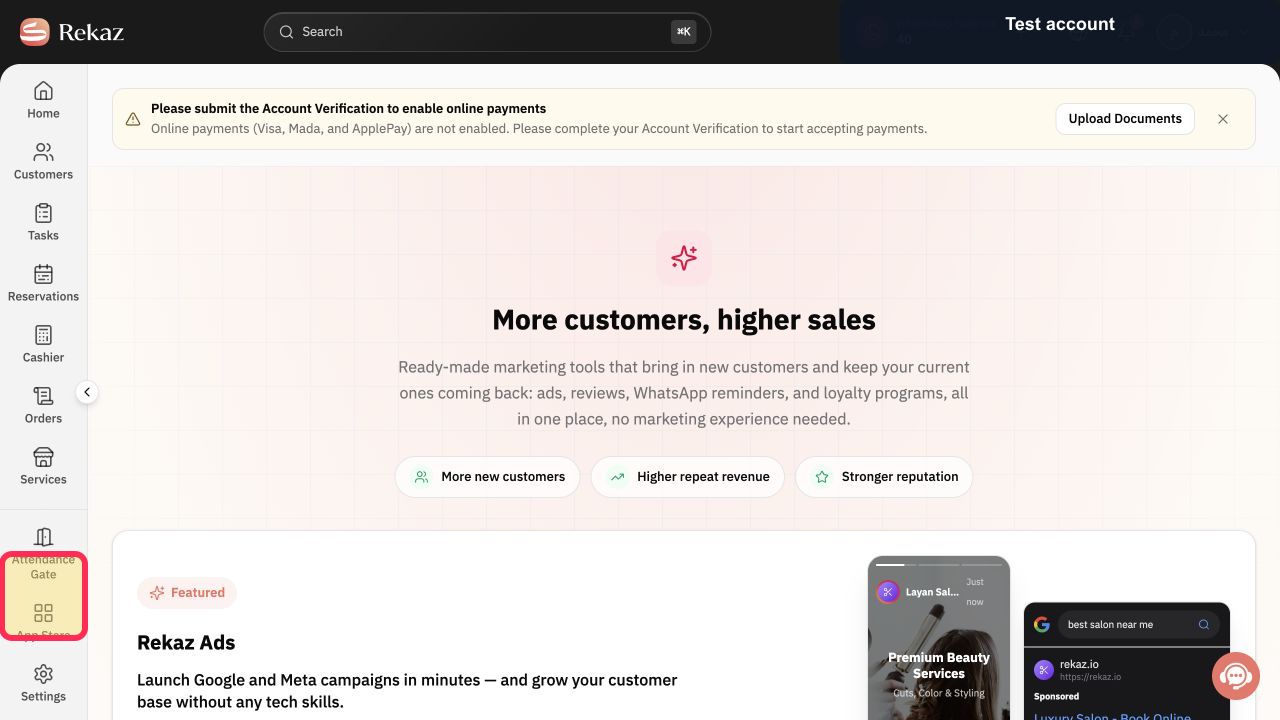
Open Marketing Tools from the Rekaz navigation.
The Marketing Tools page opens.
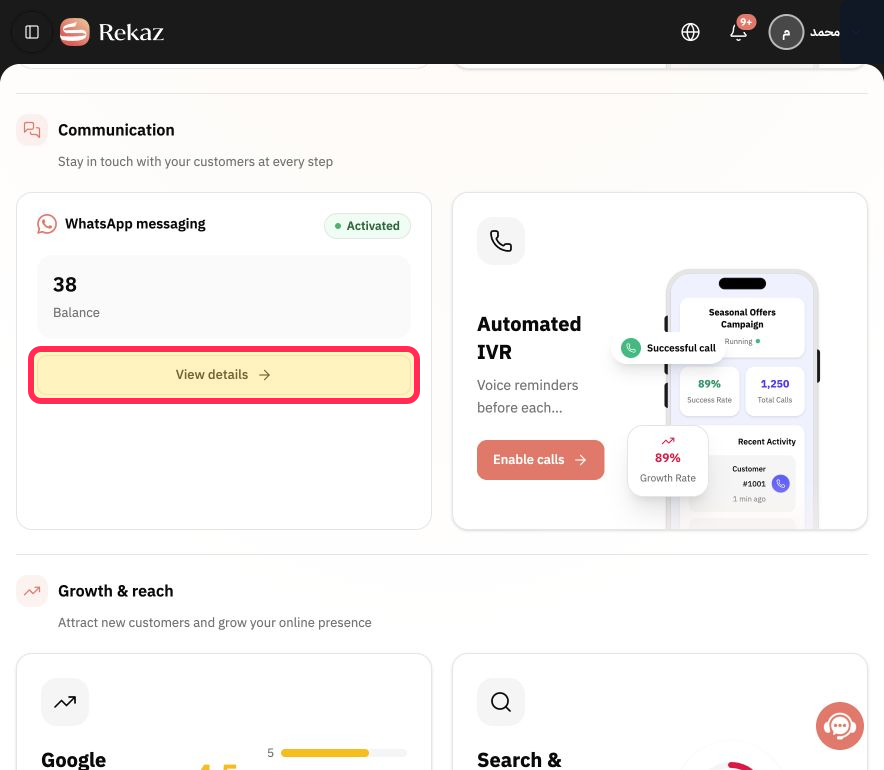
Under WhatsApp messaging, select View details.
The WhatsApp notification settings open.
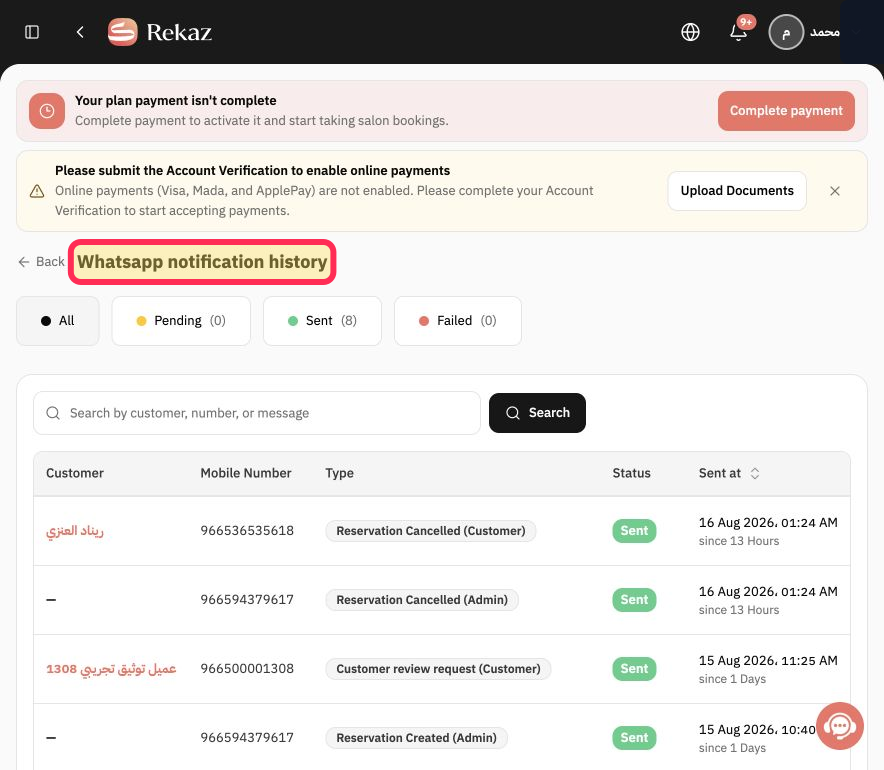
Select Whatsapp notification history and locate the message by its time and recipient. Do not resend it repeatedly while its status is unclear.
The available WhatsApp message history opens for review.
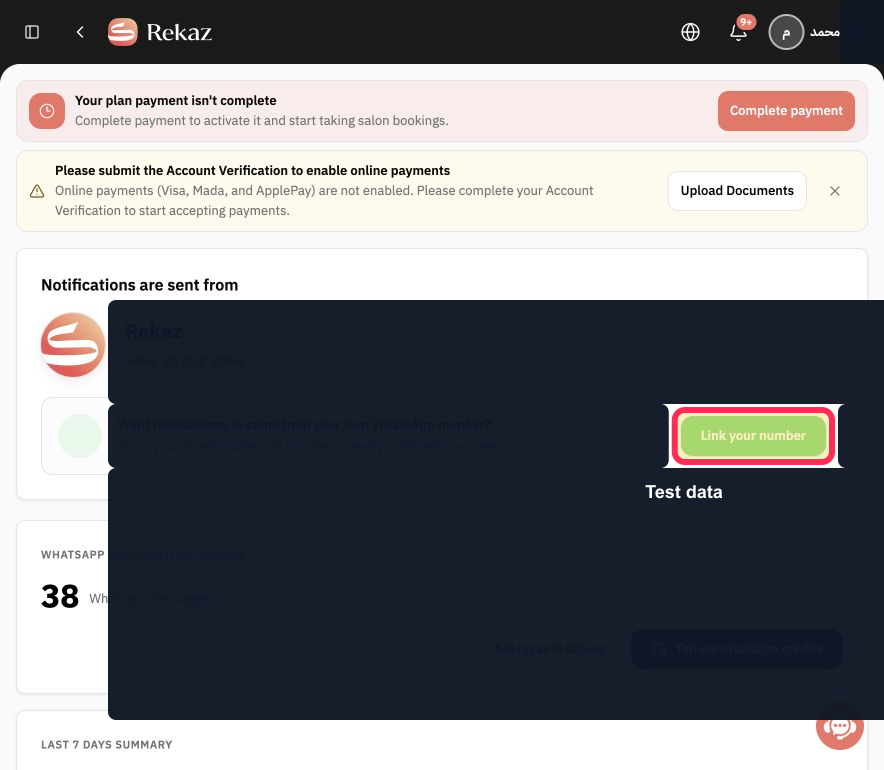
Return to the WhatsApp settings and select Link your number to verify or restore the official number connection when required.
The number-connection workflow opens.
Select Top up whatsapp credits if the account does not have enough credits for another message.
The WhatsApp credit top-up flow opens.
Select Set up auto top-up when you want Rekaz to replenish credits according to the account's configured billing rule.
The auto top-up setup opens.
If the message still fails after confirming history, connection, and credits, select Contact support and provide the message time, recipient number with most digits masked, and the visible status. Never provide passwords or API secrets.
Support receives enough non-sensitive context to investigate the delivery problem.
Illustrated guide
Step 1: Open Marketing Tools in Rekaz.
Step 2: Open WhatsApp messaging details.
Step 3: Open Whatsapp notification history.
Step 4: Check the WhatsApp number connection.
Step 5: Open the WhatsApp credit top-up flow.
Step 6: Review WhatsApp auto top-up.
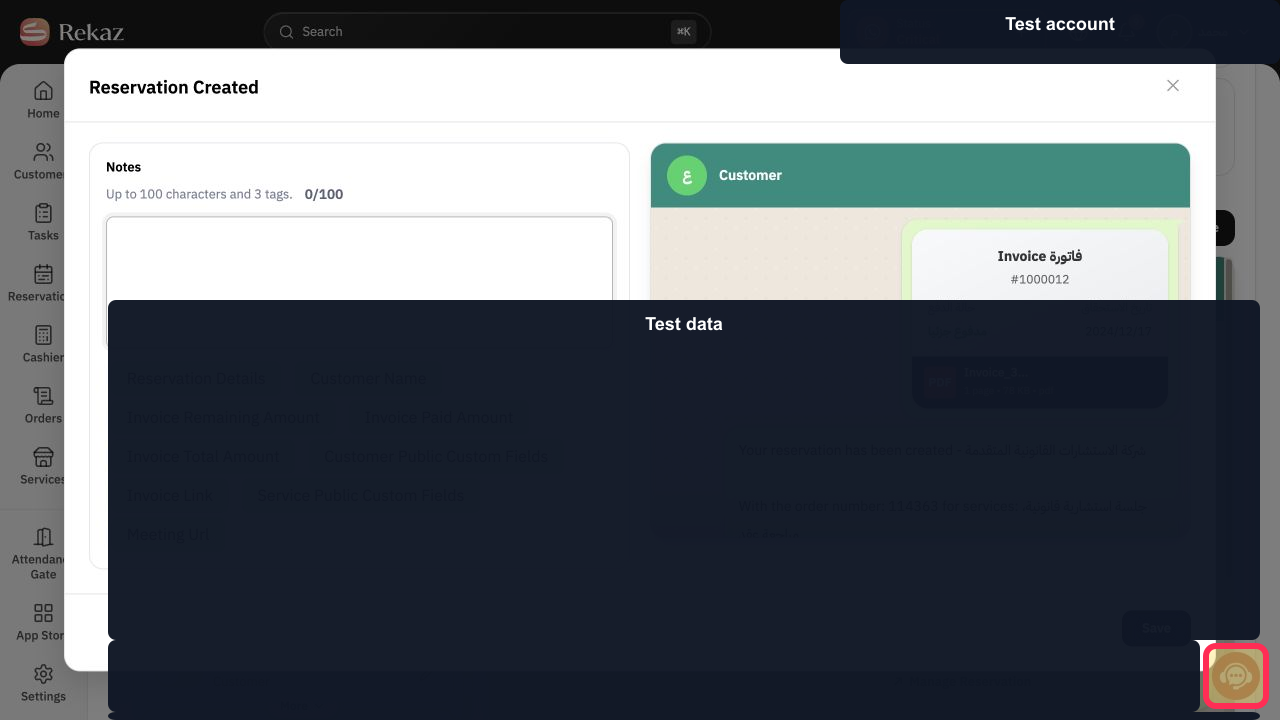
Step 7: Contact Rekaz support about the failed WhatsApp message.
Important notes
Do not resend the message repeatedly before identifying the cause of the failure.
Check values and information carefully before taking any final or financial action.
Delivery failures may be related to the balance, the phone number, WhatsApp restrictions, or the connection status.
Related questions
How do I find the failure reason for a WhatsApp message in Rekaz?
Where can I view failed and pending WhatsApp messages in Rekaz?
How do I check my WhatsApp messaging balance in Rekaz?
Why are my WhatsApp messages pending in Rekaz?


