How do I check QR or barcode options on an invoice in Rekaz?
In Rekaz, QR and barcode options are managed from Invoice Settings. In General Settings, review the invoice entries available for your account, then use the Preview to confirm what will appear on the invoice or receipt before saving.
A QR or barcode option may not be available in every account. If it is not shown in your Invoice Settings, do not assume that it can be enabled.
Steps
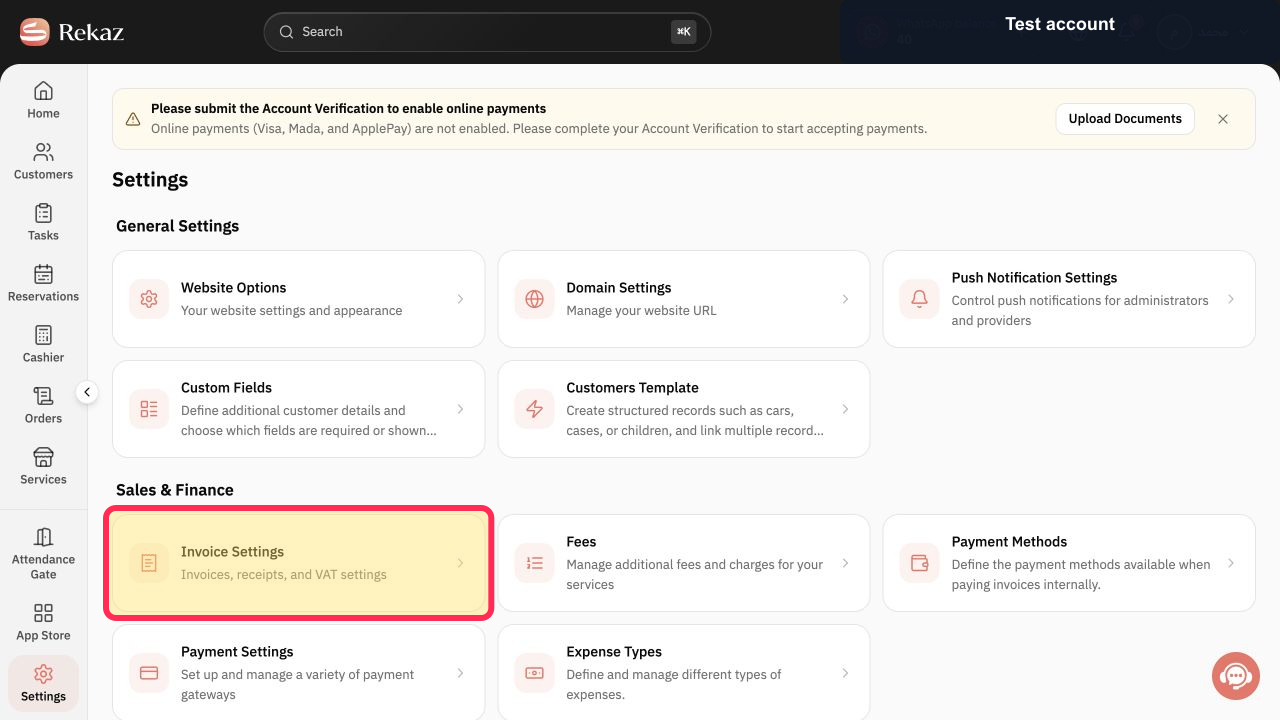
From Home, open Invoice Settings.
The Invoice Settings page opens.
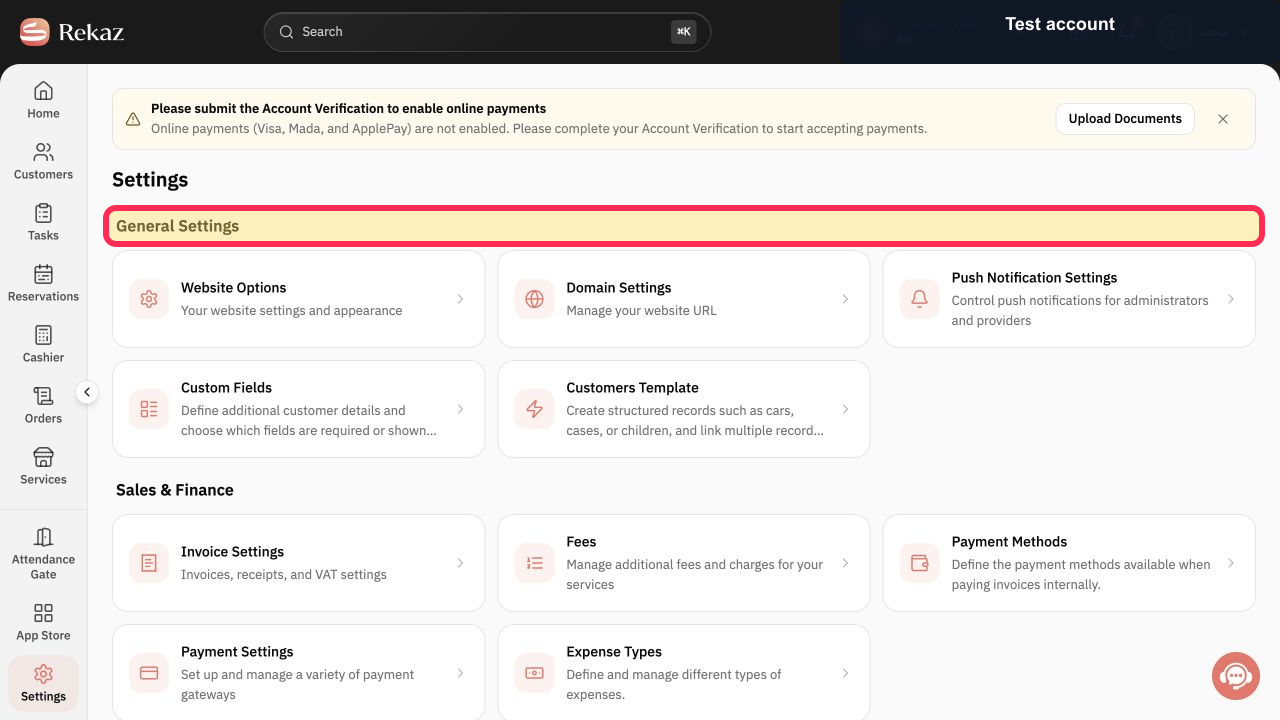
Select General Settings.
The General Settings section is displayed.
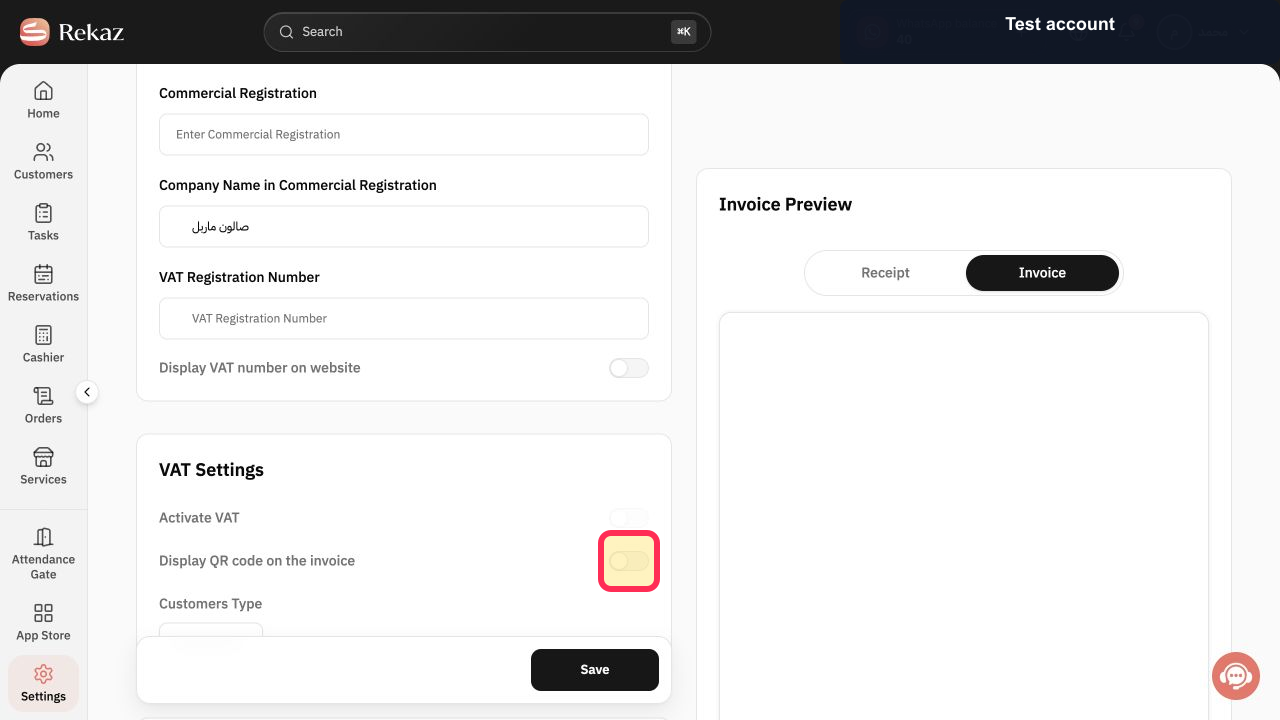
Review the available invoice entries. Check whether a QR or barcode option is listed.
You can see the invoice entries available for your account, including QR or barcode options if available.
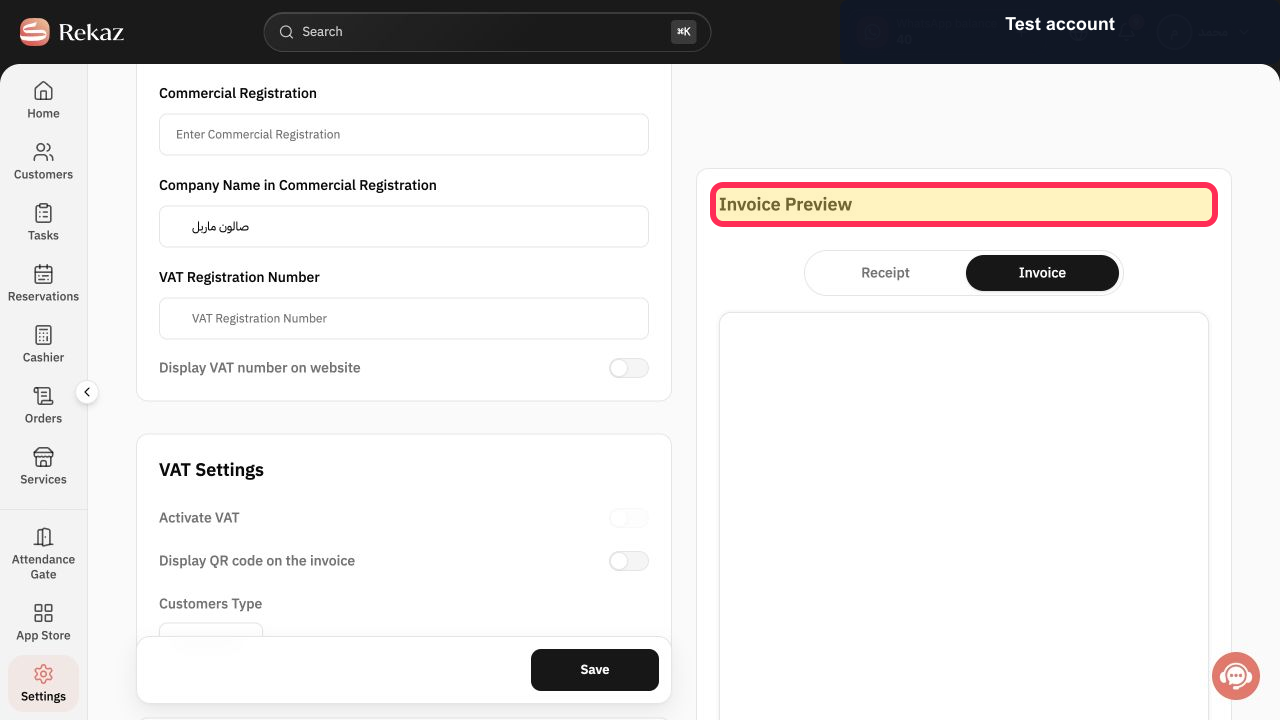
Review the Preview to confirm the invoice or receipt appearance.
The preview shows how the selected invoice entries will appear.
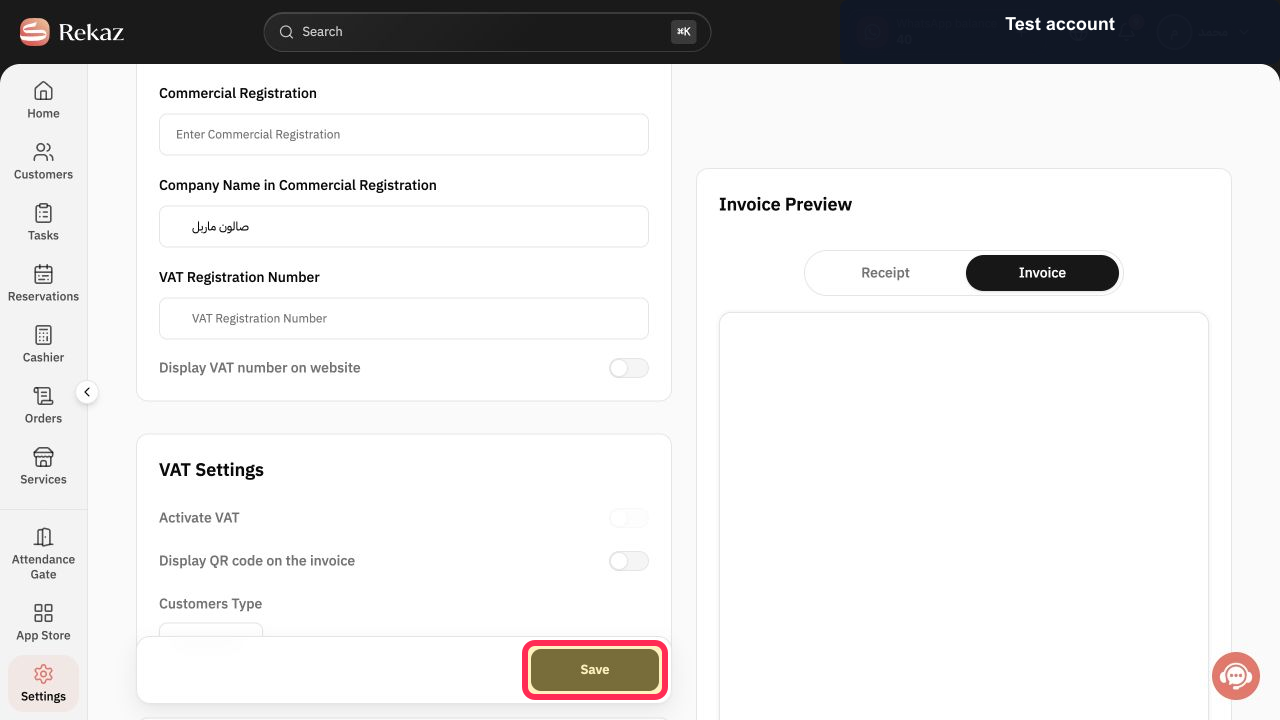
Select Save.
Your available invoice settings are saved.
Illustrated guide
Step 1: Open Invoice Settings in Rekaz.
Step 2: Open General Settings.
Step 3: Check the available QR or barcode invoice entries.
Step 4: Review the invoice or receipt Preview.
Step 5: Save the invoice settings.
Important notes
The available invoice entries may vary by account configuration.
If you do not see a QR or barcode option, review the billing settings available in your account rather than assuming the option can be activated.
Always check the Preview before saving to confirm what will appear on the invoice or receipt.
Related questions
Where can I find the QR option for an invoice in Rekaz?
How do I check whether a barcode can appear on a Rekaz receipt?
Why is the QR or barcode option not shown in my Rekaz Invoice Settings?


