How do I add an expense type in Rekaz?
Expense types are managed from the Expenses area in Rekaz.
The current interface does not show the “New Expense Type” action or fields to enter a name, description, and save a new type. You can safely navigate to the Expense Type tab, but creating a type cannot be documented from the interface.
Steps
From the Rekaz sidebar, select Expenses.
The Expenses area opens.
Select the Expense Type tab.
The expense-type view opens.
Illustrated guide
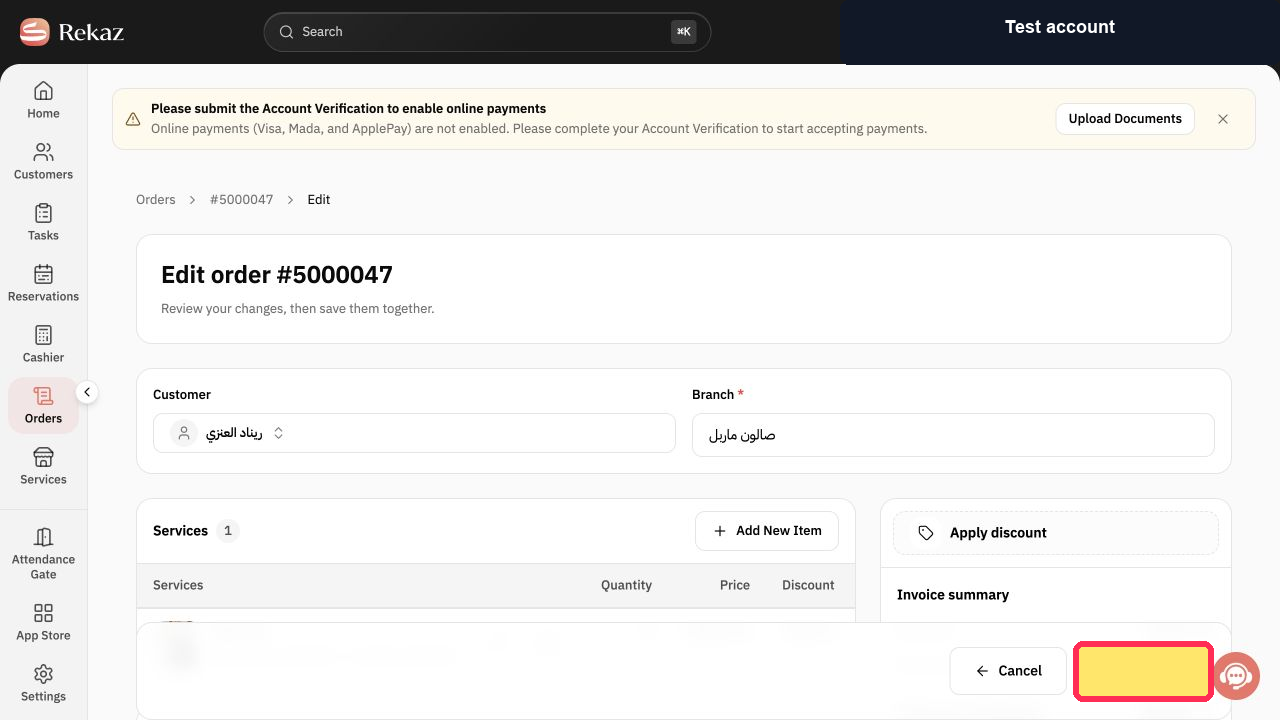
Step 1: Open the Expenses area from the sidebar.
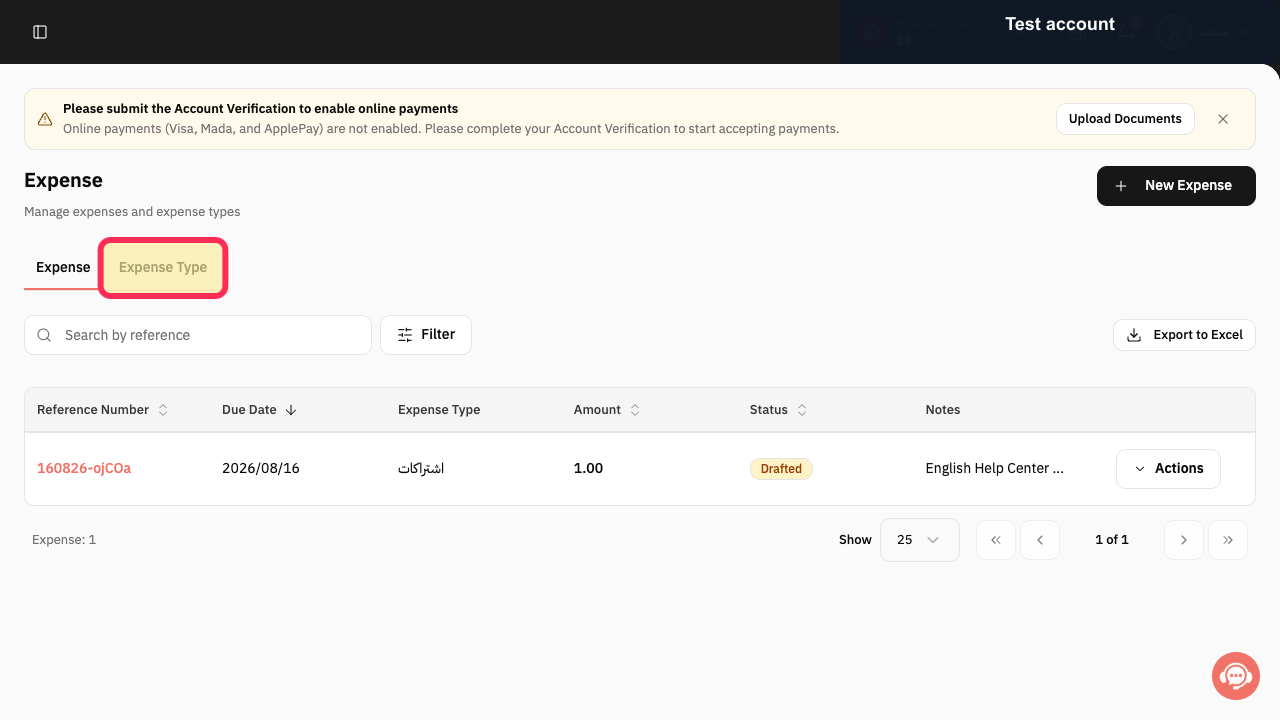
Step 2: Open the Expense Type tab in Expenses.
Why use expense types?
Expense types help you classify expenses consistently and organise related reports.
Use clear, general names that your team will recognise.
Review all values and details before completing a final or financial action.
Related questions
How can I create a new expense type in Rekaz?
Where can I find New Expense Type in Rekaz?
What are the steps to add an expense type in Rekaz?


