How do I activate or use installment services in Rekaz?
To review installment services in Rekaz, open Rekaz Pay, select “Manage payments,” and locate the “Buy now, pay later services” section.
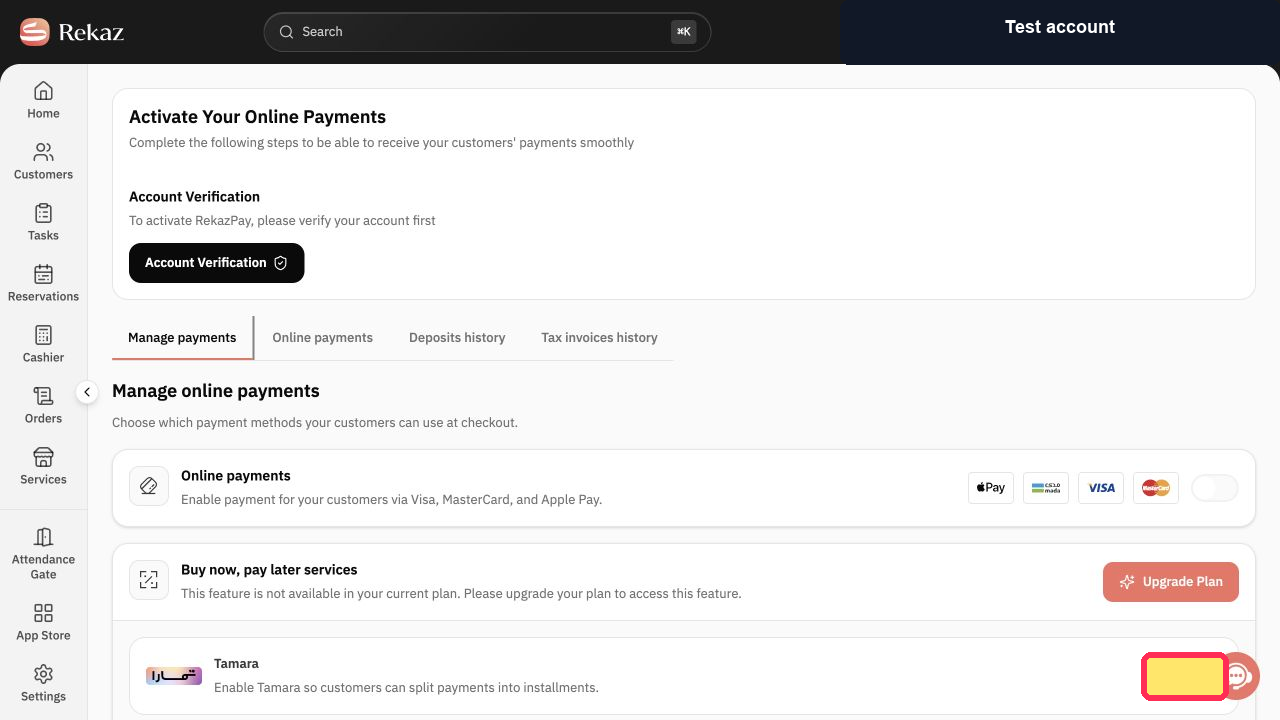
The current interface does not show the “Activate” provider action or a flow for using an installment provider at checkout. It also states that account verification is required to activate RekazPay.
Steps
From the main sidebar, select Rekaz Pay.
The Rekaz Pay area opens.
Select Manage payments.
The Manage online payments page is displayed.
Review the Buy now, pay later services section.
The “Buy now, pay later services” heading is visible in Manage online payments.
If shown, verify the RekazPay activation requirement before expecting online payment services to be available.
The page states: “To activate RekazPay, please verify your account first.”
Illustrated guide
Step 1: Select Rekaz Pay from the main sidebar.
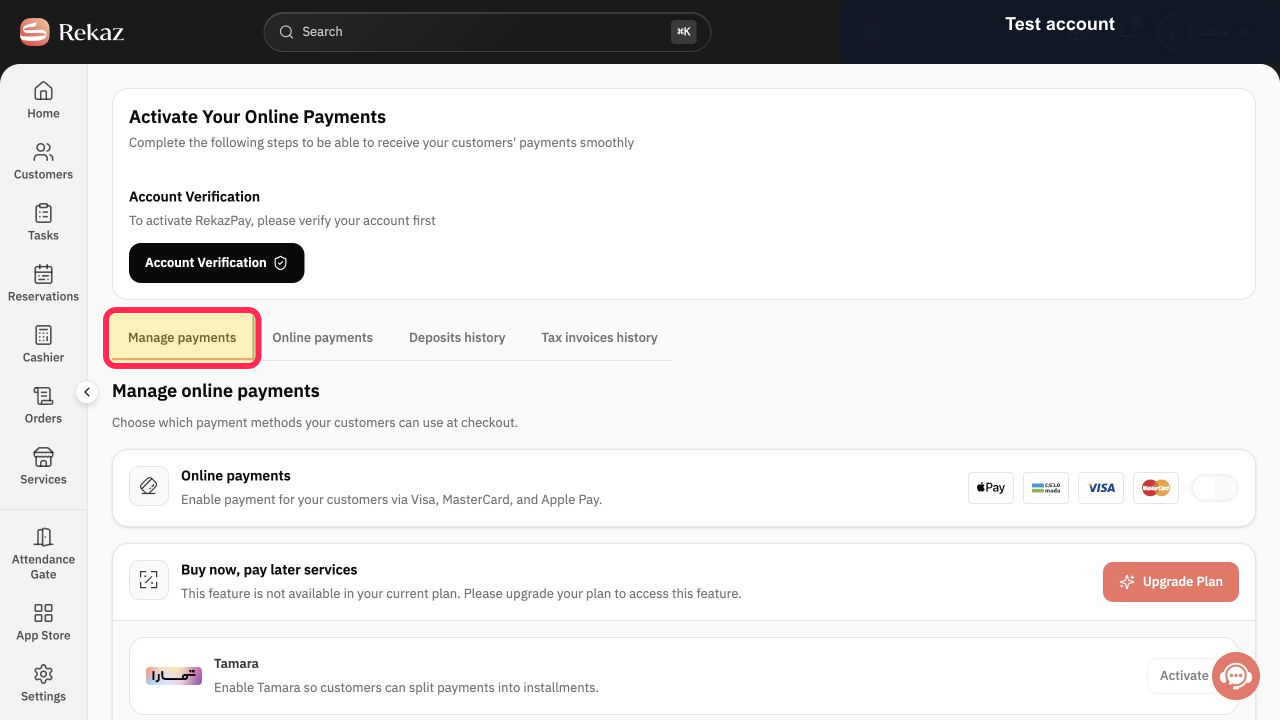
Step 2: Open Manage payments in Rekaz Pay.
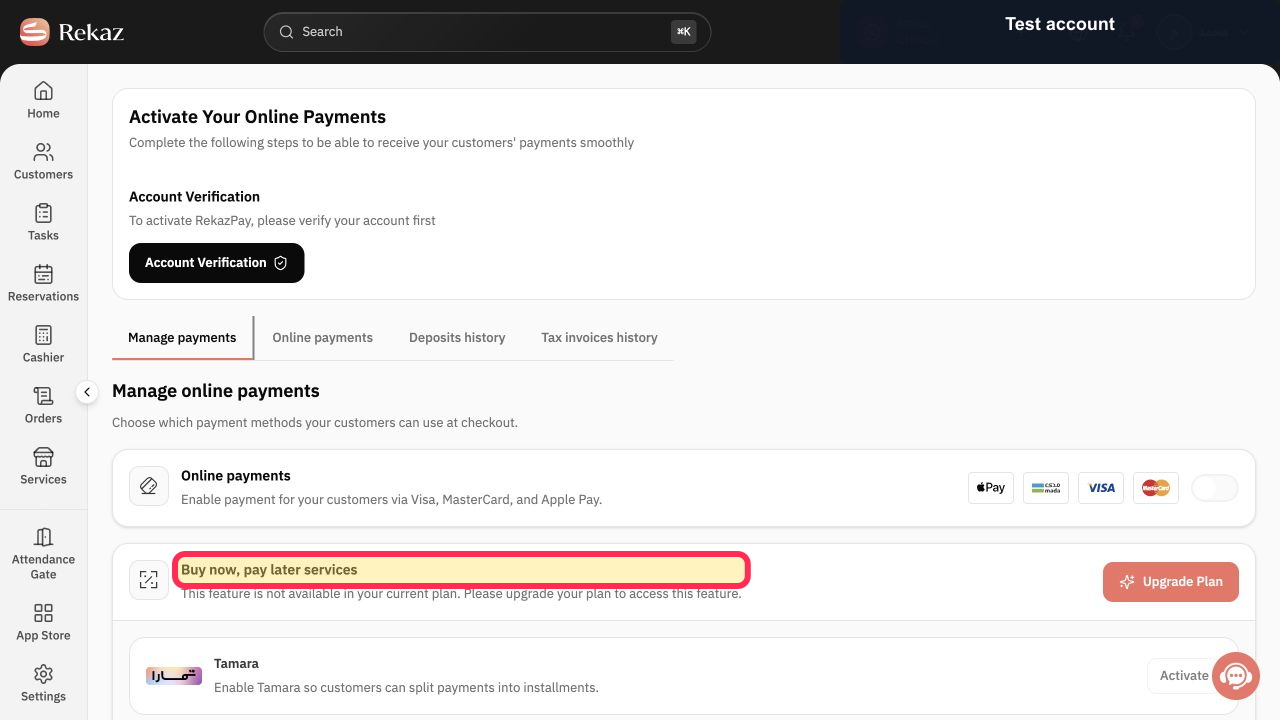
Step 3: Locate the Buy now, pay later services section.
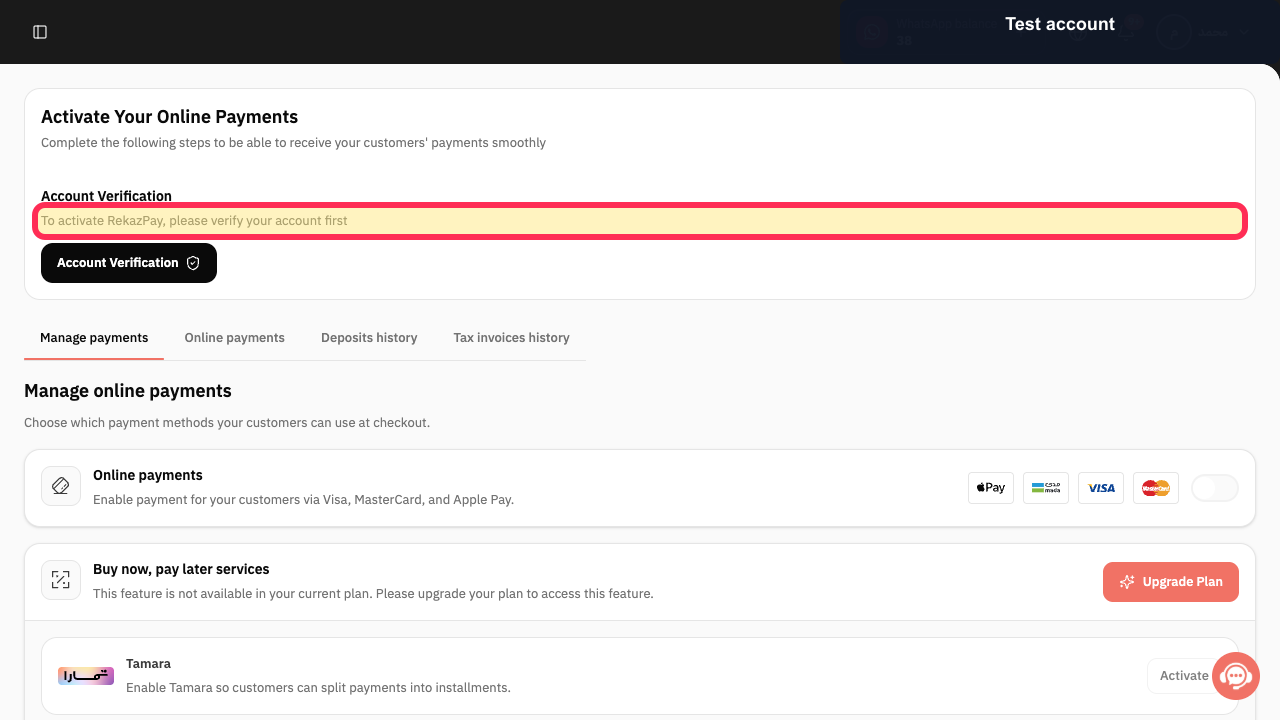
Step 4: Check the RekazPay account-verification requirement.
Important notes
The documented flow is based on a demo verification account in the current Rekaz interface.
Review all values and details before completing any final or financial action.
Check the installment provider’s terms before displaying the service to a customer.
A plan upgrade may be required before activation.
Provider availability and required onboarding steps can vary.
Related questions
Where can I find Buy now, pay later installment services in Rekaz?
Why am I asked to upgrade my plan before activating installment services in Rekaz?
How do I activate an available installment provider in Rekaz?


