How do I collect the remaining balance after a deposit in Rekaz?
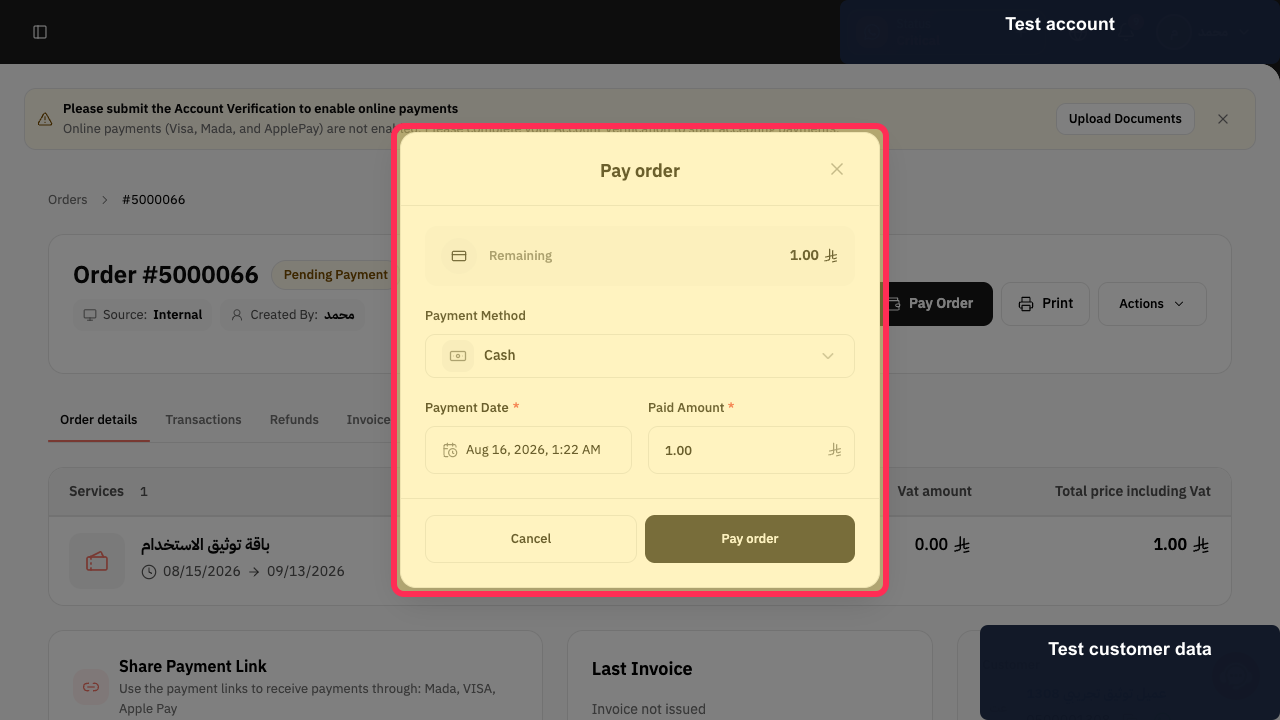
After a deposit, record the remaining payment from the Pay order dialog: choose a Payment Method, check Payment Date*, enter the balance in Paid Amount *, and select Pay order.
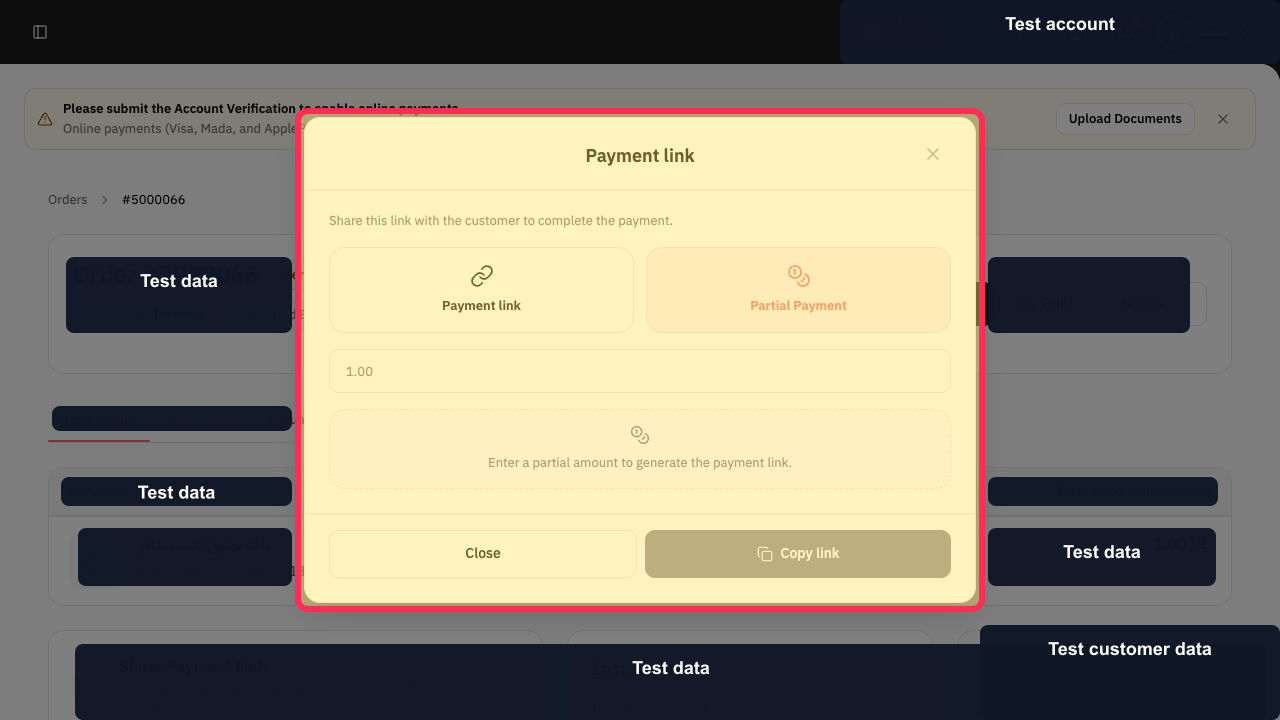
For a customer payment link, the current dialog uses Payment link and Copy link.
Steps
With the Pay order dialog open, check the Remaining amount before recording the balance payment.
The dialog shows Remaining together with Payment Method, Payment Date*, and Paid Amount *.
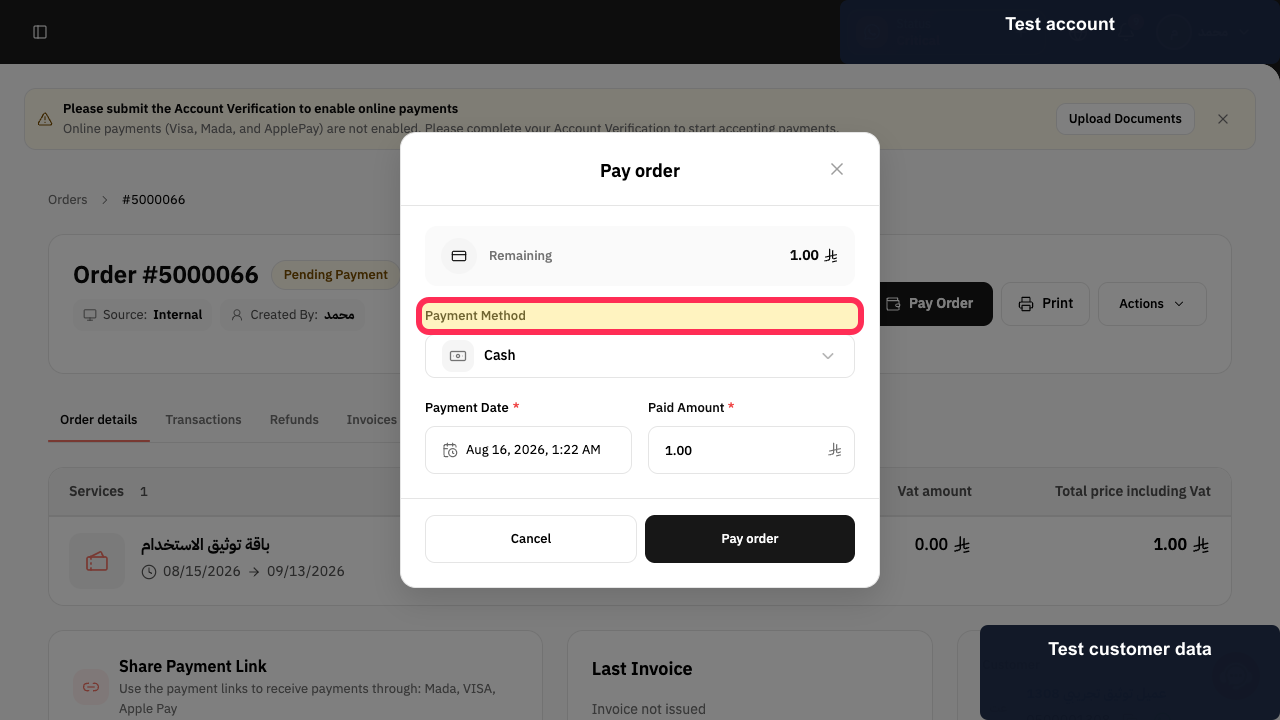
Select the Payment Method for the balance payment.
The payment method selector is available in the Pay order dialog.
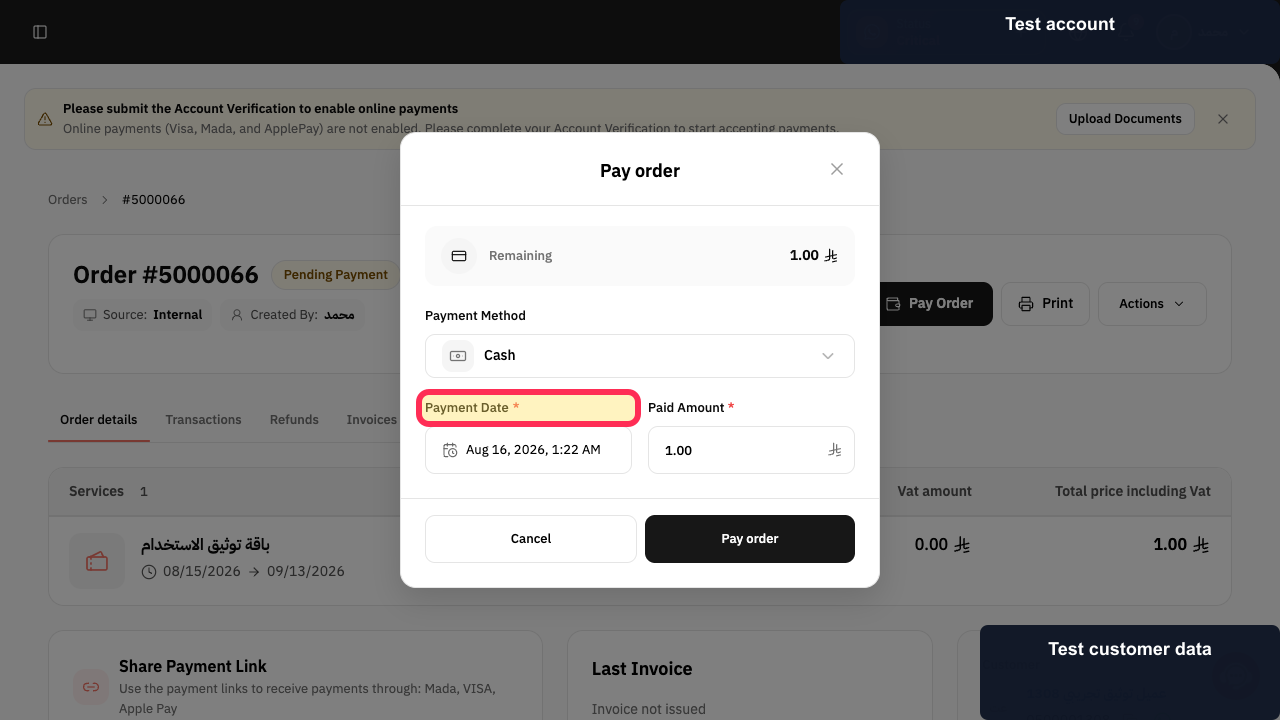
Check Payment Date* and make sure the date is correct.
The Payment Date* field is visible for review.
Enter the remaining balance in Paid Amount *.
The Paid Amount * field is available in the Pay order dialog.
Select Pay order to submit the payment.
Rekaz submits the payment entered in the dialog.
Alternatively, select Payment link to use the customer payment-link option.
The payment-link option is visible with information that the link can be shared with the customer.
Select Copy link to copy the payment link.
The payment link is copied and can be shared with the customer.
Illustrated guide
Step 1: Review the remaining amount in the Pay order dialog.
Step 2: Choose the payment method for the remaining balance.
Step 3: Review the payment date before submitting the balance payment.
Step 4: Enter the amount being collected.
Step 5: Submit the remaining balance payment.
Step 6: Open the payment-link option.
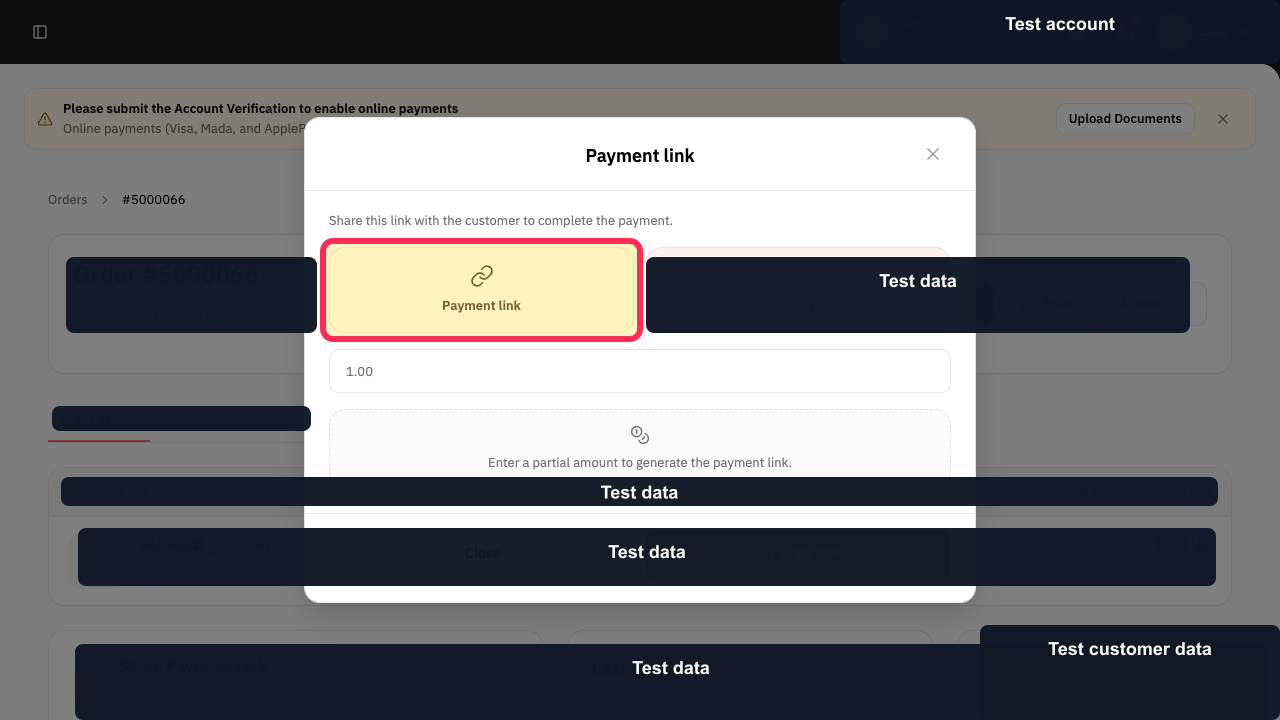
Step 7: Copy the customer payment link.
Important notes
Match the Remaining Amount against the amount the customer has already paid before you record the final payment.
After recording the payment, review the Order Status.
The option to collect through an Invoice Link depends on the payment method available for the order.
Related questions
How do I pay the rest of a deposit in Rekaz?
Where can I see the remaining balance on an order in Rekaz?
How do I send a payment link for the remaining amount in Rekaz?


