How do I share a payment link with a customer in Rekaz?
When Online payments are available for an order in Rekaz, you can copy a payment link from the order details and send it to the customer. Check the Remaining Amount first so that you do not send a link for an unintended amount.
Use Partial Payment only when you need to collect part of the outstanding amount. Test the link before sending it to the customer.
Steps
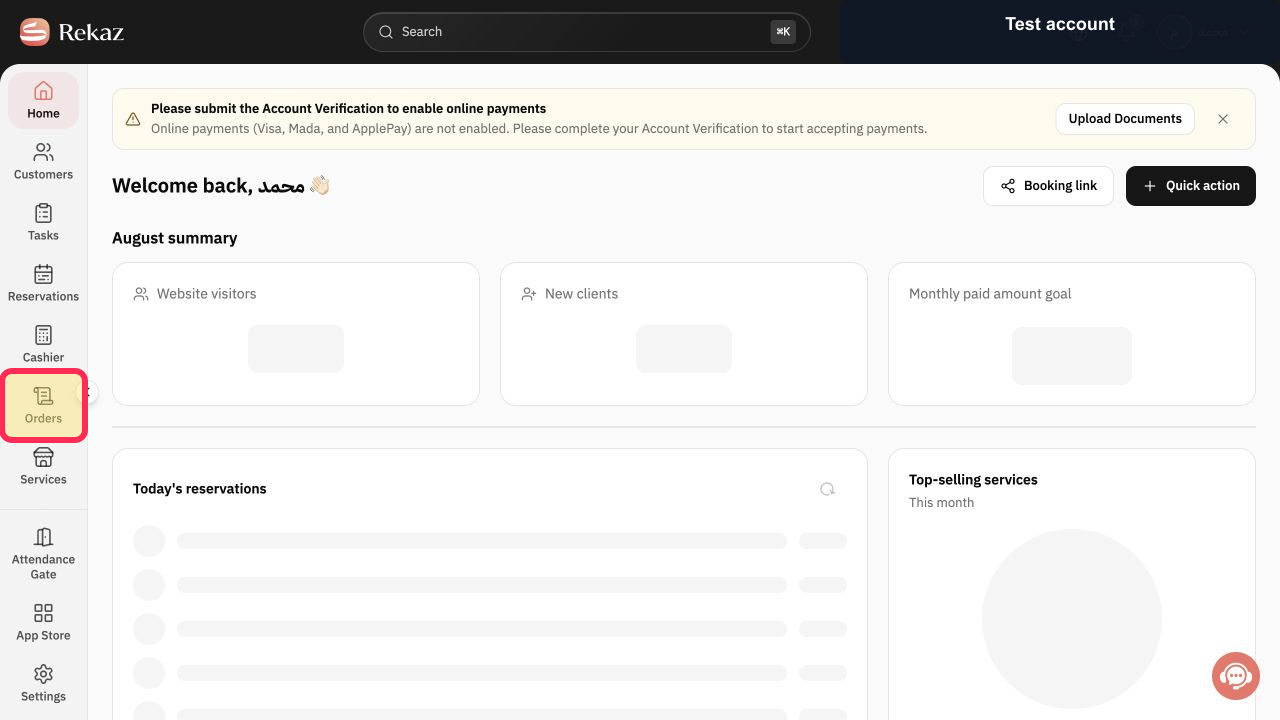
From the Home page, select Orders in the sidebar.
The Orders page opens.
Open the relevant order.
The Order details page opens.
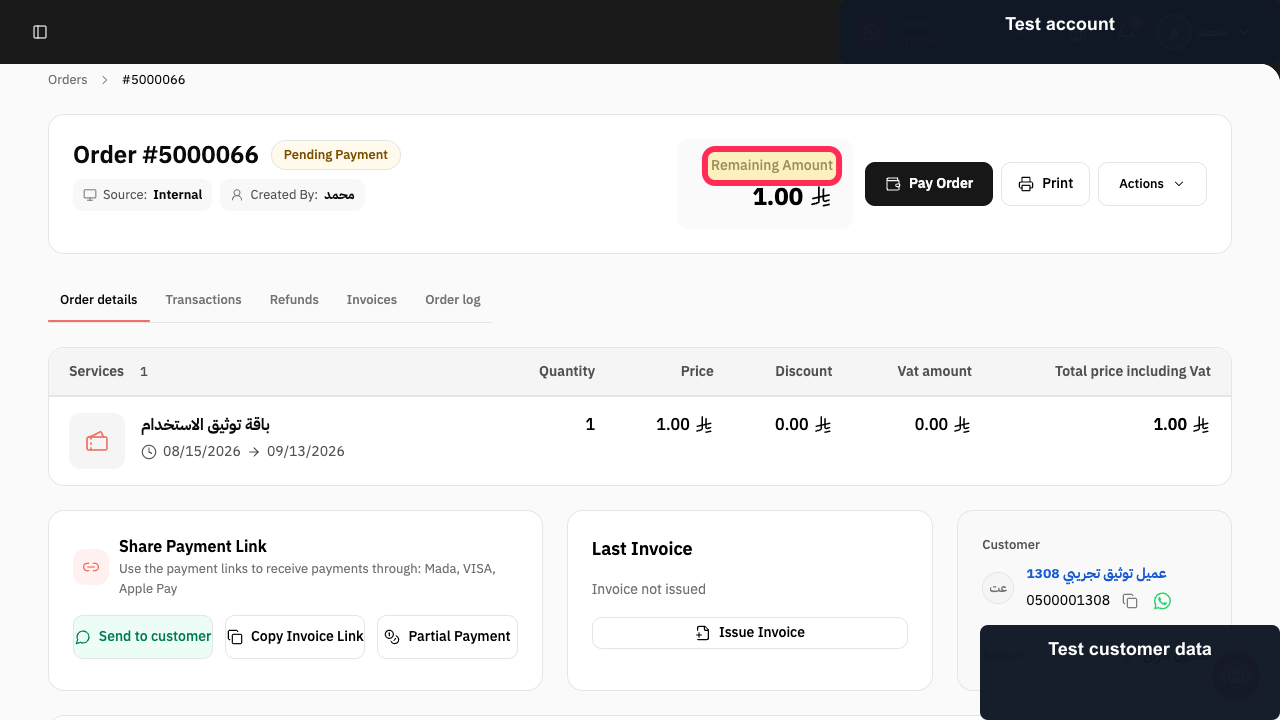
Check the Remaining Amount in the order details.
You can confirm the outstanding amount before copying a link.
Select Copy Invoice Link for the amount you need to collect.
The payment link is copied and ready to send to the customer.
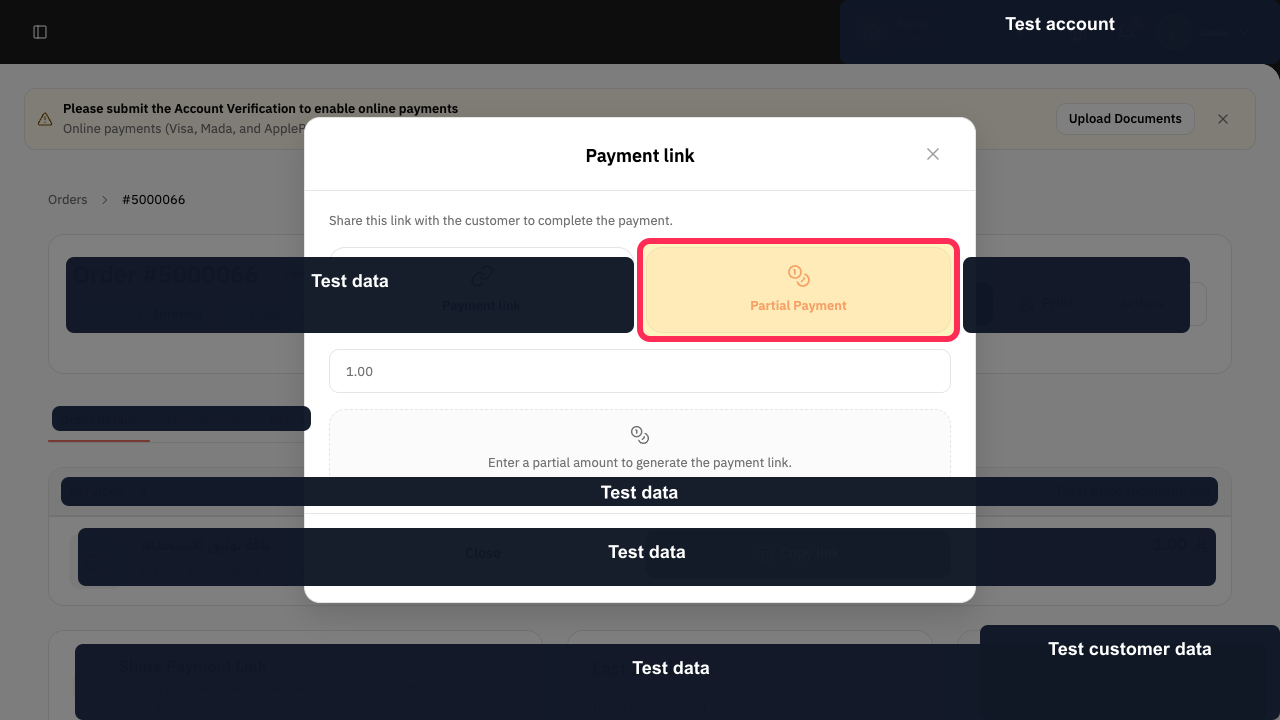
If you need to collect only part of the outstanding amount, use Partial Payment instead. Do not use Partial Payment when you want to collect the full Remaining Amount.
A partial-payment link is used only for a partial collection.
Illustrated guide
Step 1: Open Orders from the sidebar.
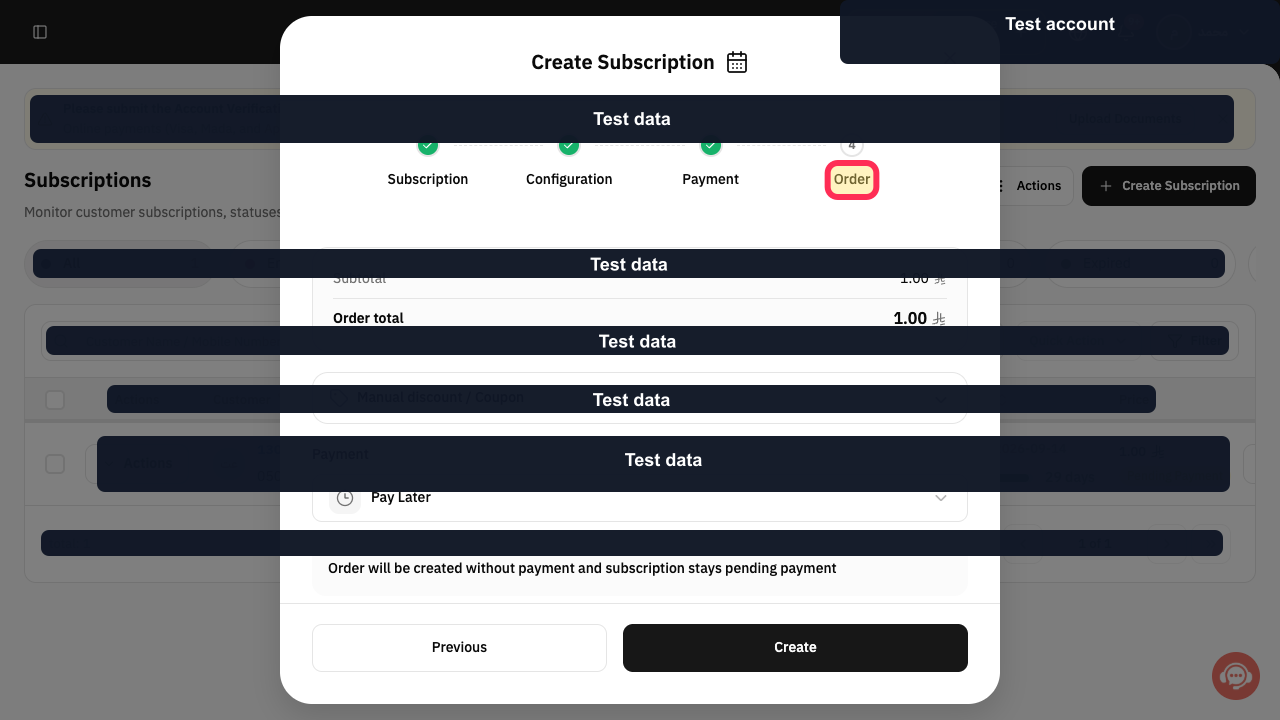
Step 2: Open the order you want to collect payment for.
Step 3: Review the Remaining Amount before creating or copying a payment link.
Step 4: Copy the payment link from the order.
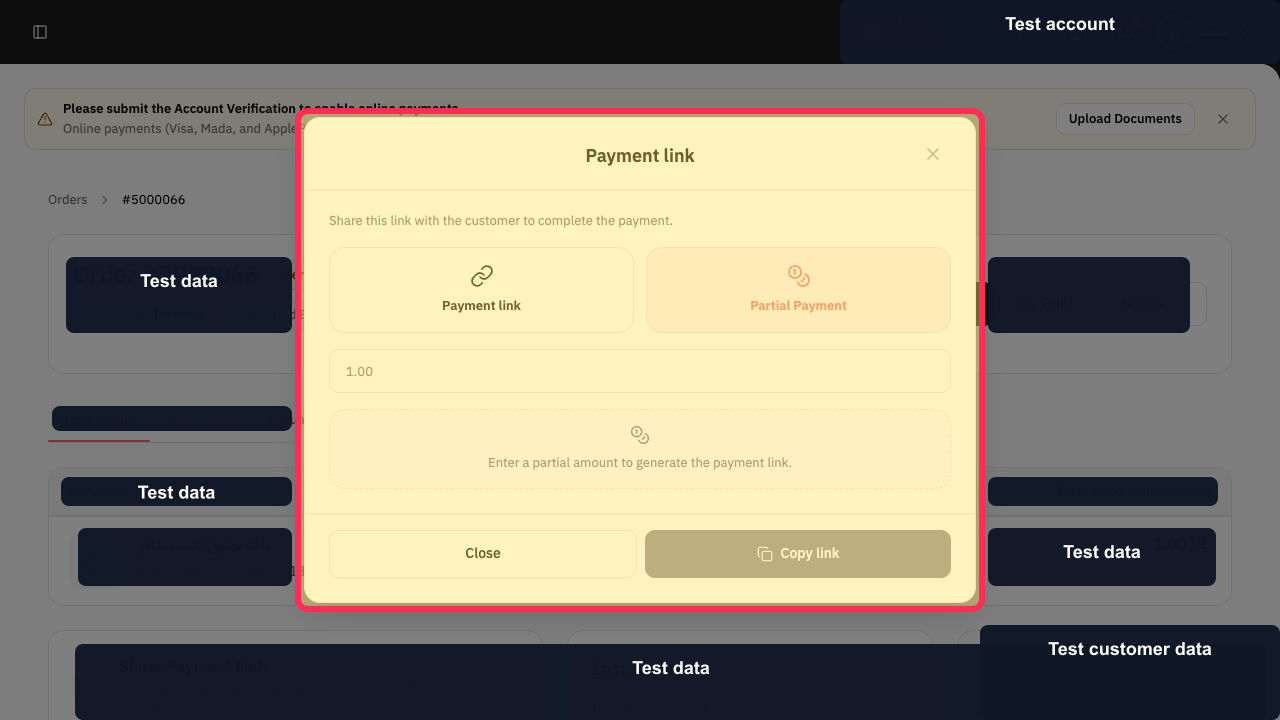
Step 5: Use Partial Payment only when collecting a partial amount.
Important notes
Test the payment link before sending it to the customer.
Review the Remaining Amount carefully to avoid sending a link for the wrong amount.
Use Partial Payment only when collecting part of the outstanding amount.
For the full outstanding amount, do not send a Partial Payment link.
Related questions
How do I send a payment link to a customer in Rekaz?
Where can I find an invoice payment link in Rekaz?
How do I share a link for the remaining amount in Rekaz?


