How do I apply a coupon discount to an order in Rekaz?
To start a discount from an editable order, go to Orders, open the order’s edit screen, and select Apply discount.
Steps
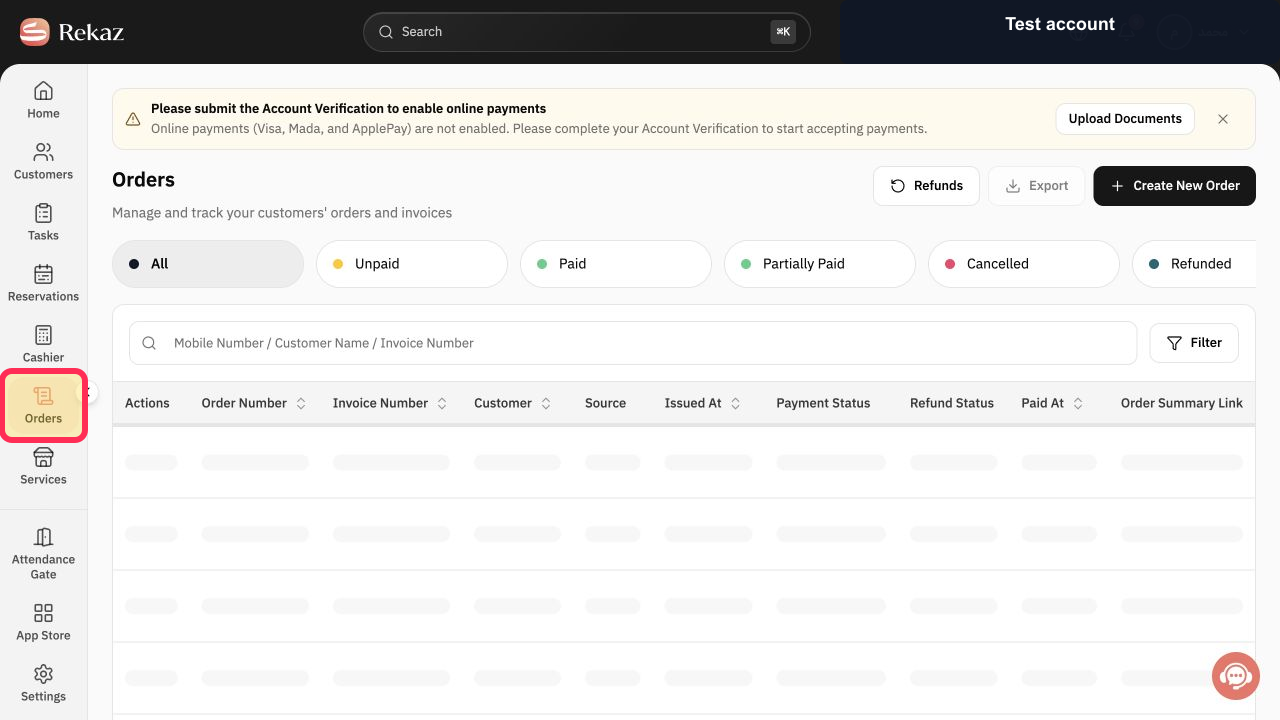
From the sidebar, select Orders.
The Orders page opens.
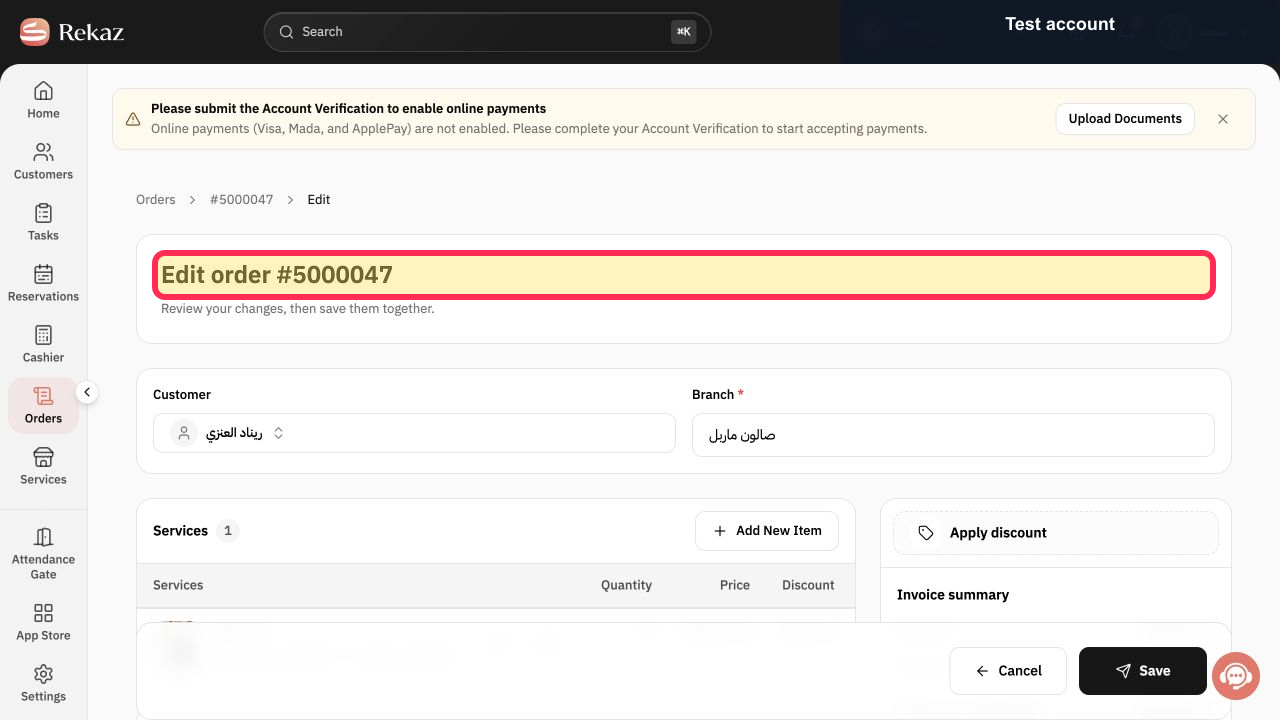
On an editable order, verify that the edit-order screen is open.
The edit-order heading is visible.
Select Apply discount.
The Apply discount dialog opens.
Verify that the Apply discount dialog is visible.
The dialog heading Apply discount is displayed.
Illustrated guide
Step 1: Select Orders from the sidebar.
Step 2: Confirm that you are editing the order.
Step 3: Open the discount dialog from the order edit screen.
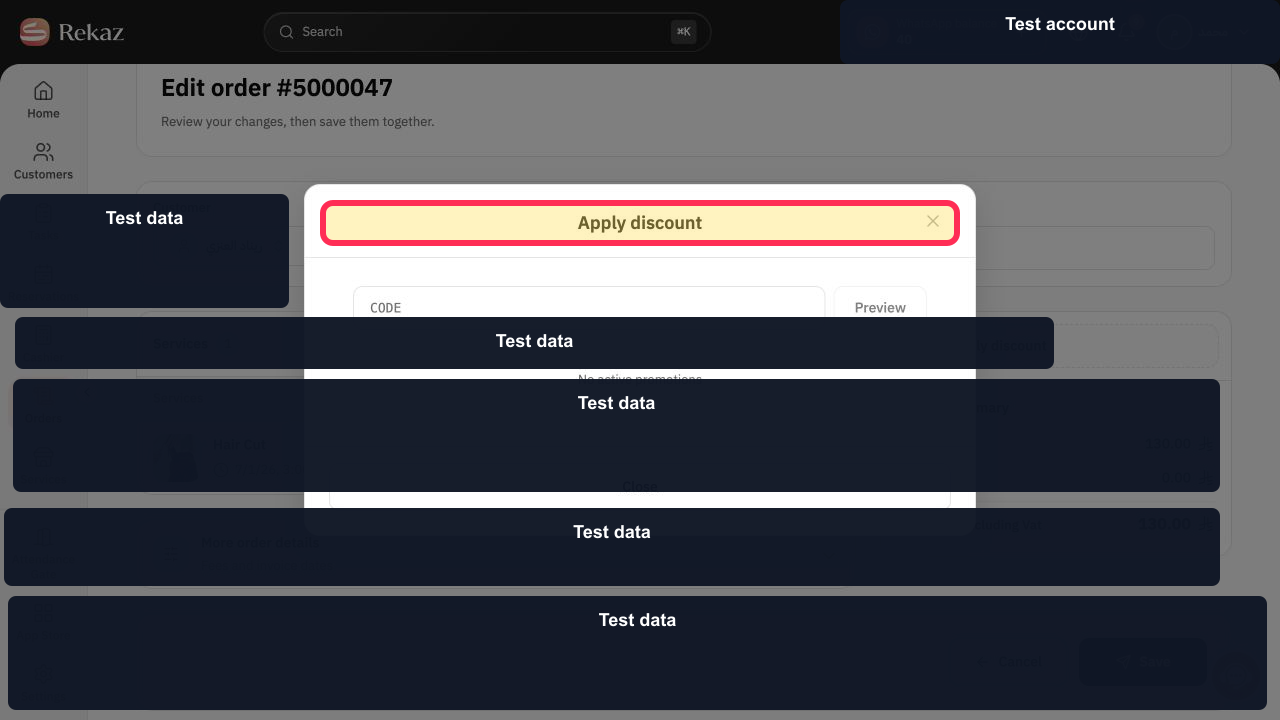
Step 4: Confirm that the Apply discount dialog has opened.
Important notes
Create or activate the coupon before trying to apply it to an order.
Always review the discount amount in the Invoice summary before saving.
If there are no available offers, the Apply Discount window will indicate this. No discount will appear in the Invoice summary.
Related questions
How do I add a coupon to an order in Rekaz?
Where can I apply a discount to a customer invoice in Rekaz?
Why is a discount not showing on my order in Rekaz?


