How do I add a fee to an order in Rekaz?
Rekaz has a Fees area in Settings for managing additional fees and charges for services.
You can open the Fees area, start a new fee, and choose the Per item option.
Steps
On the Settings page, select the Fees card.
The Fees management page opens.
Select New Fee.
The New Fee form opens.
If the fee should be configured per item, select Per item in the New Fee form.
The Per item option is selected in the New Fee form.
Illustrated guide
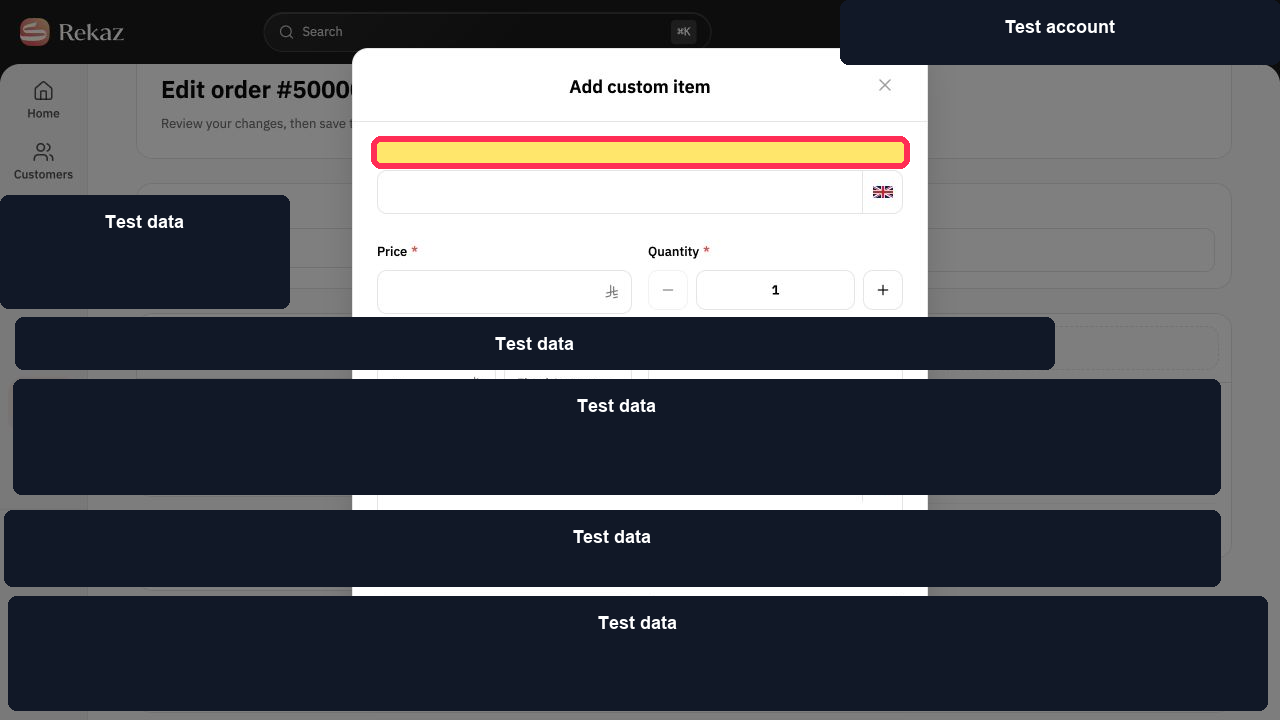
Step 1: Open Fees from Settings.
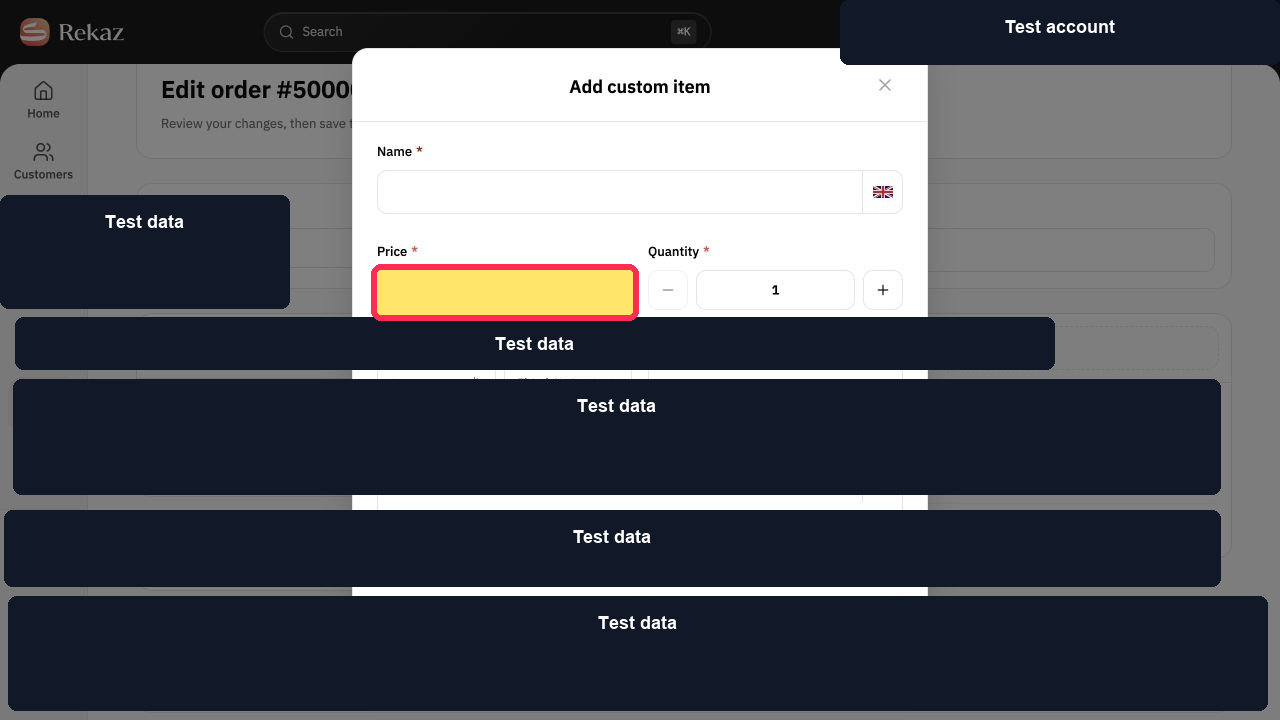
Step 2: Start creating a fee.
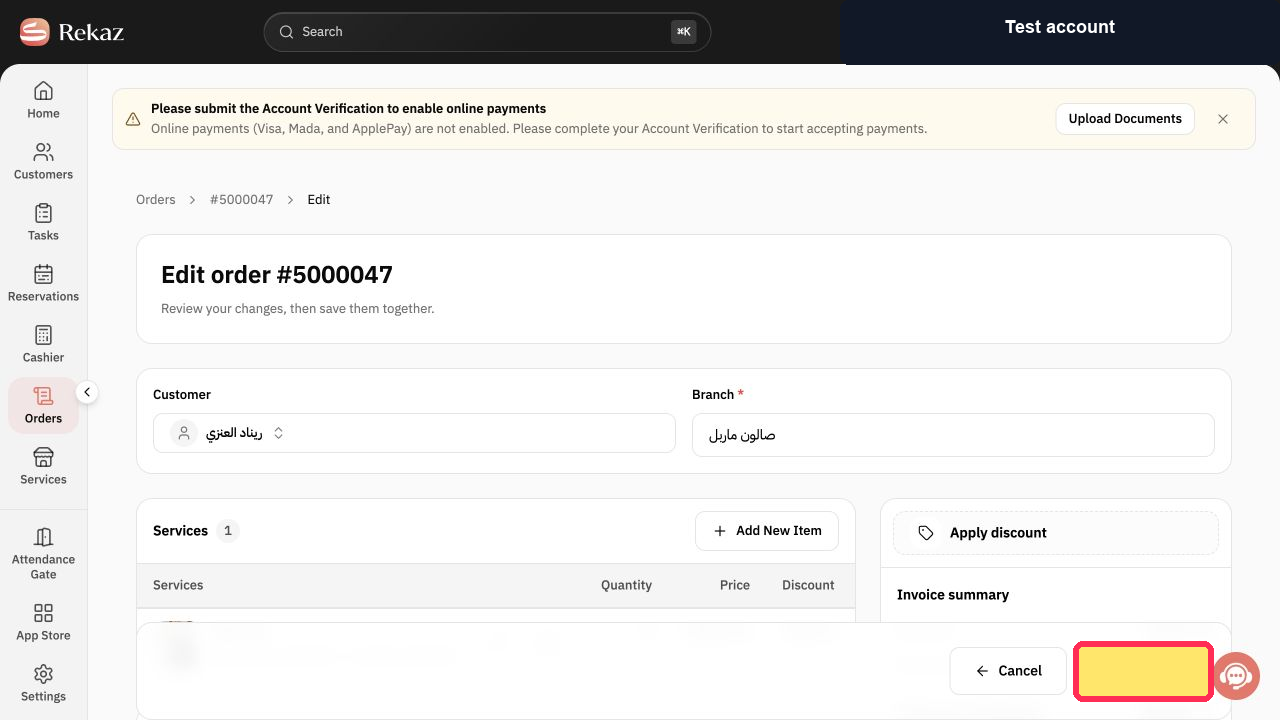
Step 3: Choose the per-item fee option.
Important limitations
A Manual item is not a separate accounting fee type on the order screen.
Check the tax effect of the fee item before saving the order.
Related questions
How do I add an extra charge to an invoice in Rekaz?
Where can I add a fee item to an order in Rekaz?
How do I add an additional service charge in Rekaz?


