How do I share a payment link or partial payment link in Rekaz?
With the payment-link dialog open for the relevant order, Rekaz lets you choose between a standard Payment link and Partial Payment.
You can copy a standard payment link. The Partial Payment option displays the instruction to enter a partial amount, but there is no input or control to generate or share the resulting partial-payment link.
Steps
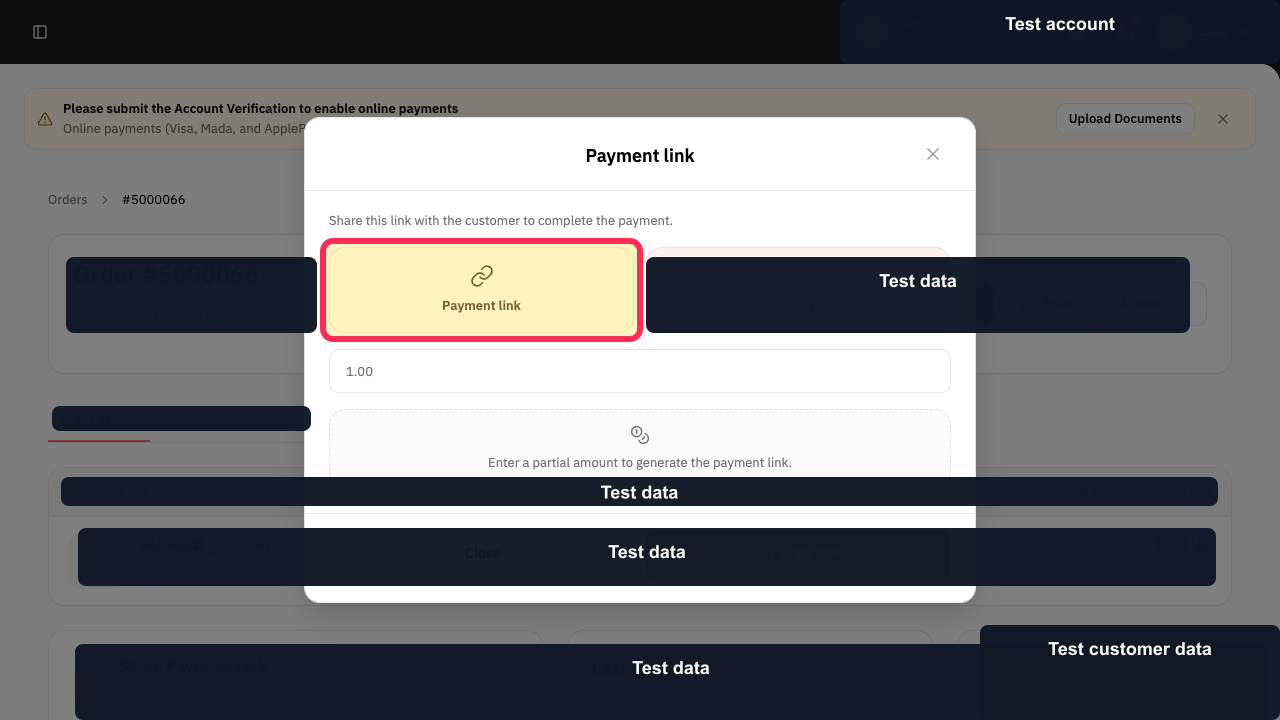
For a standard payment link, select Payment link in the payment-link dialog.
The Payment link option is selected in the dialog.
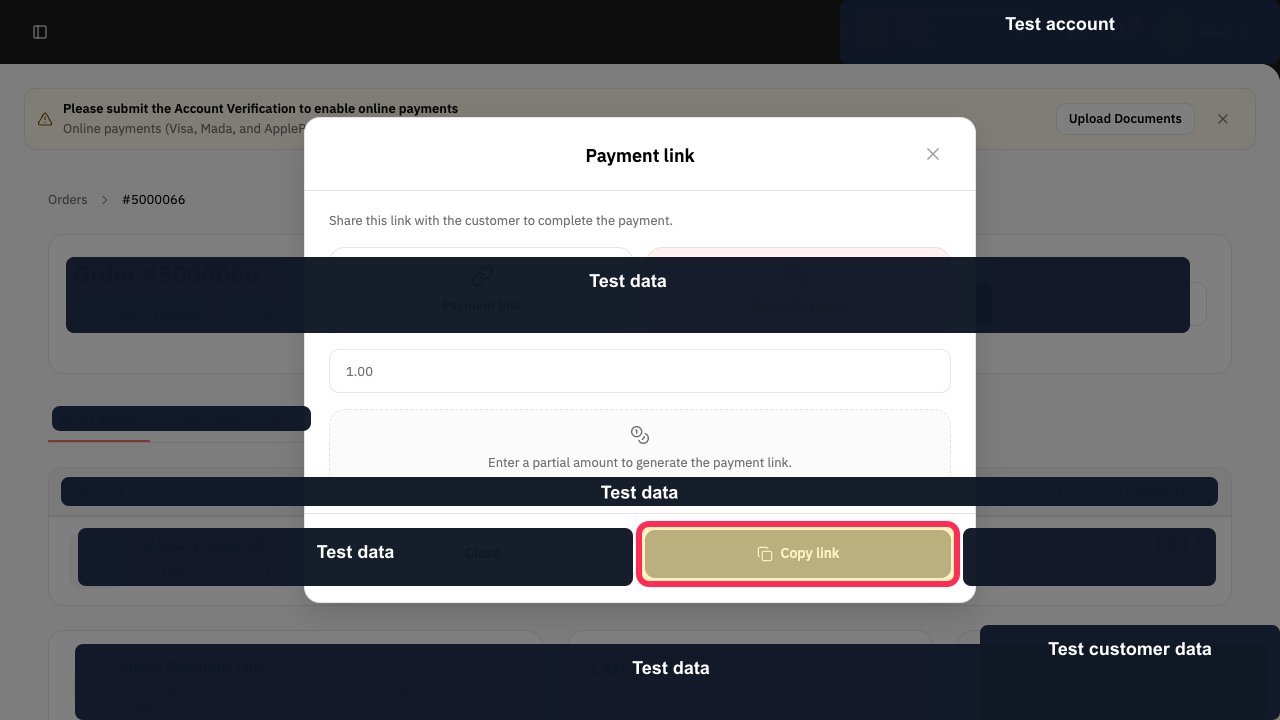
Select Copy link to copy the standard payment link.
The payment link is copied for you to share through your preferred channel.
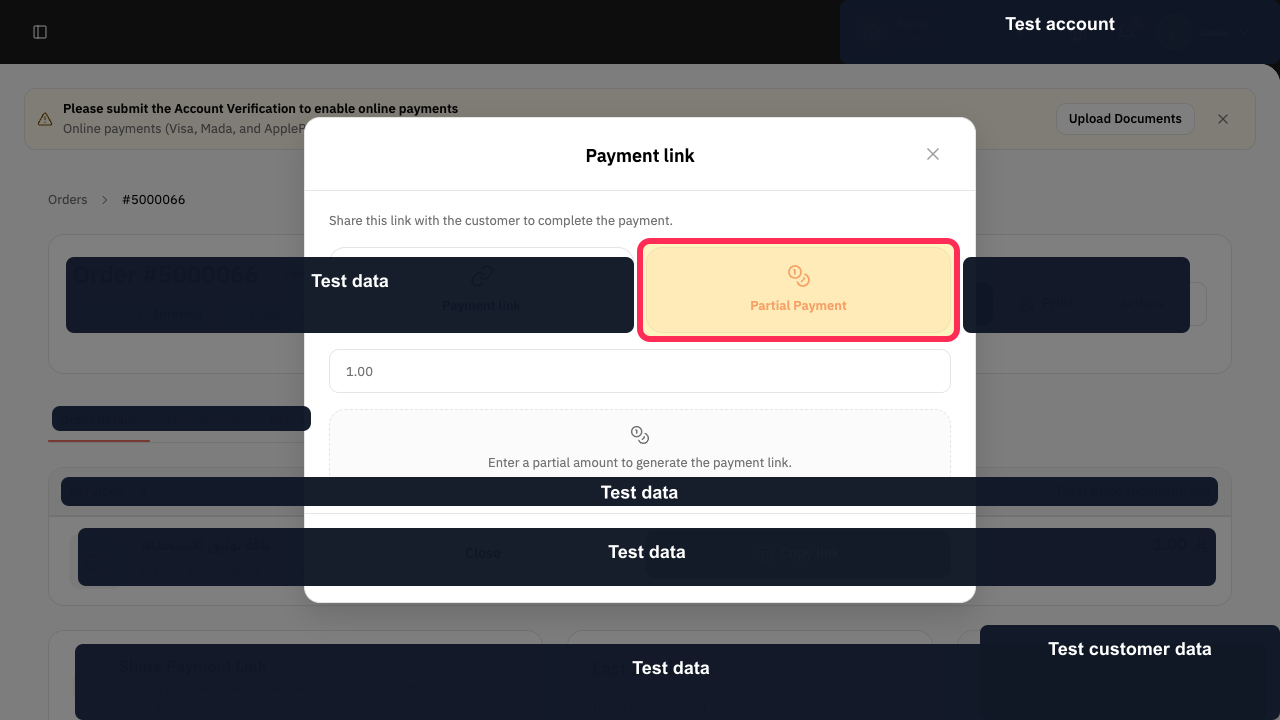
For a partial-payment request, select Partial Payment.
Rekaz displays the instruction: “Enter a partial amount to generate the payment link.”
Illustrated guide
Step 1: Select the standard payment-link option.
Step 2: Copy the standard payment link.
Step 3: Choose the partial-payment option.
Payment-link options
Use the Share Link section of an order to choose how you want to share payment with the customer.
Send to customer: sends the payment link directly through WhatsApp.
Copy Link: copies the link so you can share it through another method.
Partial Payment: lets you specify an amount and share a link for that amount.
Related questions
How do I send an order payment link to a customer in Rekaz?
How do I copy an order payment link in Rekaz?
How do I request a partial payment from a customer in Rekaz?


