How do I view settlement details in Rekaz?
To review settlement information in Rekaz, open Rekaz Pay and use the available settlement-history date filter and Settlement Date column.
Steps
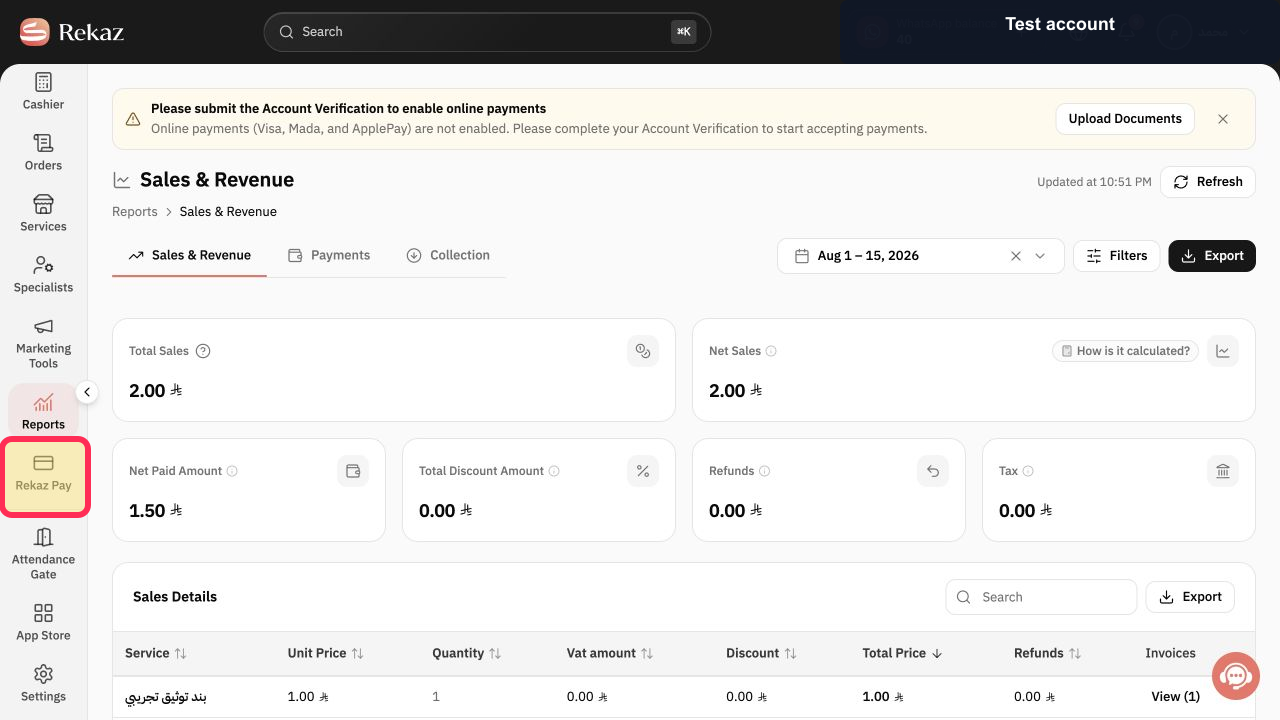
From the sidebar, select Rekaz Pay.
The Rekaz Pay area opens.
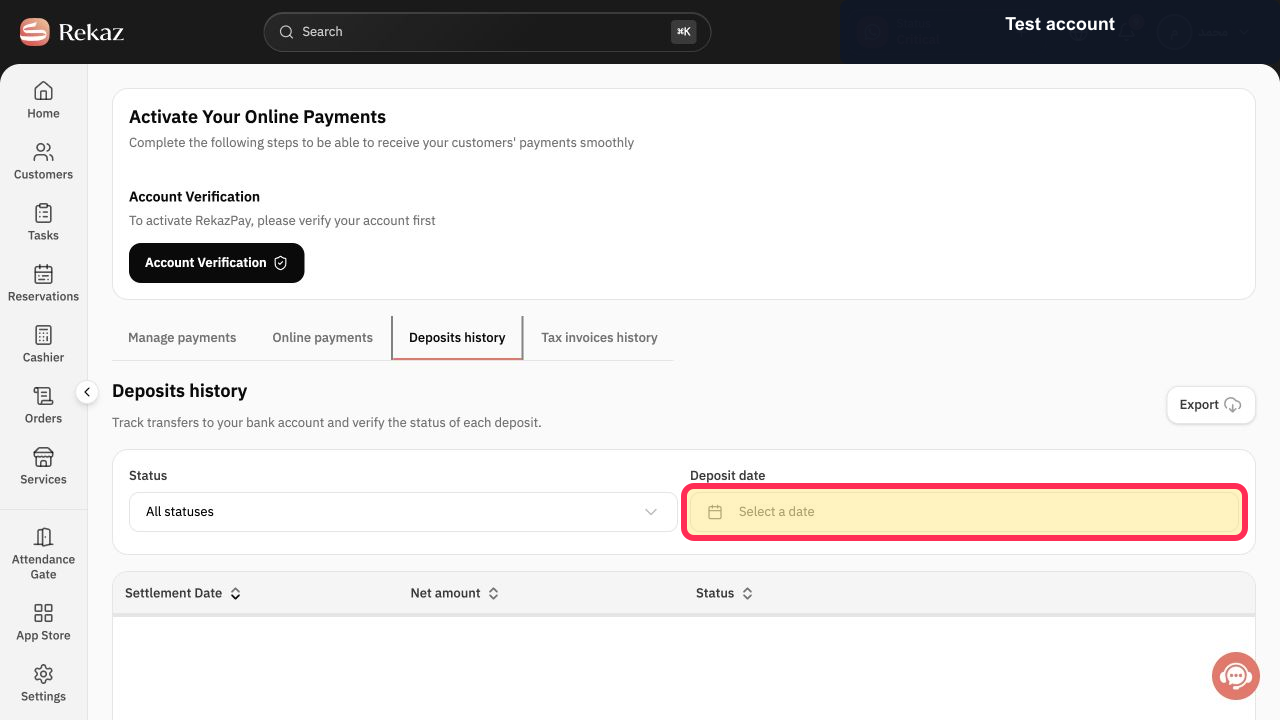
On the available settlement-history screen, select Select a date to filter the records by date.
A date selection control is available for filtering settlement-history records.
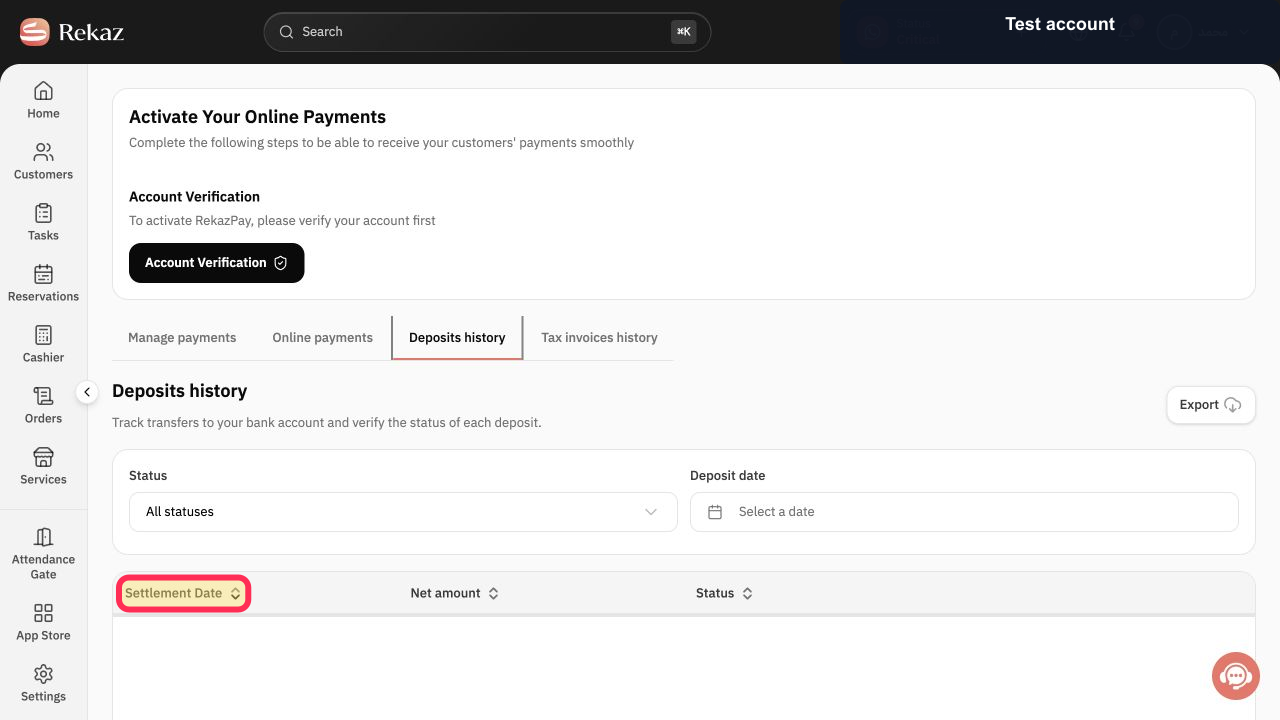
Review the Settlement Date shown for the settlement records.
The settlement records show a Settlement Date column.
Illustrated guide
Step 1: Select Rekaz Pay from the sidebar.
Step 2: Filter settlement history by date.
Step 3: Review the settlement date for the displayed records.
What you can review
Settlement details include the settlement amount and the fees associated with that settlement.
Related questions
How can I check settlement fees in Rekaz?
Where can I see the amount of a settlement in Rekaz?
How do I open a settlement record in Rekaz?


