How do I turn off Cash On Arrival in Rekaz?
To check Cash On Arrival options in Rekaz, open Rekaz Pay and review its payment-management area.
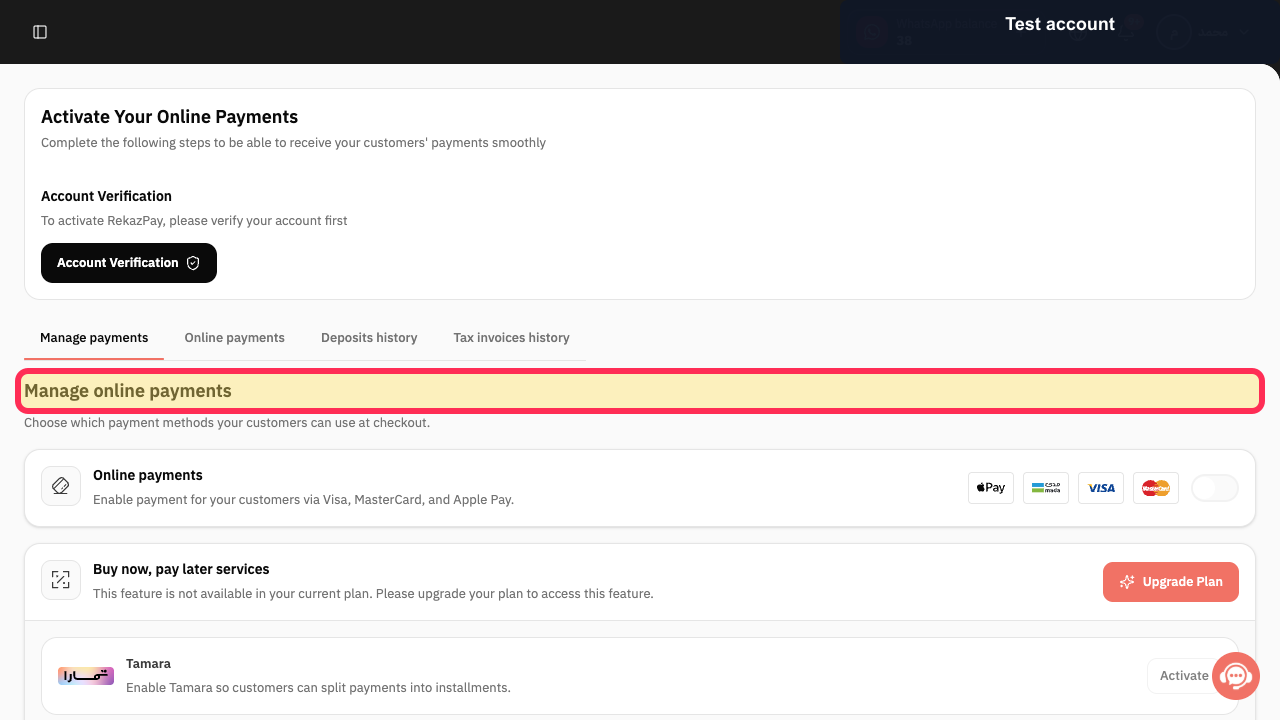
The current interface does not show the Cash On Arrival disable action. It shows online-payment management, but no Cash On Arrival option, status, or toggle to change.
Steps
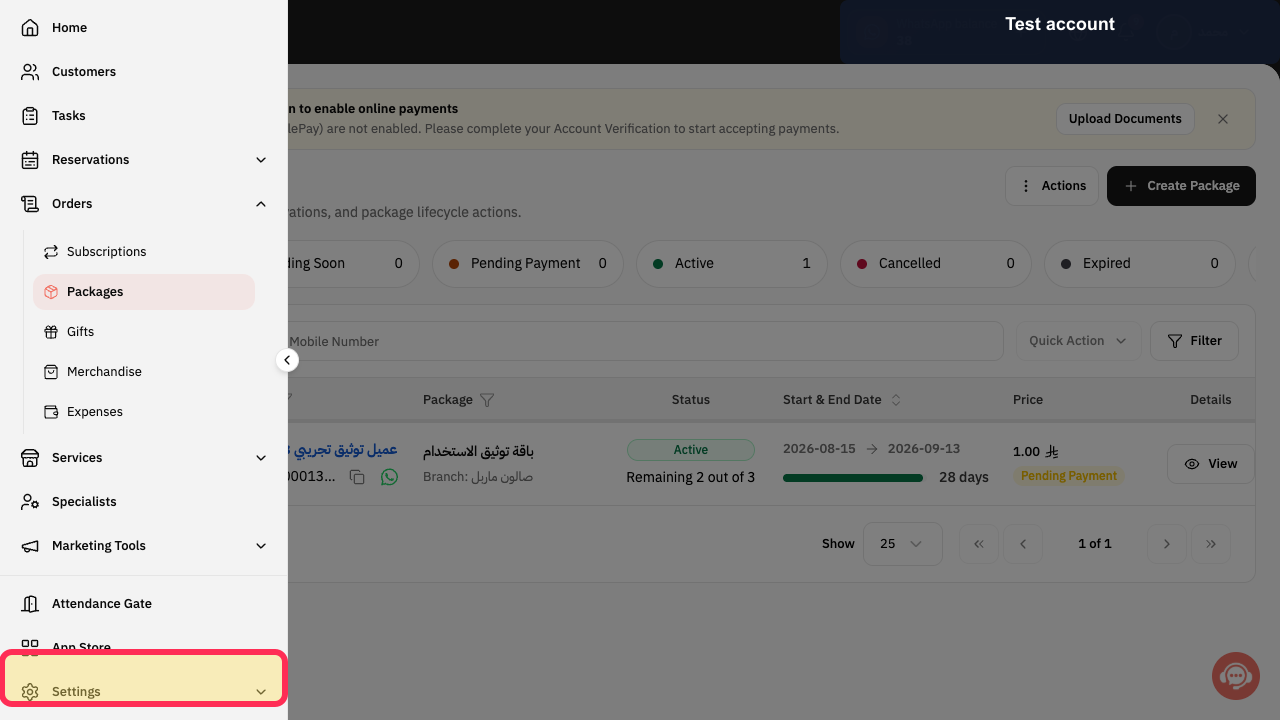
From the signed-in Rekaz dashboard, select Rekaz Pay in the sidebar.
The Rekaz Pay area opens.
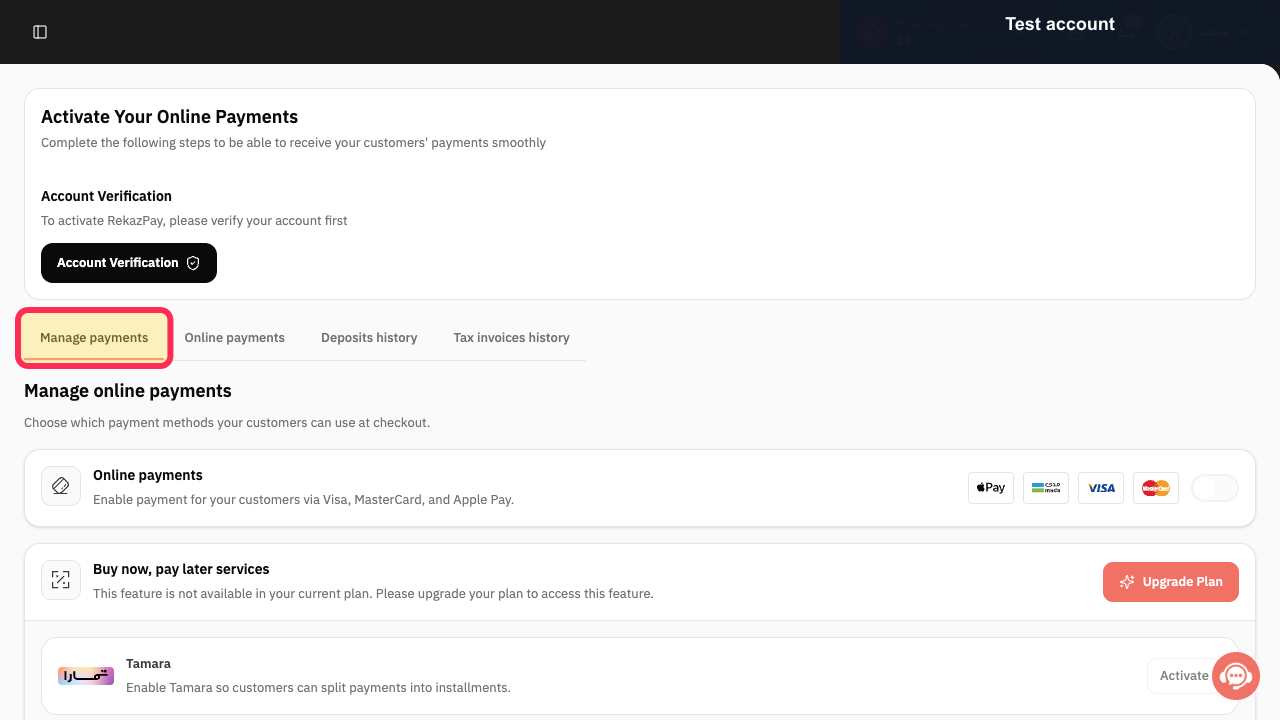
Select Manage payments.
The Manage online payments area is displayed.
Review the Manage online payments page for available controls.
The page shows Manage online payments; the current interface does not display Cash On Arrival or a control to turn it off.
Illustrated guide
Step 1: Open Rekaz Pay from the sidebar.
Step 2: Open the Manage payments area in Rekaz Pay.
Step 3: Manage online payments does not show a Cash On Arrival setting.
Important
You cannot disable all payment methods. Keep at least one payment method enabled before turning off Cash On Arrival.
Related questions
How can I disable Cash On Arrival in Rekaz?
Why can’t I turn off all payment methods in Rekaz?
How do I manage payment methods in Rekaz?


