How do I get my Rekaz subscription invoice?
Subscription History is the correct place for Rekaz platform subscription invoices. Store order and payment-method pages are separate.
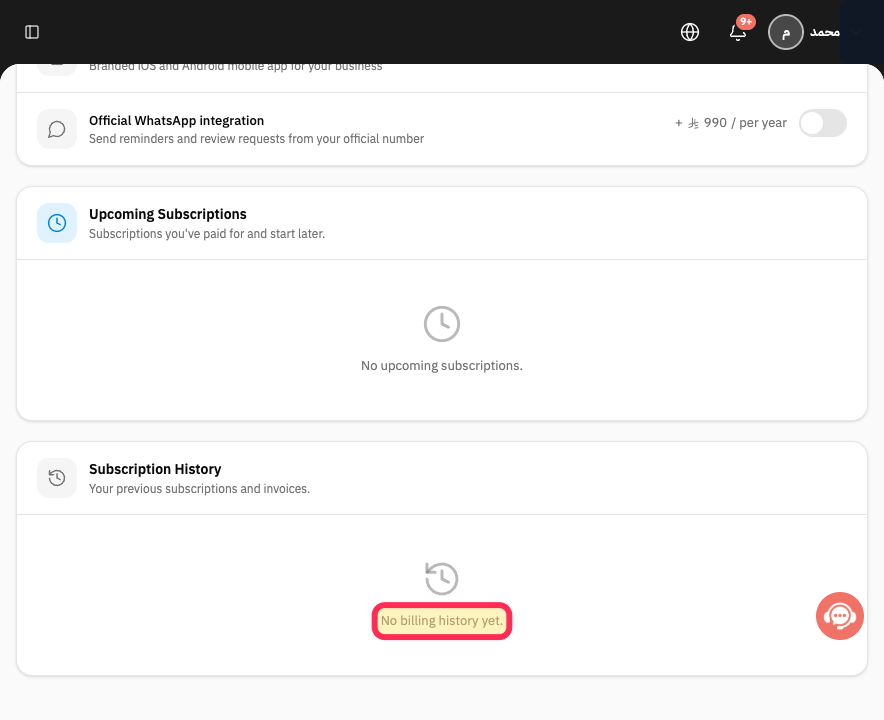
If the page says No billing history yet, the account has no invoice available there. Do not create or alter an invoice manually in Rekaz's name.
Steps
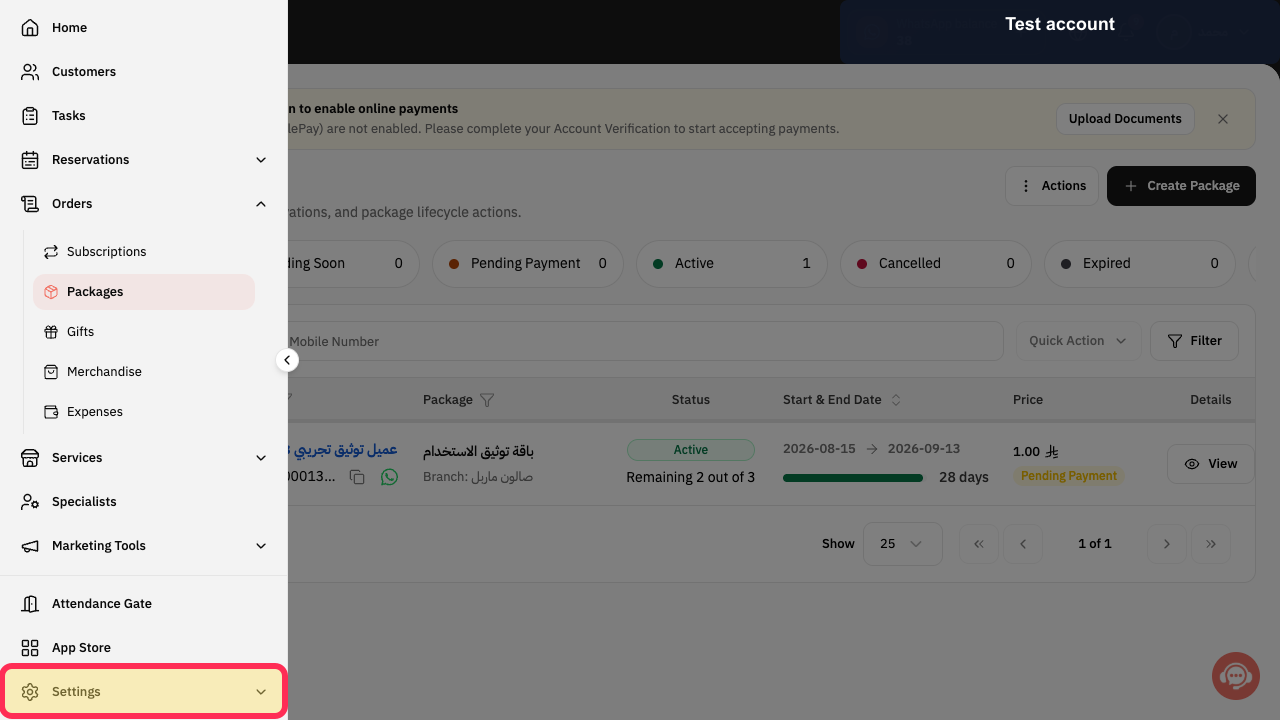
Open the Rekaz navigation, expand Settings, and select My Plan.
The plan-management page opens.
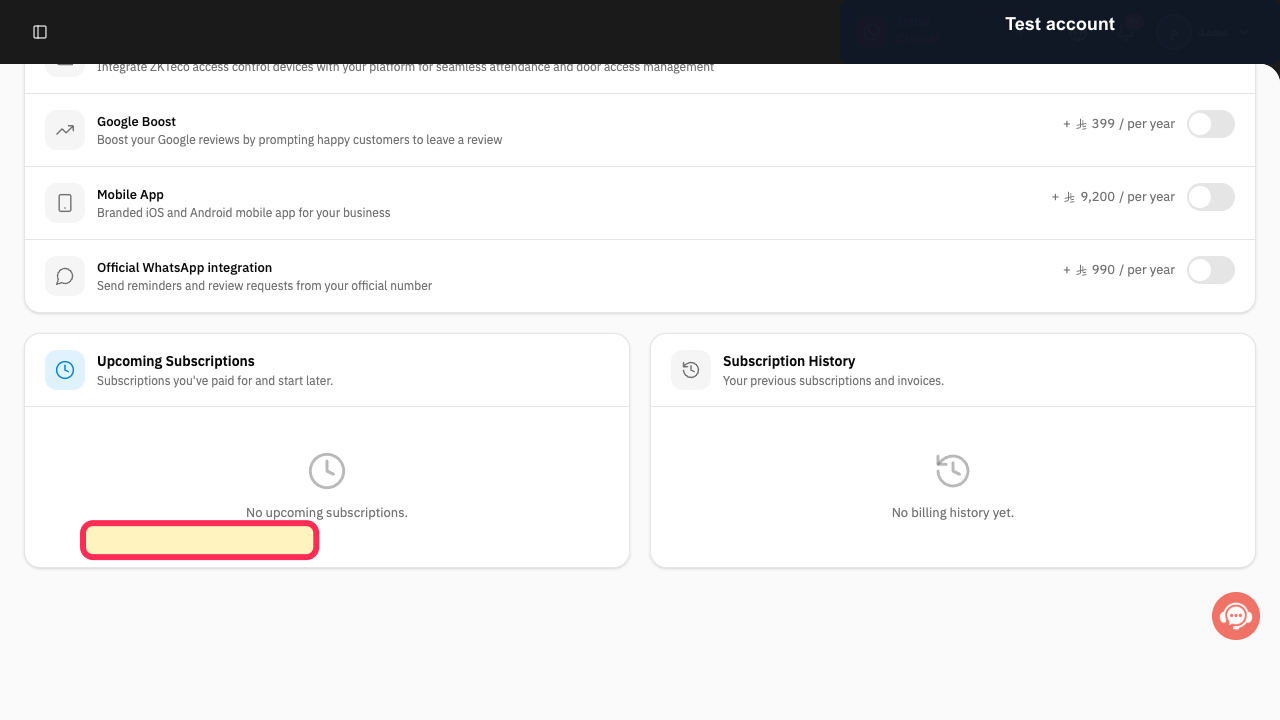
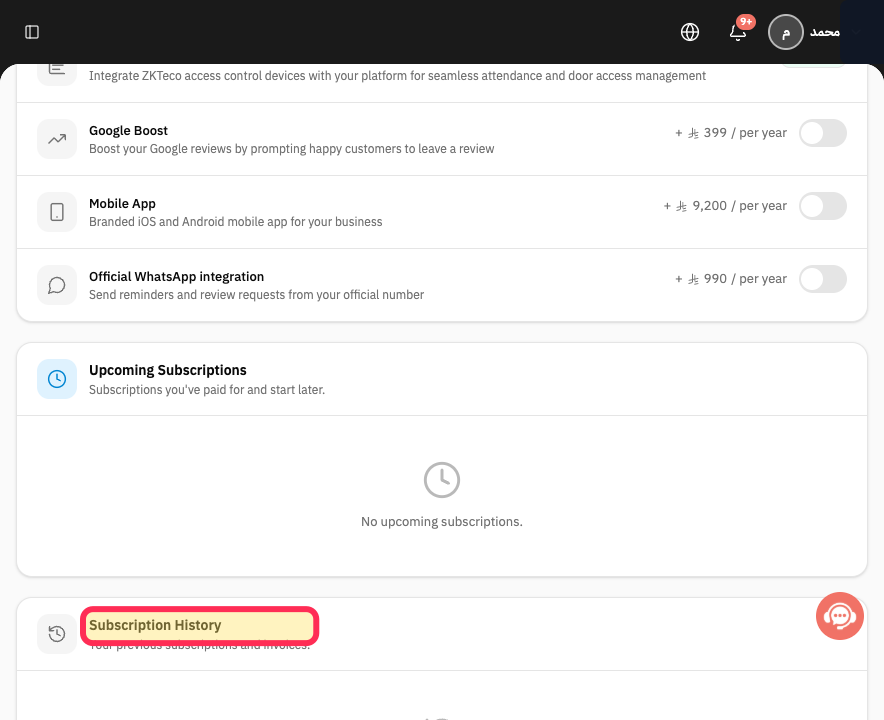
Scroll to Subscription History.
The previous-subscriptions and invoices section is visible.
Check whether the required subscription record and invoice action are present.
An available invoice can be identified, or the page states No billing history yet.
If an invoice is present, use the View or download action displayed on that row and verify the business name, period, and amount before saving it.
The correct subscription invoice is opened or downloaded.
If the expected invoice is missing, select Contact support and provide the subscription period and account reference only.
Support can review the missing invoice without receiving passwords or full card information.
Illustrated guide
Step 1: Open My Plan from the Rekaz Settings section.
Step 2: Open the Rekaz subscription billing history.
Step 3: Check whether a subscription invoice exists.
Step 4: Use the invoice action shown in Subscription History.
Step 5: Contact Rekaz support about a missing subscription invoice.
If Subscription History is empty
If you see “You do not have billing history yet,” no invoice is available to download for this account.
Do not create a document manually in Rekaz’s name.
Contact Rekaz support if you still need help with your subscription invoice.
Invoice availability
Subscription History contains previous subscriptions and their invoices when available. The page may not show an invoice action for every subscription.
Where to look for Rekaz plan invoices
Use My Plan and Subscription History for invoices related to your Rekaz subscription. Your store’s payment-method screens are not a record of Rekaz plan invoices.
Related questions
Where can I find previous Rekaz subscription invoices?
Why can’t I download a Rekaz subscription invoice?
How can Rekaz support help with a subscription invoice?
Are store payment methods the same as Rekaz plan invoice history?
What does it mean when Rekaz shows no billing history yet?


