How do I change the primary account email address in Rekaz?
Use support for this account-identity change. Provide the business name and a safely masked old and new email; never share your password, one-time code, or API key.
Steps
Select Contact support and request the primary account-email change using masked account details.
Rekaz support receives the account-identity change request without exposing authentication secrets.
Illustrated guide
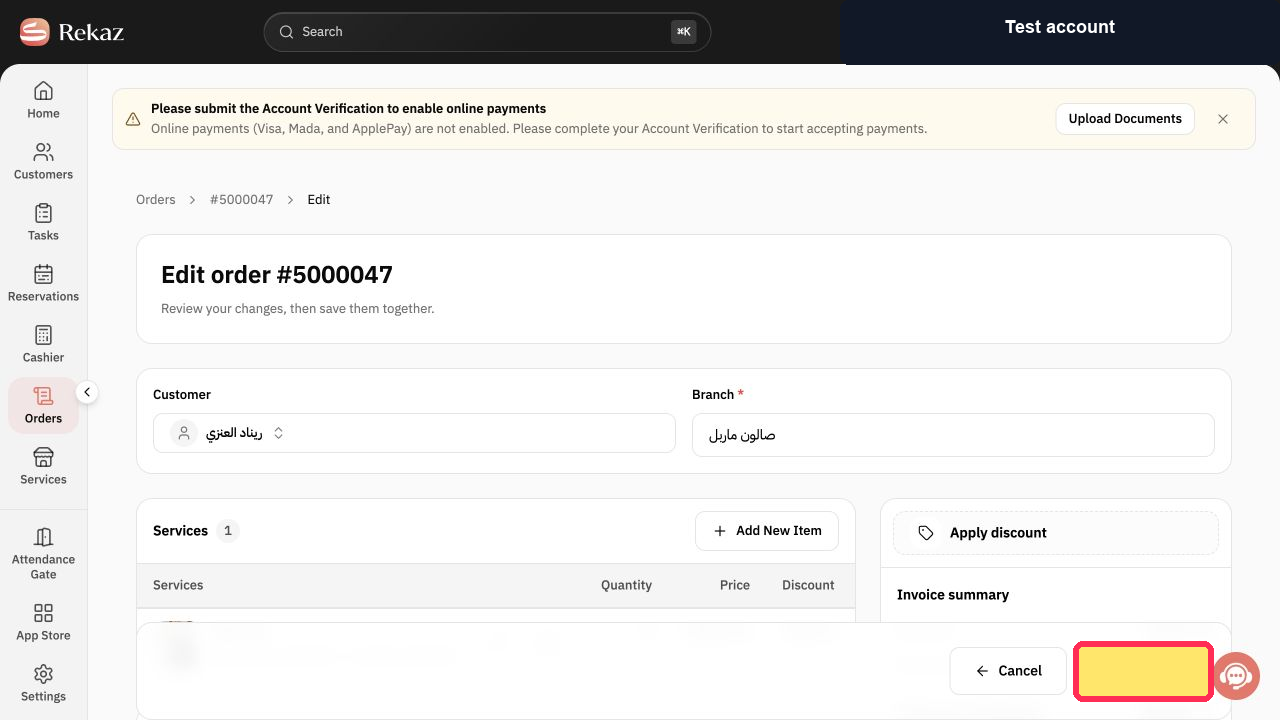
Step 1: Contact Rekaz support about the primary account email.
Important notes
Check the entered email address and all other details before saving.
Related questions
Where can I change the primary account email address in Rekaz?
What are the steps to update an account user’s email address in Rekaz?
Can I use a different email address for an account user in Rekaz?


