Does my Rekaz plan support customer subscriptions?
To check whether your Rekaz plan supports customer subscriptions, compare the package cards on the current Packages page. Look for the Subscriptions row and its inclusion or exclusion indicator for each package.
Customer subscriptions are different from your business's Rekaz subscription. Review the current Packages page before making a decision.
Steps
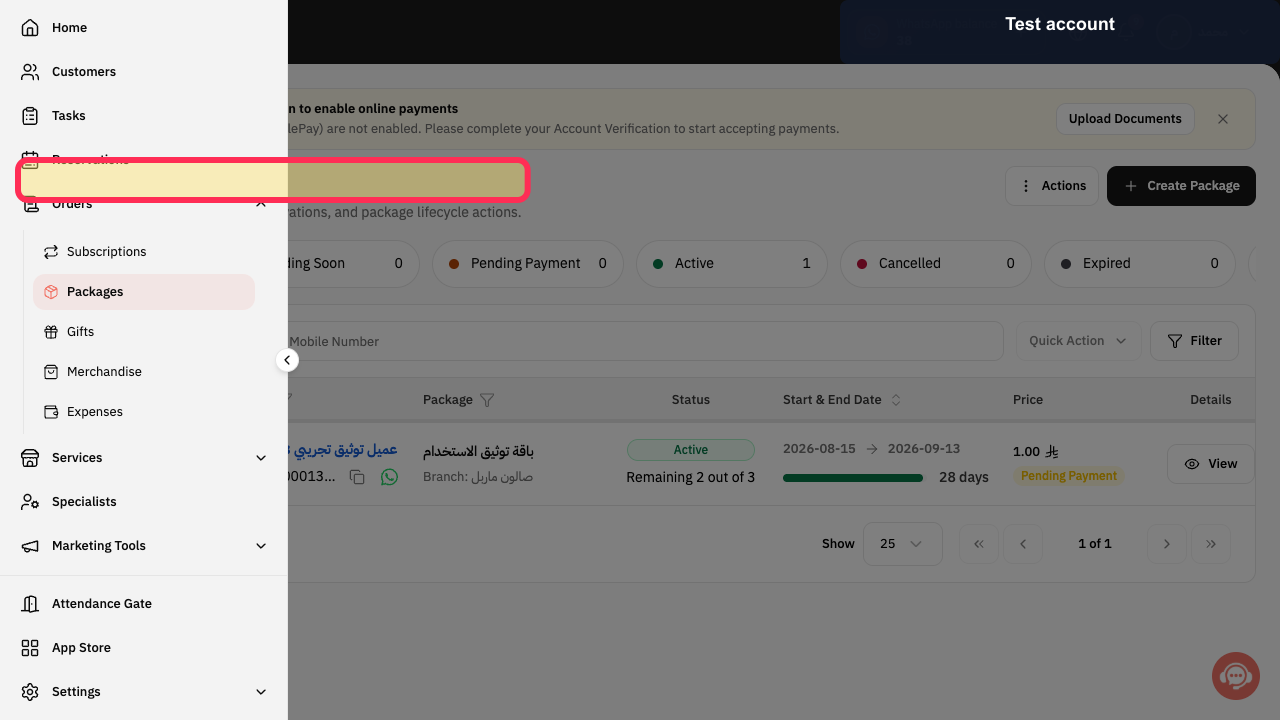
From Home, select Packages to open the current customer-package area.
The Packages area opens.
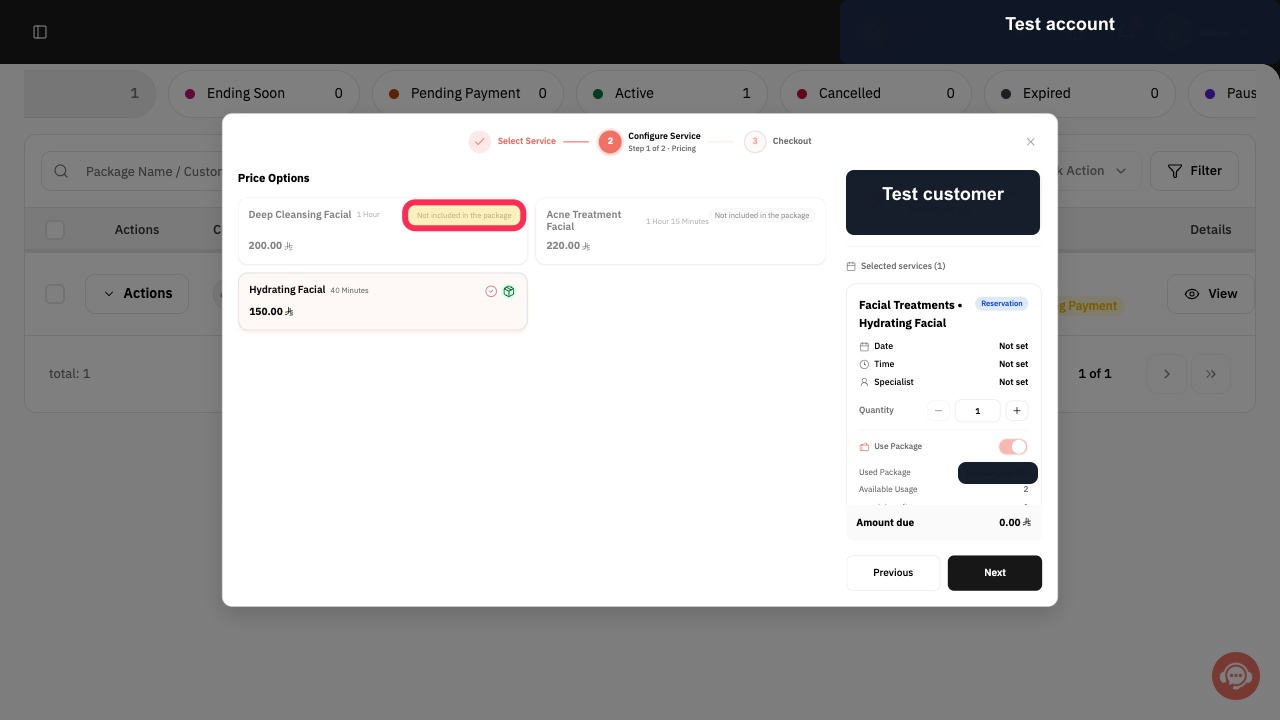
On the relevant package card, find the Subscriptions row and check its inclusion or exclusion indicator.
You can see whether customer Subscriptions are included or excluded for that package.
Illustrated guide
Step 1: Open Packages in Rekaz.
Step 2: Check the Subscriptions row and its indicator on the package card.
Important notes
Some package cards may exclude customer Subscriptions, while others include them, depending on the current offer.
Always review the current Packages page before choosing or changing a package.
Do not confuse your business's Rekaz subscription with customer Subscriptions.
Related questions
Which Rekaz package includes customer Subscriptions?
Does my Rekaz plan support memberships?
Where can I check package feature support in Rekaz?


