How many branches can I add to my Rekaz plan?
Branch limits vary by plan and can change. Use the live plan comparison rather than an older screenshot.
The comparison shows included branches, while Additional Branches is listed separately as an optional add-on.
Steps
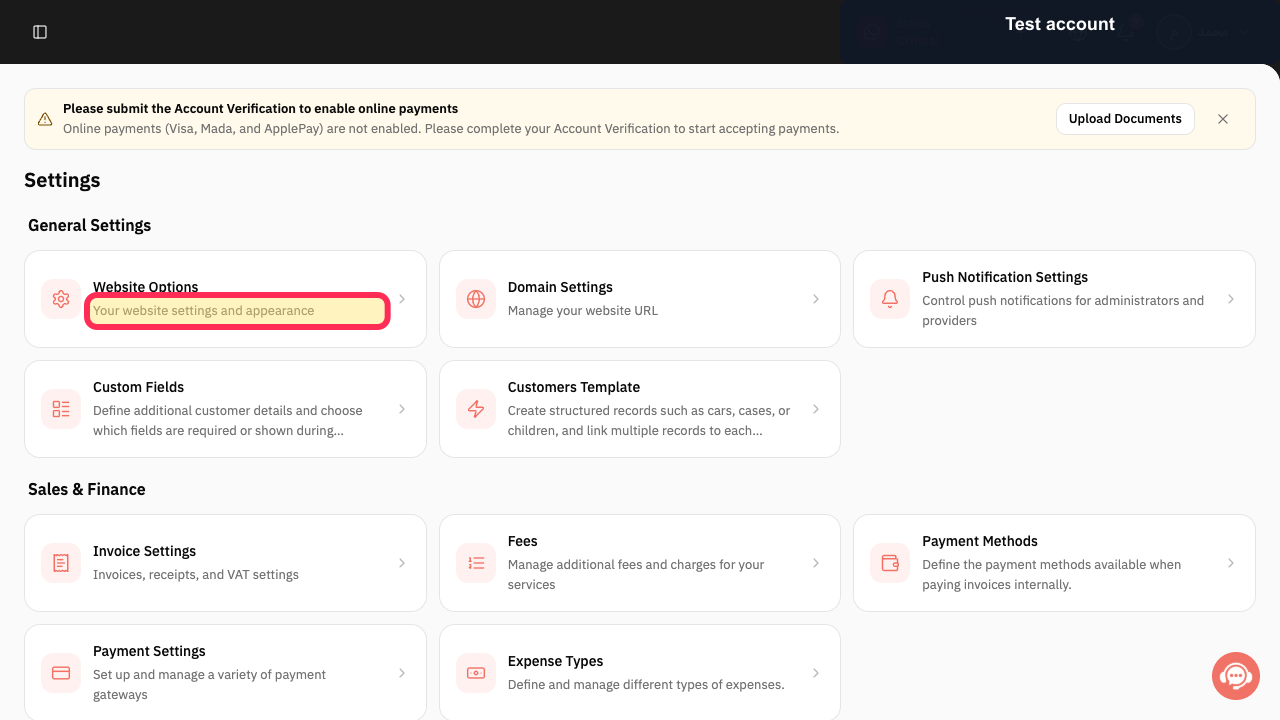
Open Settings, select My Plan, then choose View Plans.
The current Rekaz plan comparison opens.
Review the plan cards and locate the branch inclusion shown for each plan.
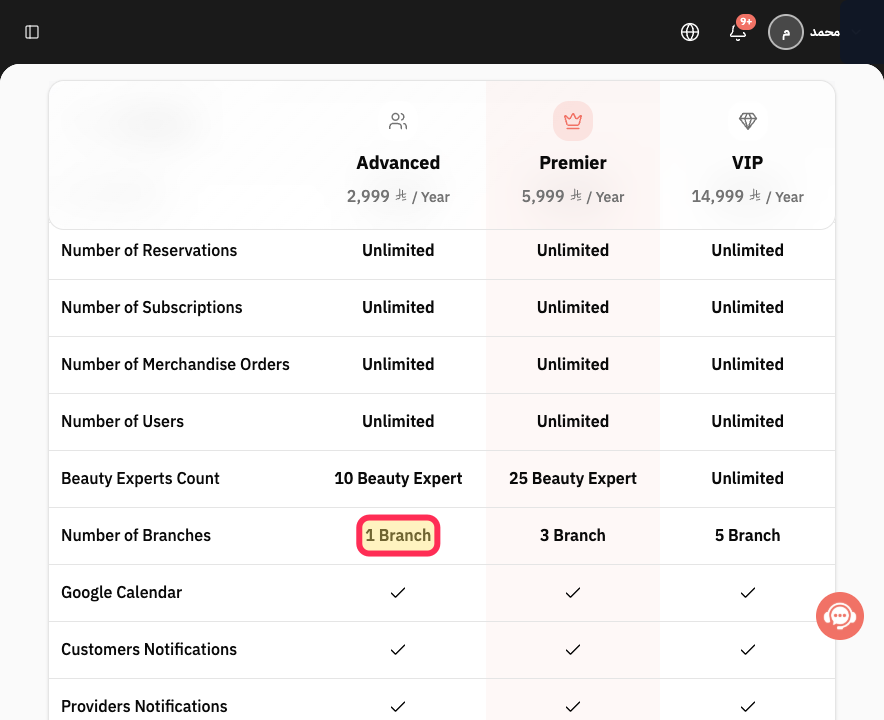
The headline branch limits are visible on the Advanced, Premier, and VIP cards.
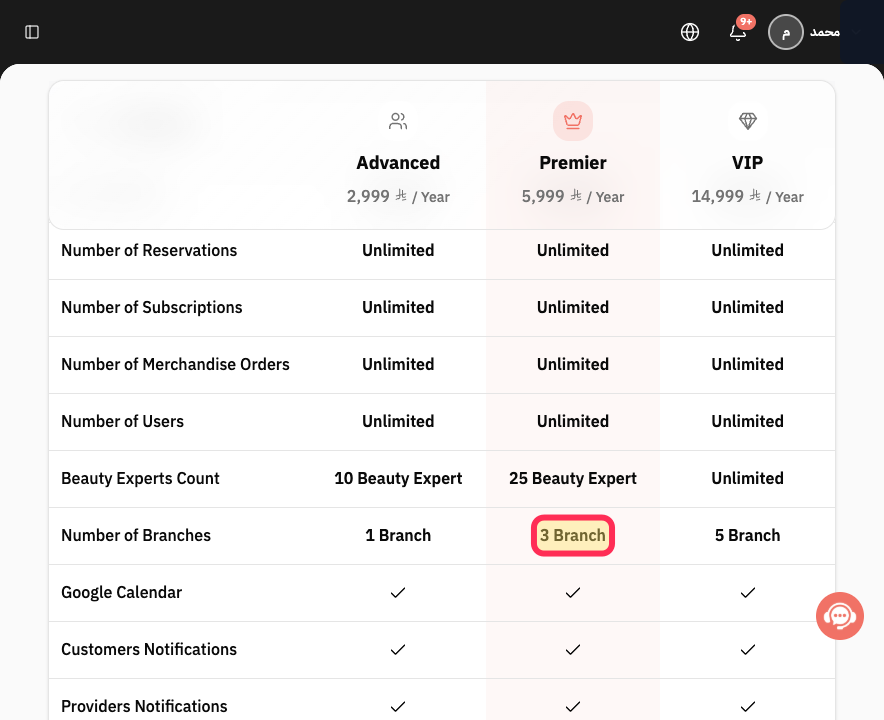
Scroll to Compare plans side by side and find the row that shows 1 Branch, 3 Branch, and 5 Branch for the displayed plans.
The included branch count for every plan is visible in one row.
Scroll to Optional add-ons and review Additional Branches and its current price.
The cost of adding branches beyond the plan inclusion is visible.
Illustrated guide
Step 1: Open the current Rekaz plans.
Step 2: Compare branch limits on the plan cards.
Step 3: Compare the included Number of Branches.
Step 4: Review the Additional Branches add-on.
Important notes
Branch limits differ between Rekaz plans and are shown in the features on each plan card.
Review the available Addons in subscription management as well.
Do not use an old screenshot to determine the final branch limit.
Related questions
How many branches does my Rekaz subscription allow?
Where can I find my branch limit in Rekaz?
Do I need a larger Rekaz plan to add another branch?


