How do I cancel my Rekaz subscription?
Cancellation controls depend on the subscription state. If the account has no active subscription, there is nothing to cancel on that account.
For an active account, use only the cancellation or management action displayed in My Plan. If none appears, contact support and share the account identifier—not passwords, card data, or customer records.
Steps
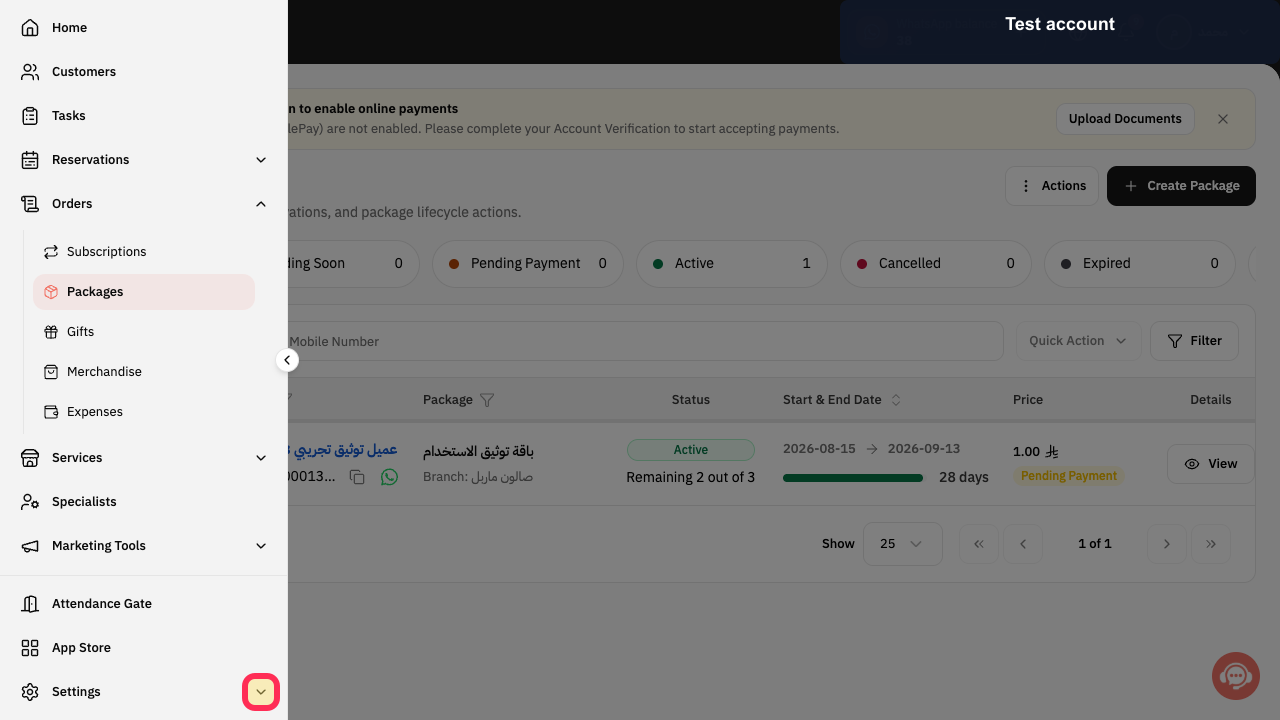
Open the Rekaz navigation, expand Settings, and select My Plan.
The subscription-management page opens.
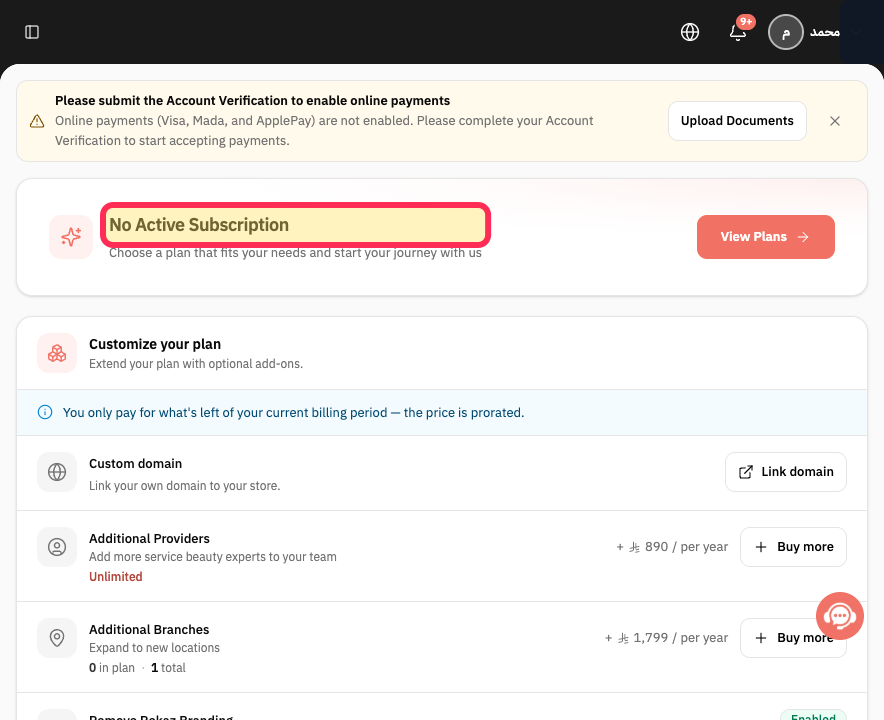
Read the current status.
The page confirms whether an active subscription exists.
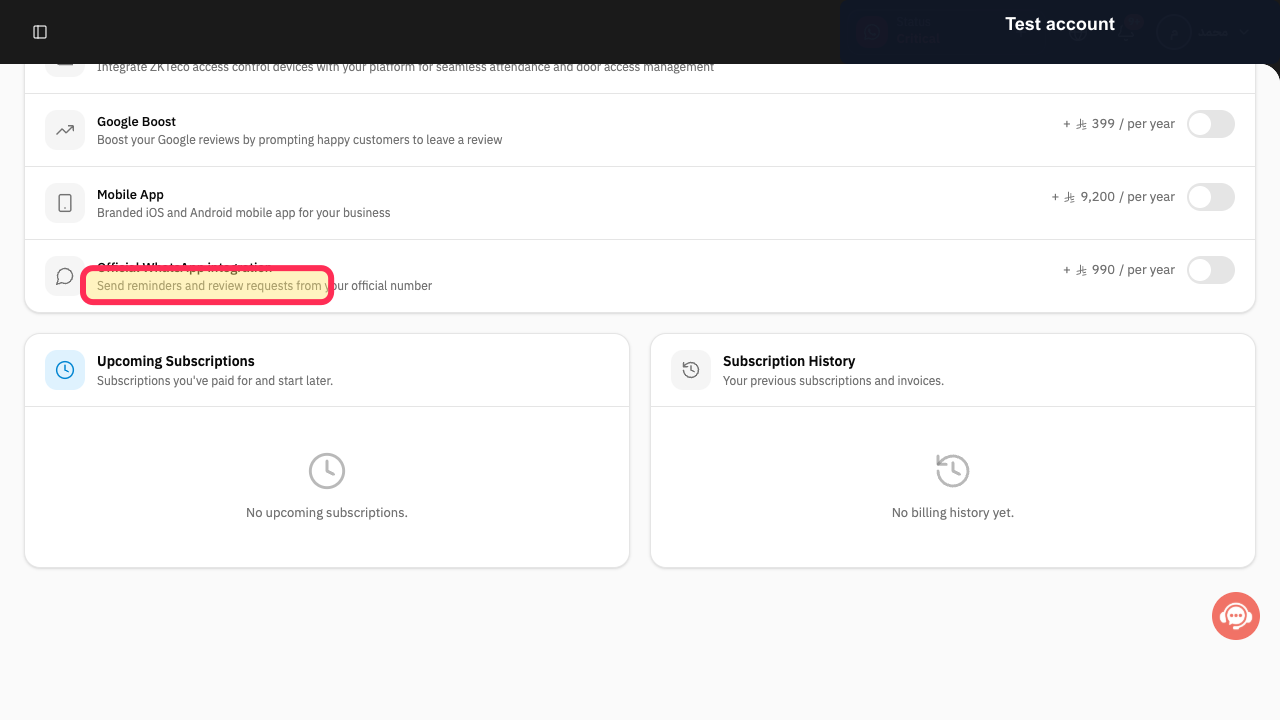
Review Upcoming Subscriptions so a future paid plan is not overlooked.
Any plan scheduled to start later is displayed.
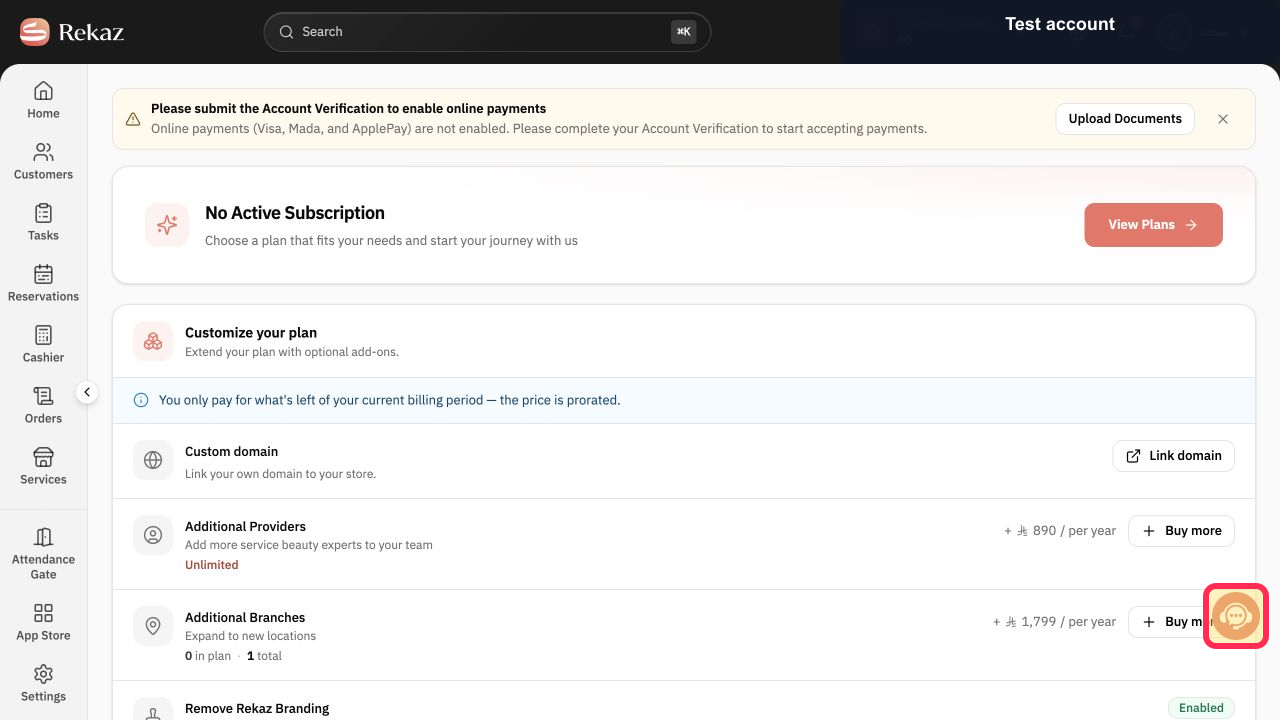
If an active or upcoming subscription has no cancellation control, select Contact support.
The Rekaz support channel opens.
Provide the account or subscription reference and ask for the effective cancellation date. Never send sign-in credentials or full card details.
Support receives enough information to locate the subscription safely.
Illustrated guide
Step 1: Open My Plan from the Rekaz Settings section.
Step 2: Check whether there is an active Rekaz subscription to cancel.
Step 3: Check for an upcoming Rekaz subscription.
Step 4: Ask Rekaz support to review the cancellation request.
Step 5: Share only the safe subscription reference with support.
If a cancellation option appears
If Manage Plans displays a cancellation option, use that option to cancel your Rekaz subscription through Manage Plans.
Before proceeding, export any project data you need and review the date when service will stop. If that date is unclear or not displayed, contact Rekaz support for clarification first.
Important limitations
Subscription-management options can vary by account and subscription status. If the required cancellation action is unavailable, use Contact support instead.
Deleting project data does not cancel your Rekaz subscription.
When contacting support, send only your record number.
Do not share sign-in credentials or sensitive customer information.
Related questions
Where can I find the cancellation option for my Rekaz subscription?
What should I do if I can’t see a cancellation option in Manage Plans in Rekaz?
How do I contact Rekaz support about cancelling my subscription?
When will my Rekaz service stop after cancellation?
Should I export my Rekaz data before cancelling?


