How do I choose a plan in Rekaz?
Choose a plan from the current Rekaz comparison rather than relying on an old price screenshot.
Selecting Subscribe Now opens a customization review first. The payment is not submitted until you complete the checkout action.
Steps
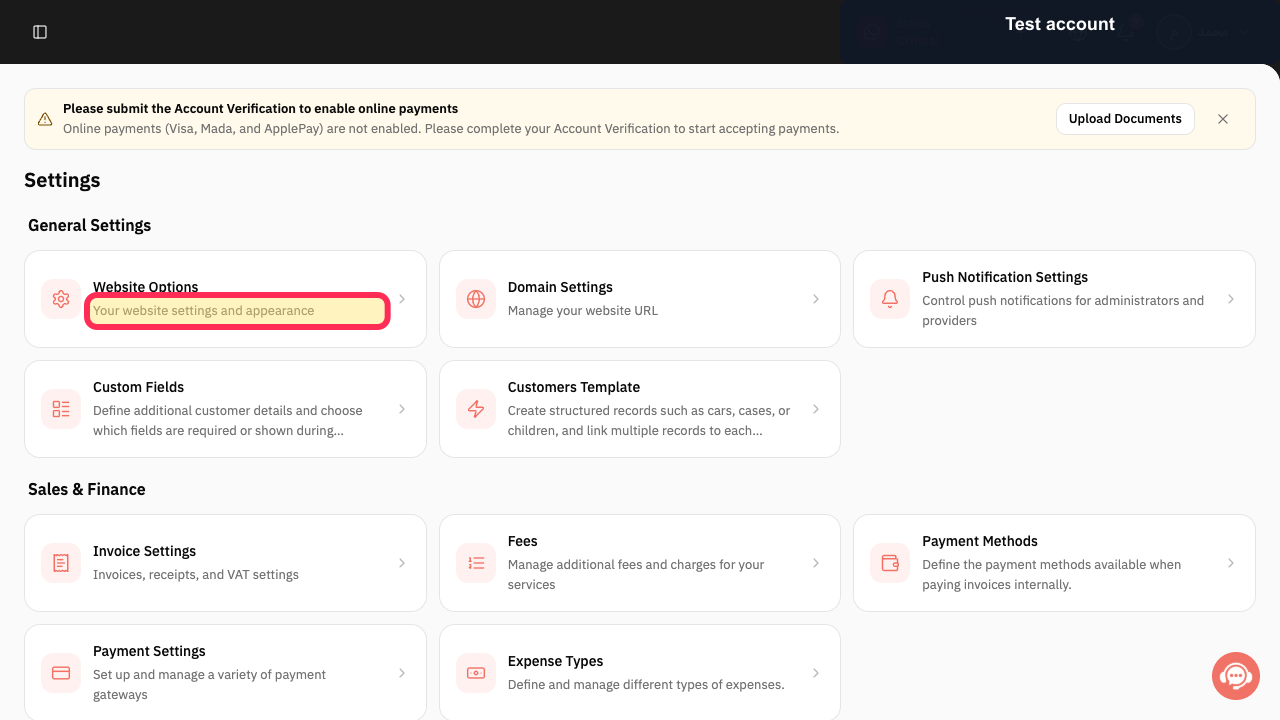
Open Settings, select My Plan, then choose View Plans.
The current Rekaz plan comparison opens.
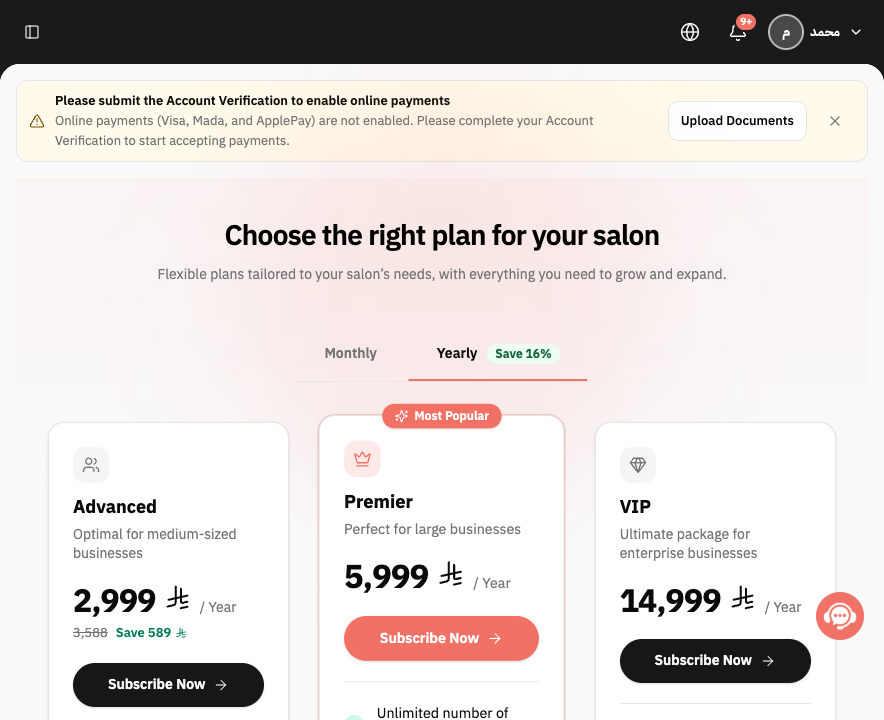
Choose Monthly or Yearly.
All plan cards use the selected billing period.
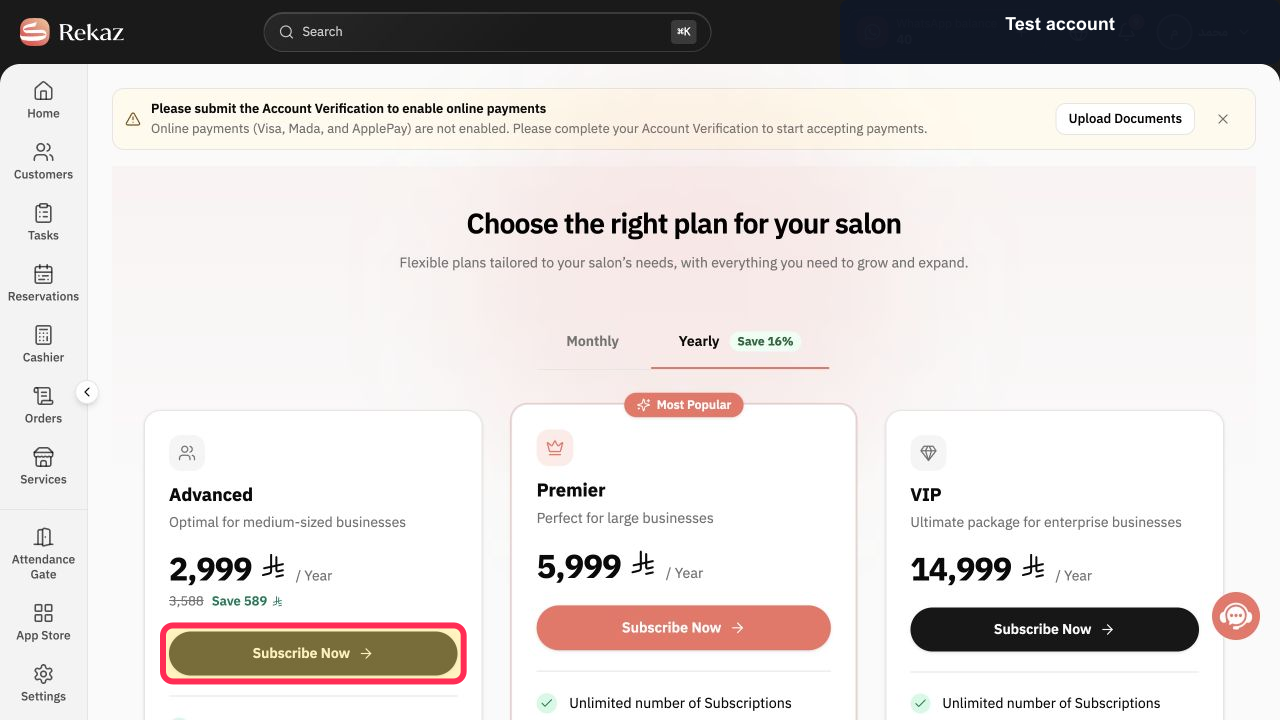
Review the price and inclusions, then select Subscribe Now on the required plan.
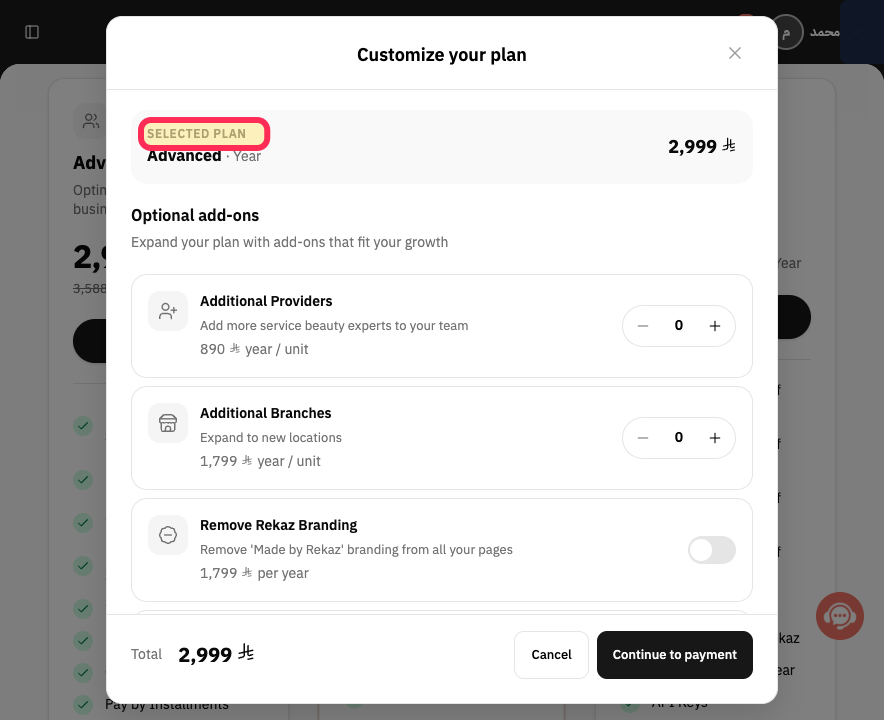
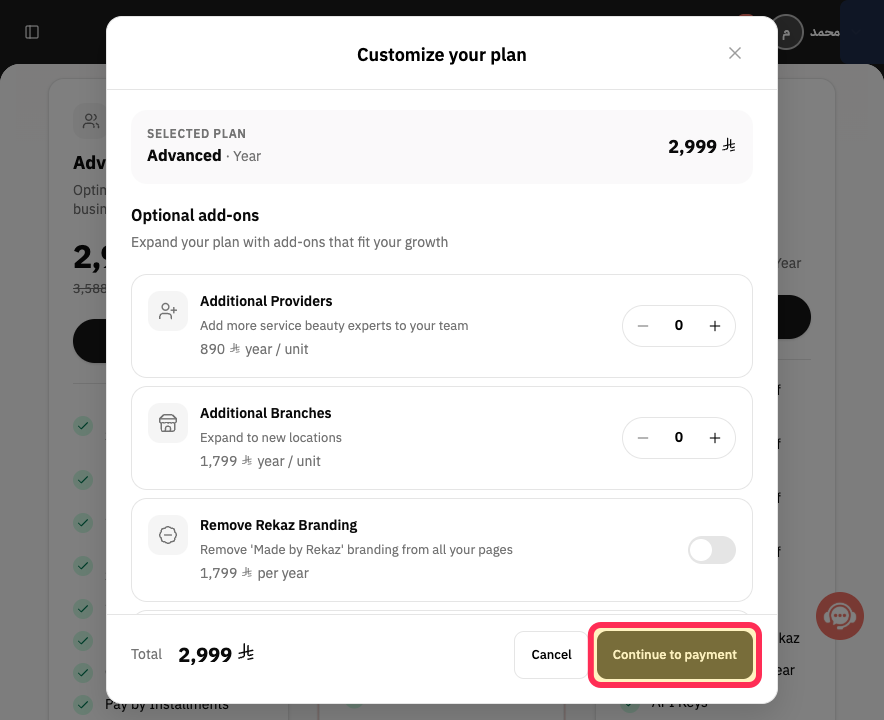
Customize your plan opens for the selected plan.
Review the Selected plan and adjust only the optional add-ons you need.
The selected plan, optional add-ons, and total are visible.
Verify the Total, then select Continue to payment.
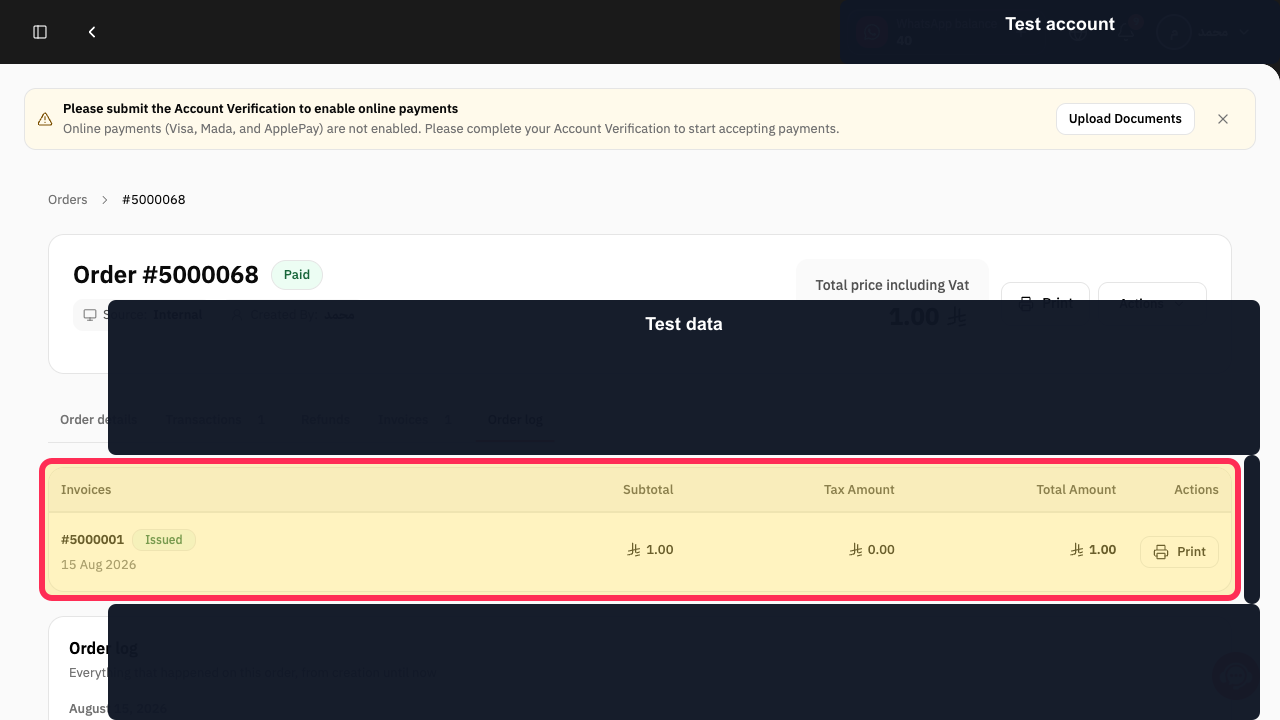
The secure order-and-payment review opens.
Check the order summary, business, billing period, tax, and Total Amount before entering payment information.
The subscription order is verified before any payment is submitted.
Illustrated guide
Step 1: Open the current Rekaz plans.
Step 2: Choose the required billing period.
Step 3: Choose a Rekaz plan.
Step 4: Review the selected plan and optional add-ons.
Step 5: Continue to the Rekaz subscription checkout.
Step 6: Review the Rekaz subscription order total.
Before you continue
Check the price and billing cycle before selecting Subscribe Now.
For accounts with an active subscription, review the summary displayed before payment. The financial settlement may vary.
Related questions
How do I view available Rekaz plans?
Where can I choose a different plan in Rekaz?
How do I open the plan management page in Rekaz?


