How do I view Rekaz subscription prices?
Prices and promotions may change, so the live plan-selection page is the authoritative source at the time of purchase.
Switch billing periods before comparing because the displayed total and savings depend on the selected period.
Steps
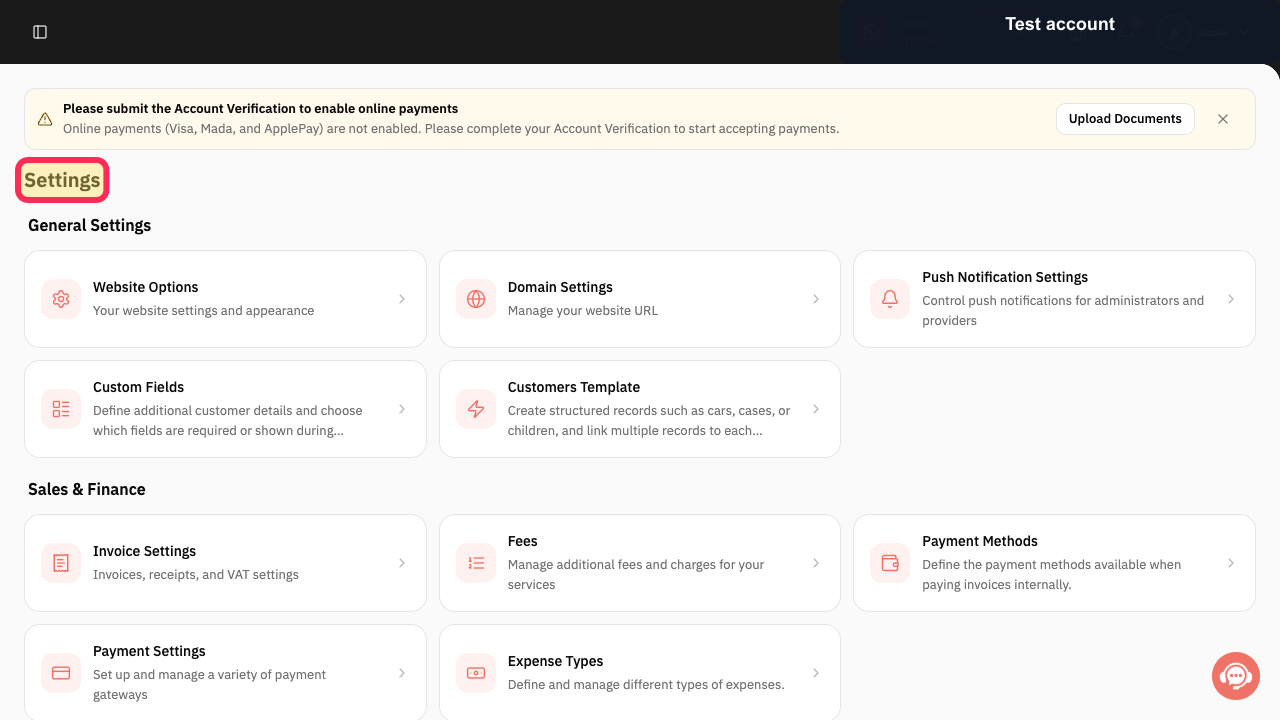
Open the Rekaz navigation, expand Settings, and select My Plan.
The plan-management page opens.
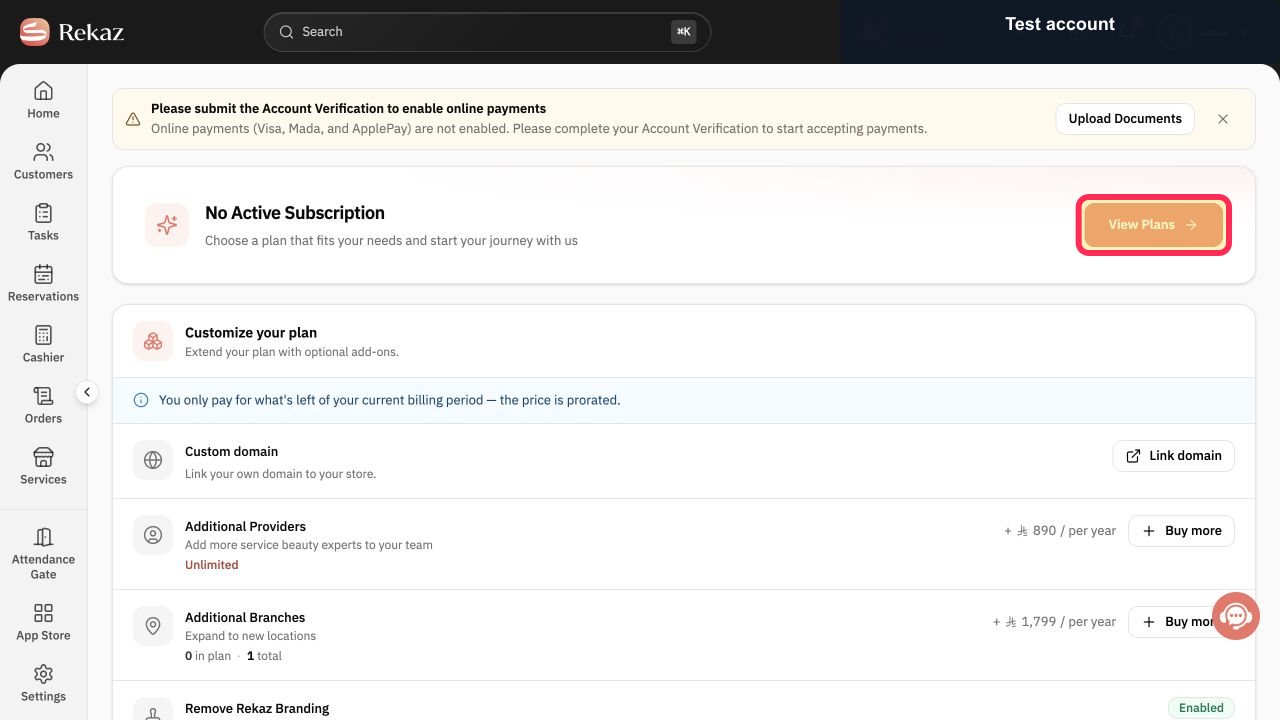
Select View Plans.
The current Rekaz plans and prices are displayed.
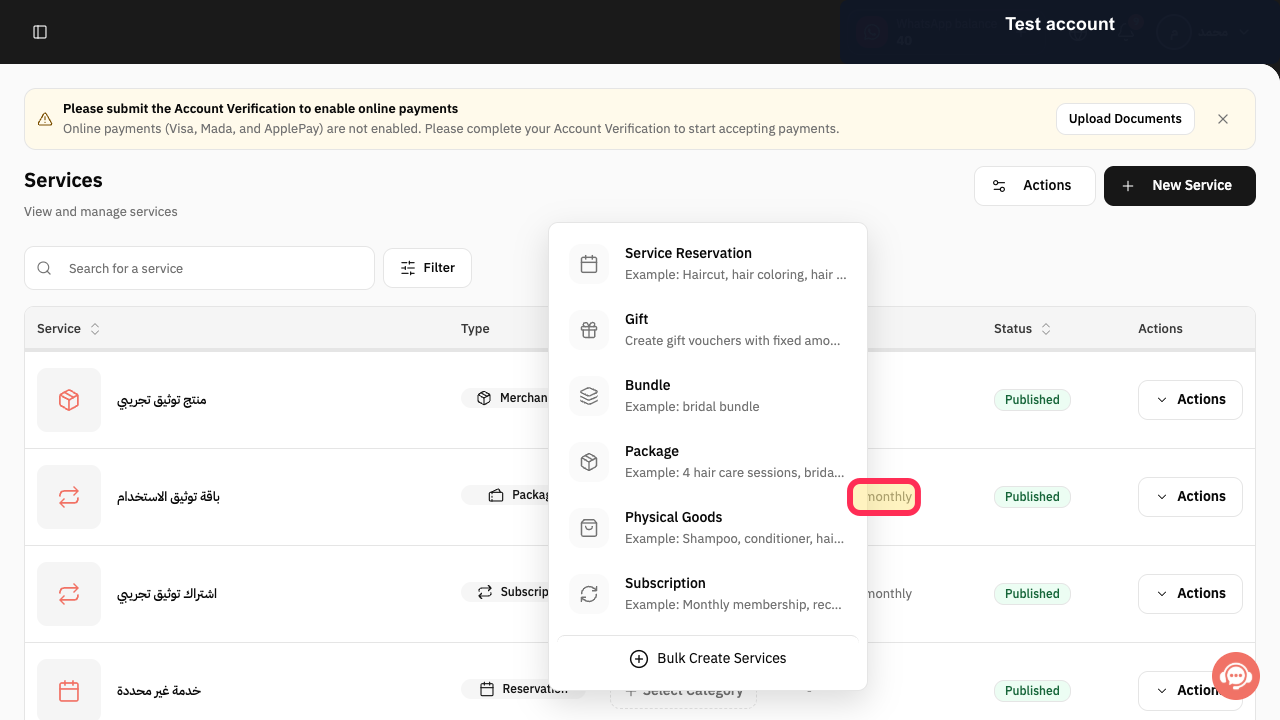
Select Monthly to display monthly prices.
The plan cards update to the monthly billing period.
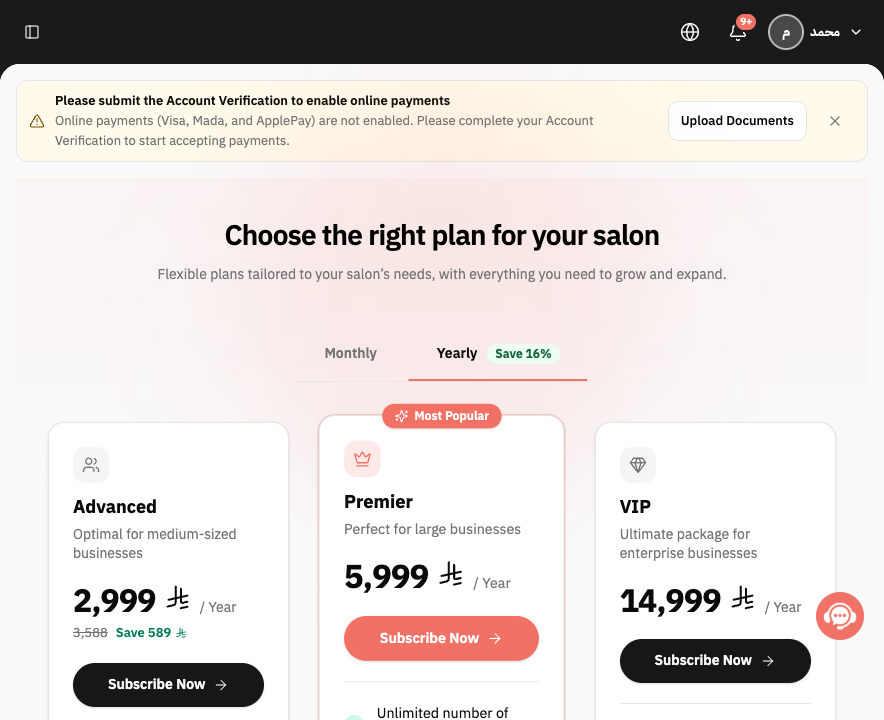
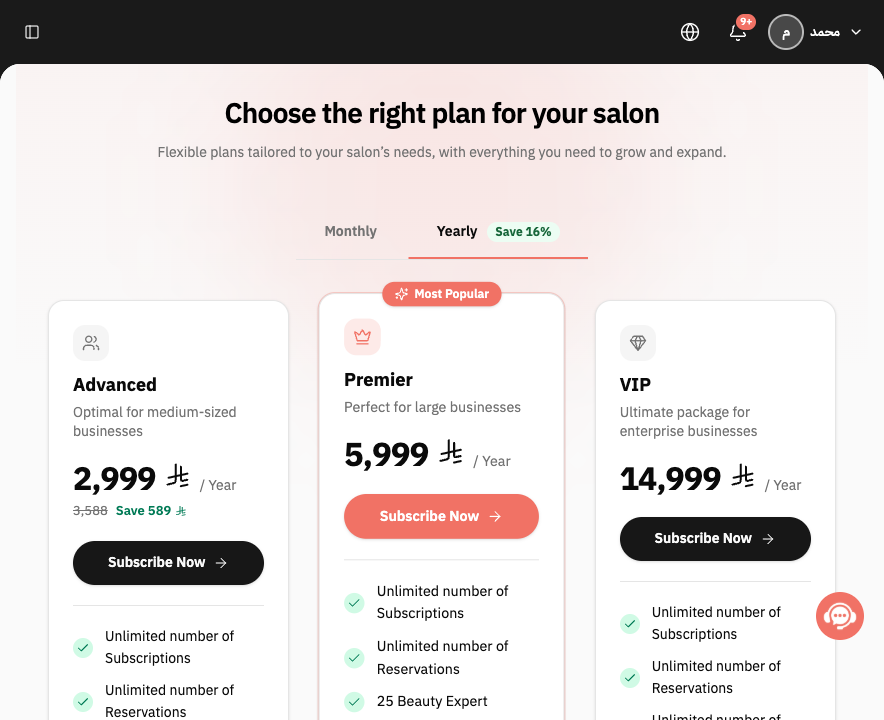
Select Yearly to display yearly prices and any current saving shown by Rekaz.
The plan cards update to the yearly billing period.
Compare the price on each plan card and scroll to Optional add-ons to include any extras in your estimate.
The plan price and optional additional costs are visible before purchase.
Illustrated guide
Step 1: Open My Plan from the Rekaz Settings section.
Step 2: Open the current plan prices.
Step 3: View the current monthly Rekaz prices.
Step 4: View the current yearly Rekaz prices.
Step 5: Review plan and add-on prices before subscribing.
Important pricing information
Rekaz does not list fixed prices in this guide because prices and promotions may change.
Compare the same plan under both billing cycles before paying.
Review any discount or offer displayed on the Packages page at the time of purchase.
Related questions
How much is Rekaz per month?
How much is the Rekaz yearly subscription?
Where can I view Rekaz plan prices?


