How do I compare Rekaz plans?
Use the live plan comparison inside Rekaz because plan names, prices, offers, and included limits can change.
Compare the same billing period across plans, then inspect the side-by-side table before choosing Subscribe Now.
Steps
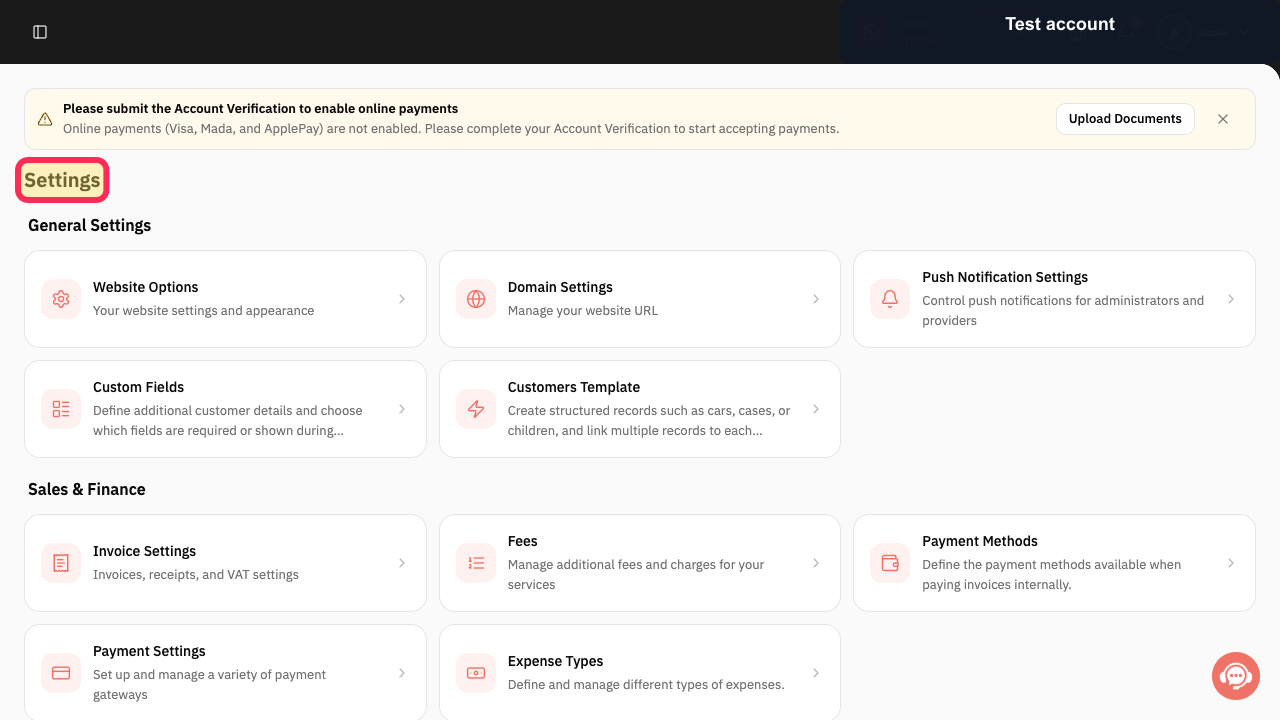
Open the Rekaz navigation, expand Settings, and select My Plan.
The plan-management page opens.
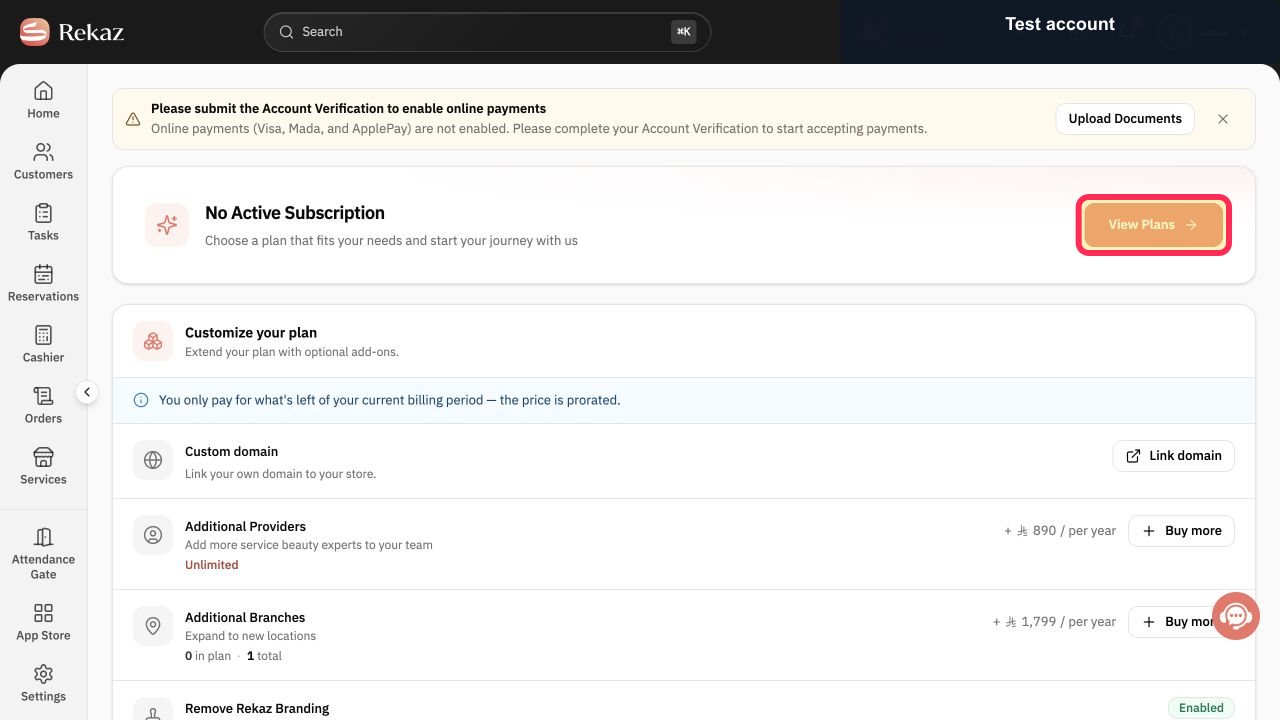
Select View Plans.
The current plan comparison opens.
Choose Monthly or Yearly so every displayed plan uses the billing period you want to compare.
Prices update for the selected billing period.
Review the Advanced, Premier, and VIP cards and their current prices.
The currently available plans and headline inclusions are visible.
Scroll to Compare plans side by side and compare service, marketing, payment, website, and advanced-feature limits.
Detailed differences between plans are visible in the comparison table.
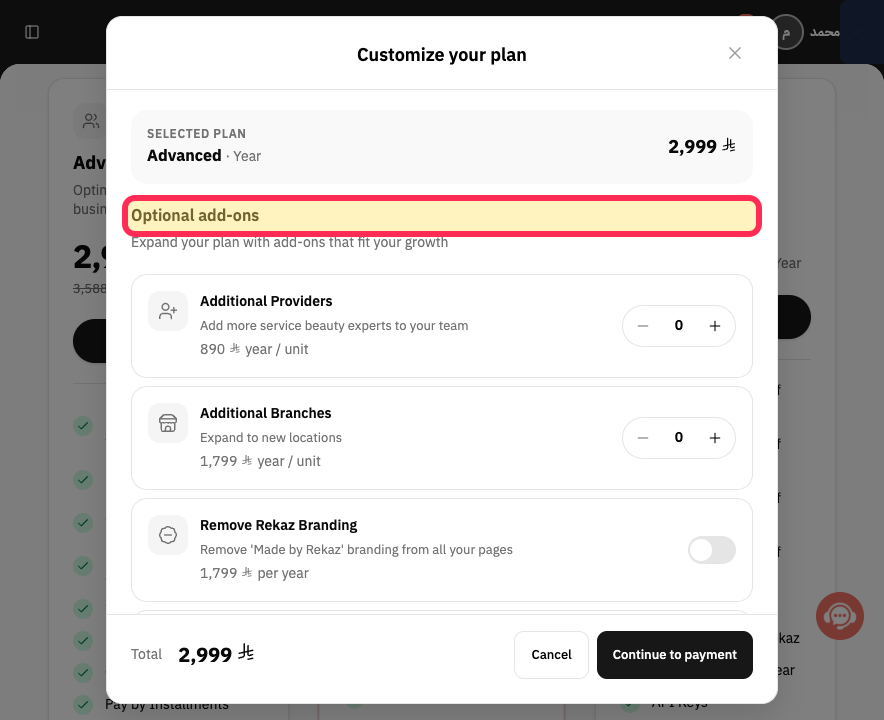
Review Optional add-ons and their displayed prices before selecting a plan.
Optional paid additions are included in the comparison.
Illustrated guide
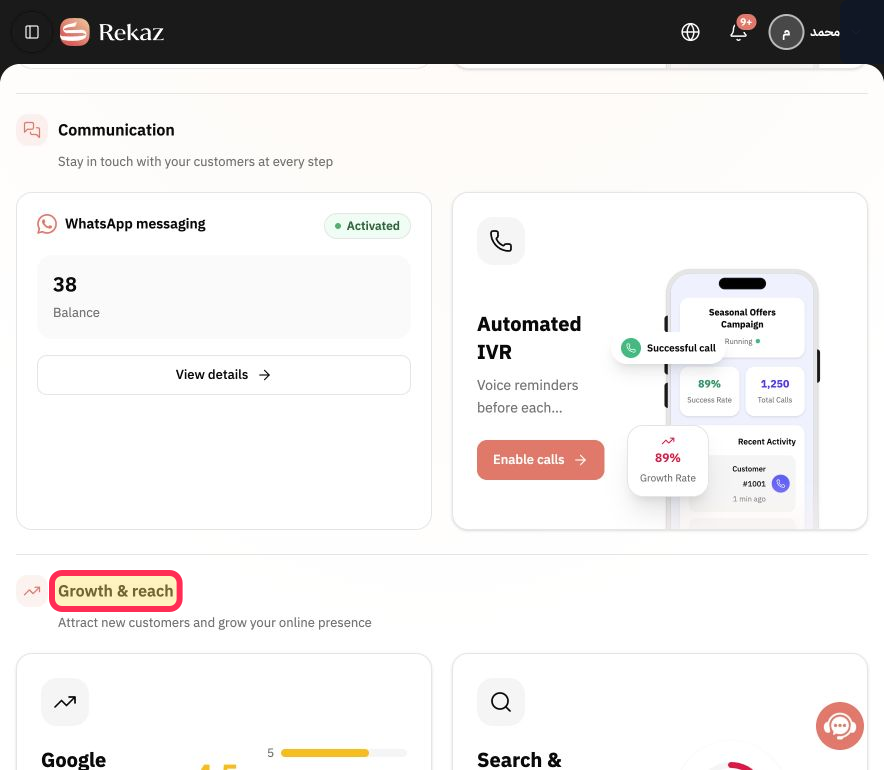
Step 1: Open My Plan from the Rekaz Settings section.
Step 2: Open the Rekaz plan comparison.
Step 3: Choose the billing period for the comparison.
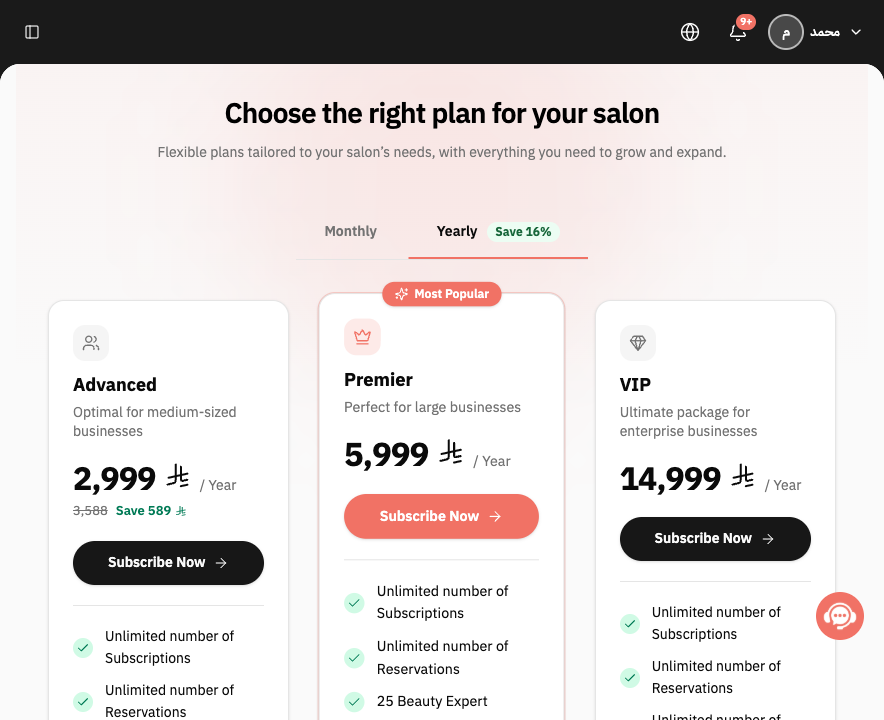
Step 4: Compare the current Rekaz plan cards.
Step 5: Review the detailed plan comparison table.
Step 6: Review the optional Rekaz plan add-ons.
Important notes
Prices and plan details may change, so rely on the comparison shown in your Rekaz account when you are ready to purchase.
Compare Monthly and Yearly billing options before deciding.
Review the limits for Branches, Service Providers, Subscriptions, and Integrations on each plan card.
Related questions
How can I compare plans in Rekaz?
What features are included in each Rekaz plan?
Where can I find the Rekaz plan comparison table?


