What is the difference between an employee and a Service Provider in Rekaz?
In Rekaz, an employee and a Service Provider are related but not the same. An employee has an independent sign-in account, created with their name, email address or mobile number, and password.
If the employee provides services, you can link them to a default Service Provider in Access Configuration. Do not create this link for employees who only have administrative responsibilities. After linking, manage the provider’s schedule from the Providers section.
Steps
From the signed-in Rekaz dashboard, open Settings, then select User Management to manage employee sign-in accounts.
The User Management page opens and shows the employee accounts.
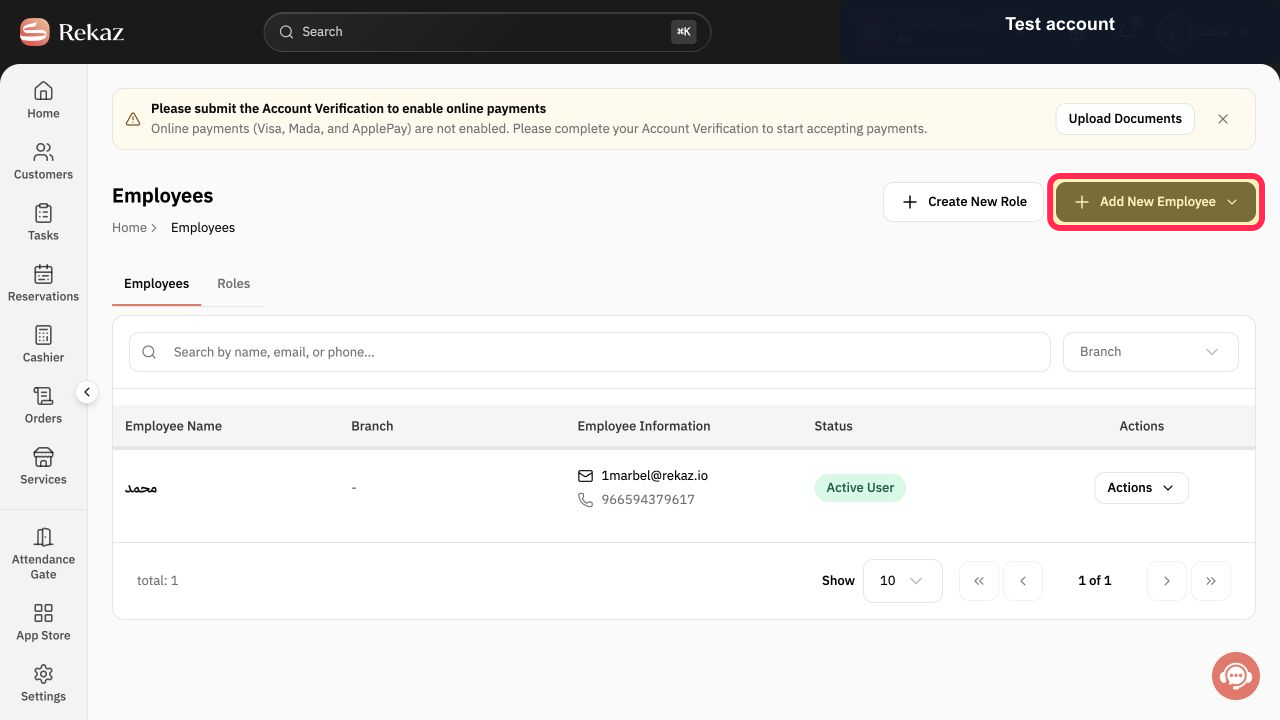
Select Add New Employee to begin creating an employee account.
The employee creation flow opens.
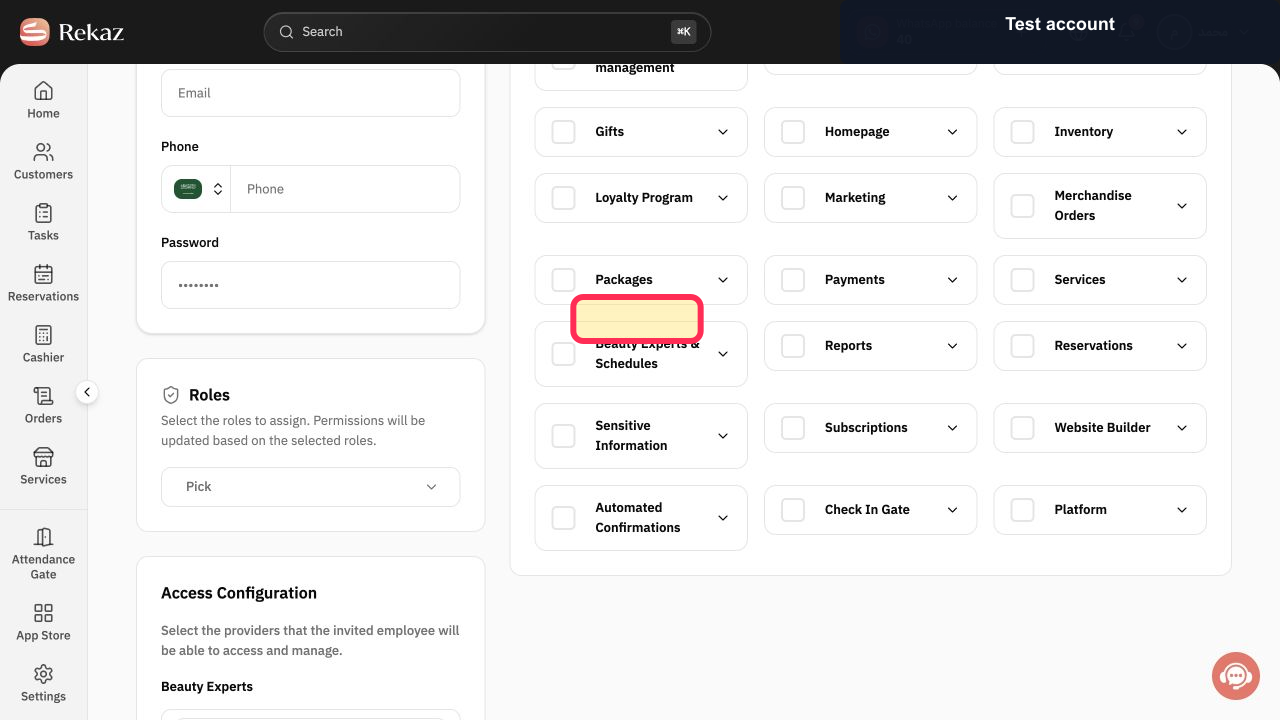
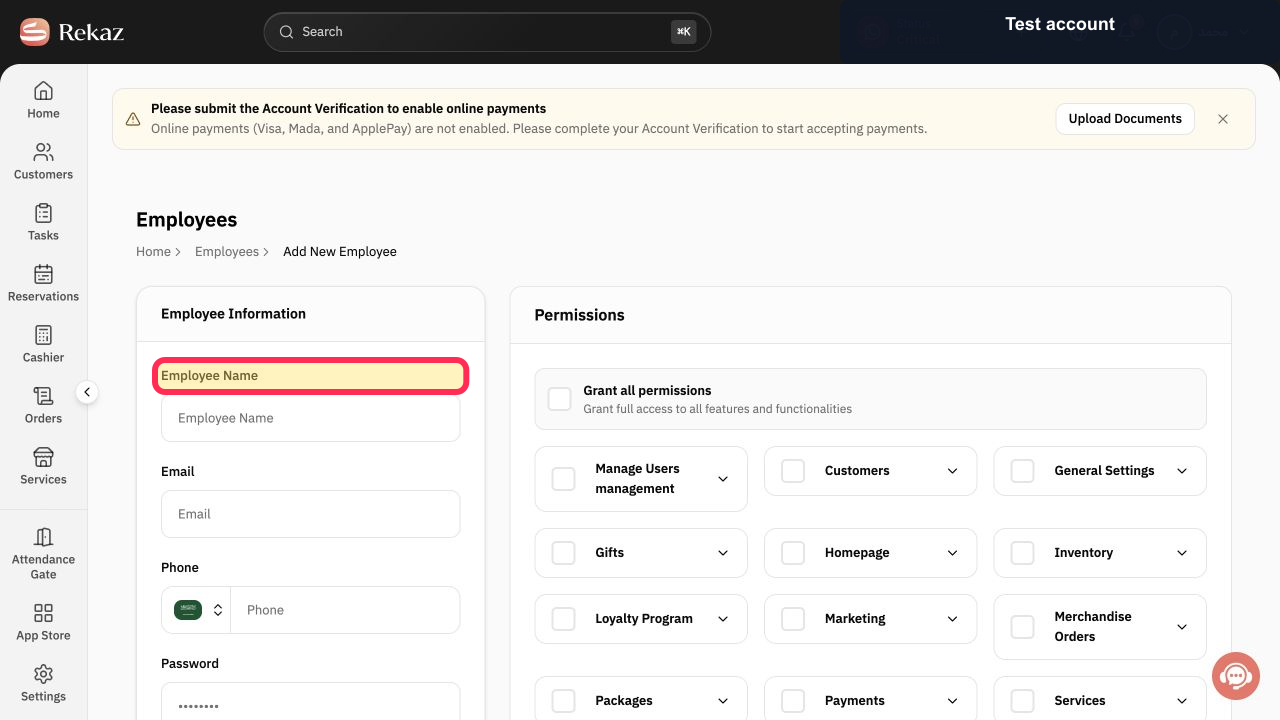
Enter the employee’s independent sign-in details, including their name, email address or mobile number, and password.
The employee account details are entered in the creation flow.
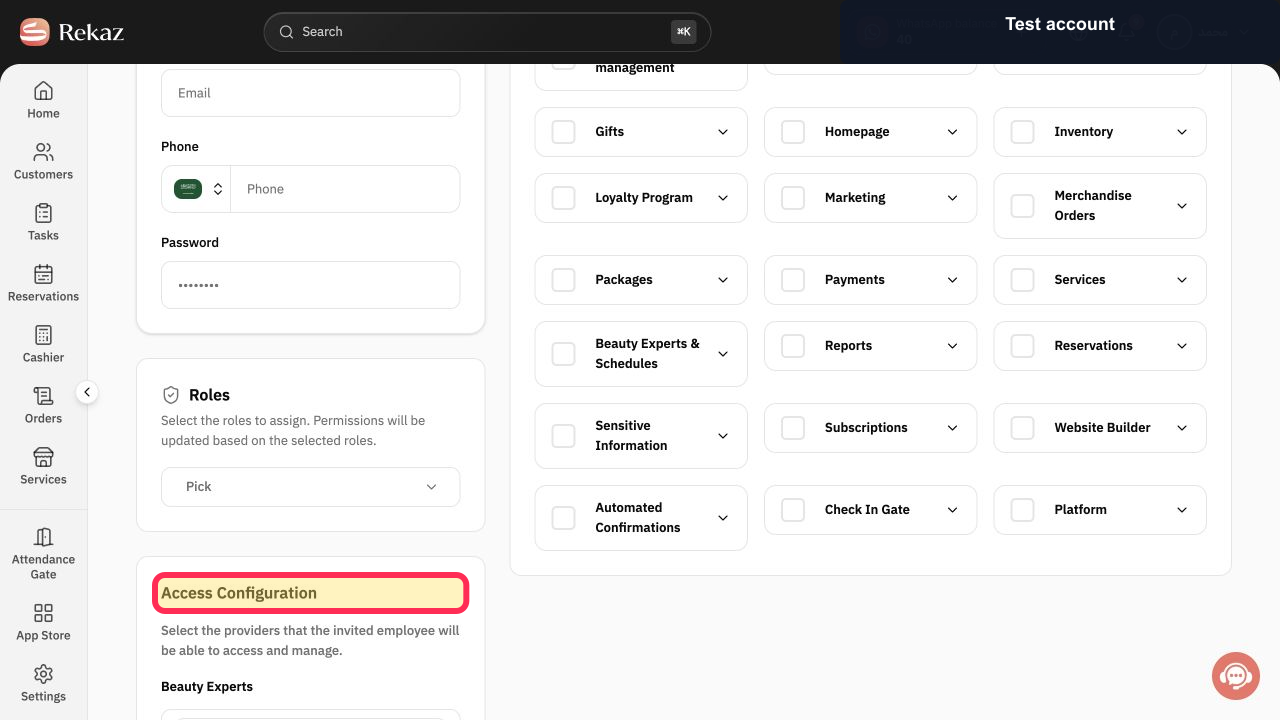
In Access Configuration, link a default Service Provider only if this employee also provides services.
The employee is linked to a default Service Provider when applicable.
Illustrated guide
Step 1: Open User Management from Settings.
Step 2: Start adding a new employee.
Step 3: Enter the employee’s separate sign-in details.
Step 4: Link a default Service Provider only for an employee who provides services.
Important notes
An employee account is used for sign-in and access permissions. A Service Provider is used for delivering services and managing the provider’s schedule.
Do not link a default Service Provider for an employee who only performs administrative work.
After you link the employee, manage the provider’s schedule from Providers.
Related questions
Is every employee a Service Provider in Rekaz?
What does the default Service Provider mean in Rekaz?
How do I link an employee to a Service Provider in Rekaz?


