How do I edit employee information in Rekaz?
In Rekaz, employee information is managed from the Employees area.
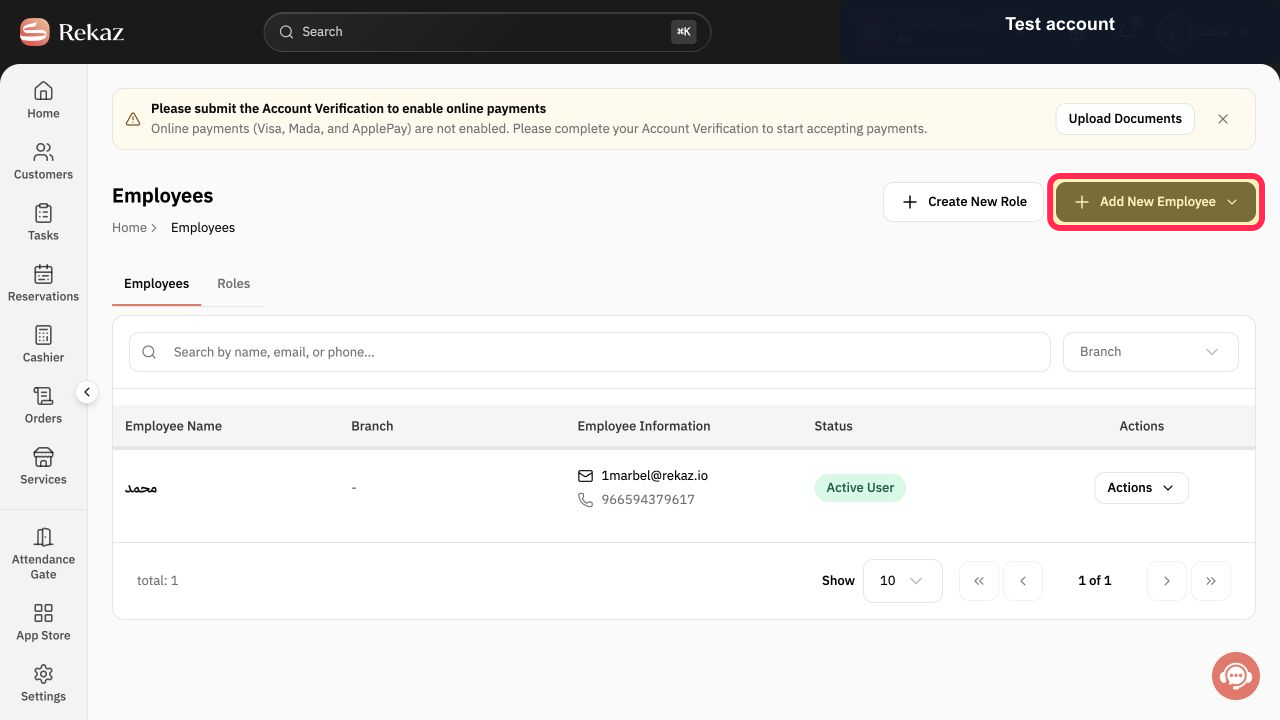
Do not use Add New Employee to change an existing employee, as it starts a new employee record rather than editing one.
Steps
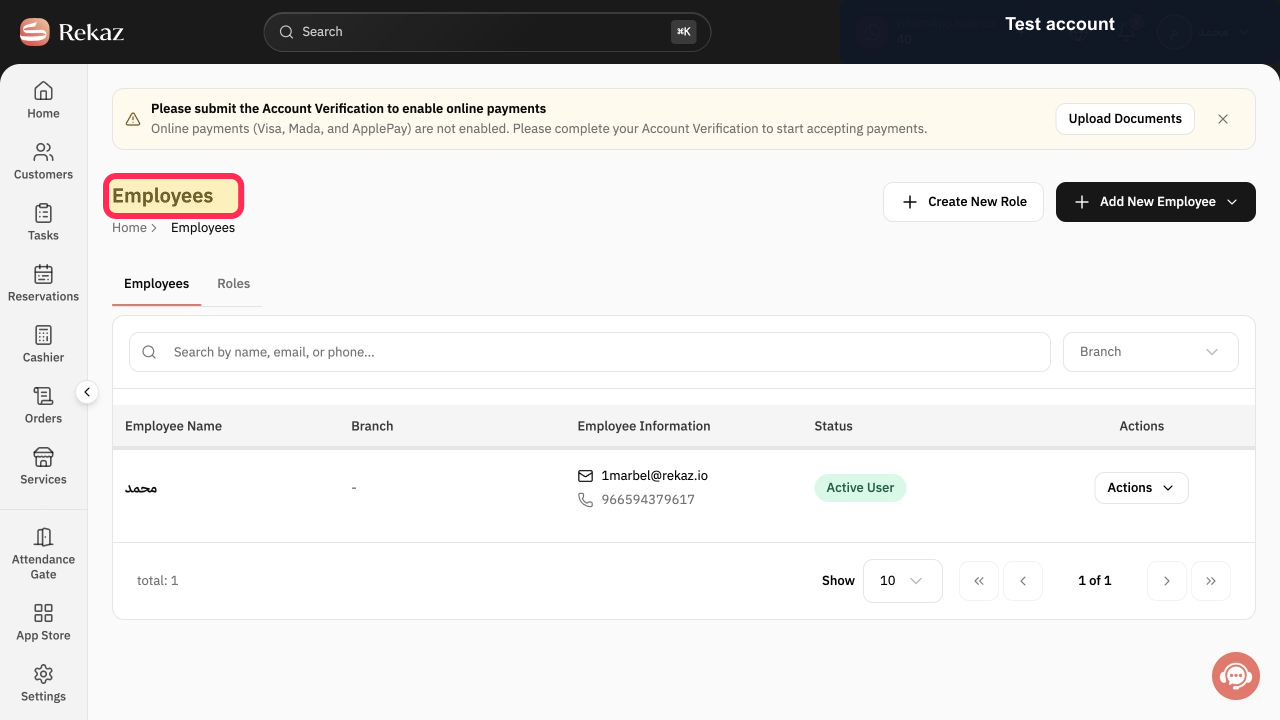
Open the employee-management area and confirm that the page heading is Employees.
The Employees page is visible.
On the Employees page, the available action shown is Add New Employee. Do not select it when you need to change an existing employee’s details. The Add New Employee button is visible, and no existing-employee edit control is available.
Illustrated guide
Step 1: The Employees page in Rekaz.
Step 2: The available employee action in the current Rekaz interface.
Important notes
Review the impact of changing login details with the employee before you save.
Do not send a password through a public channel.
Related questions
How do I change an employee’s mobile number in Rekaz?
Where can I edit a user’s email address in Rekaz?
How do I change an employee’s password in Rekaz?


